Motor Module
Introduction
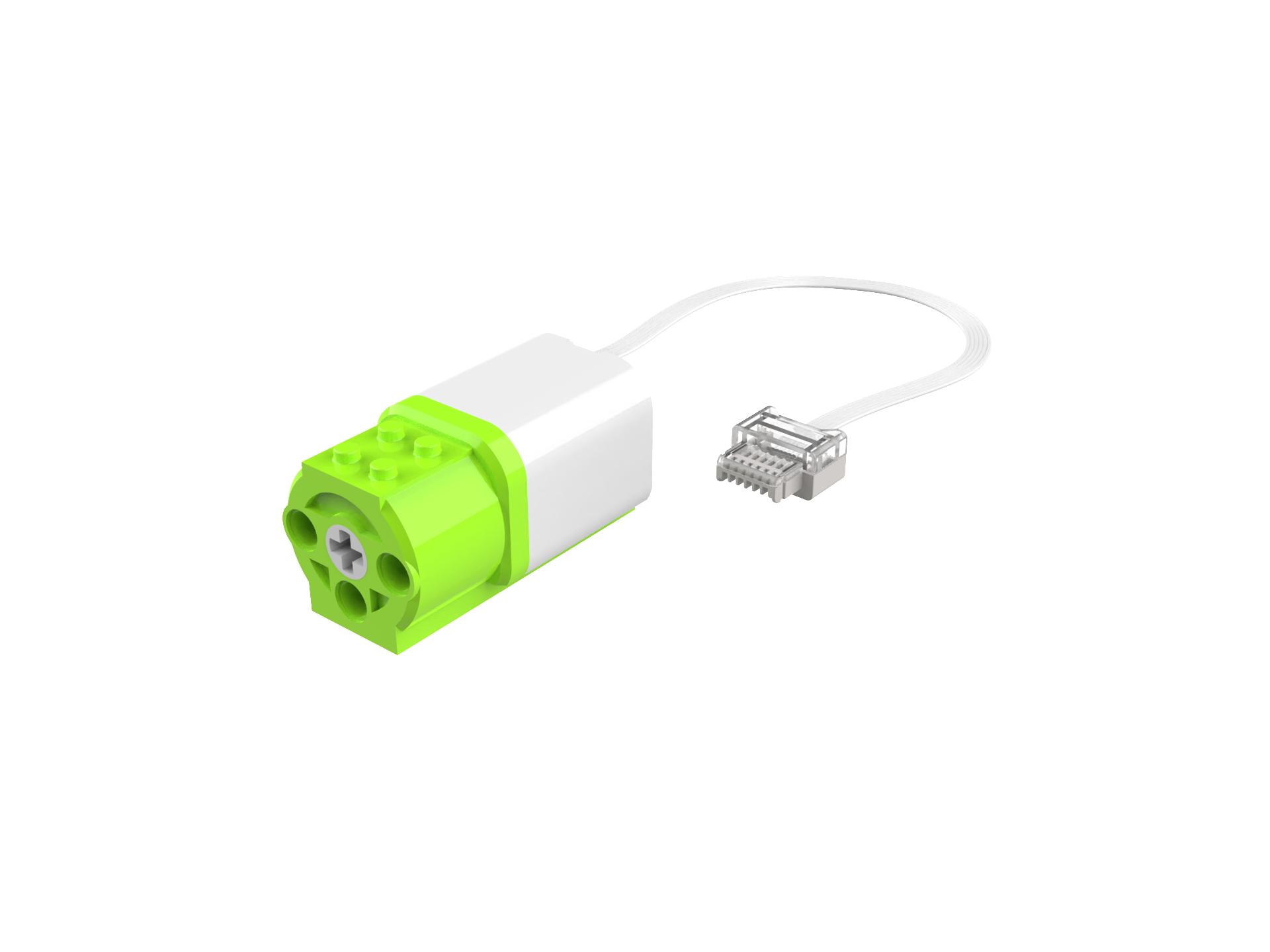
The motor provides power to the robot, controlling the direction and speed of rotation. When combined with various sensors and programming logic, it enables a wide range of usage scenarios.
Structure
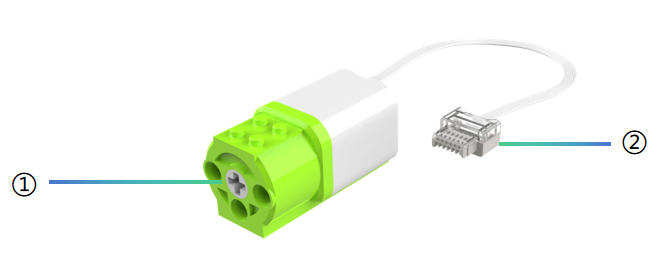
No. |
Name |
Description |
|---|---|---|
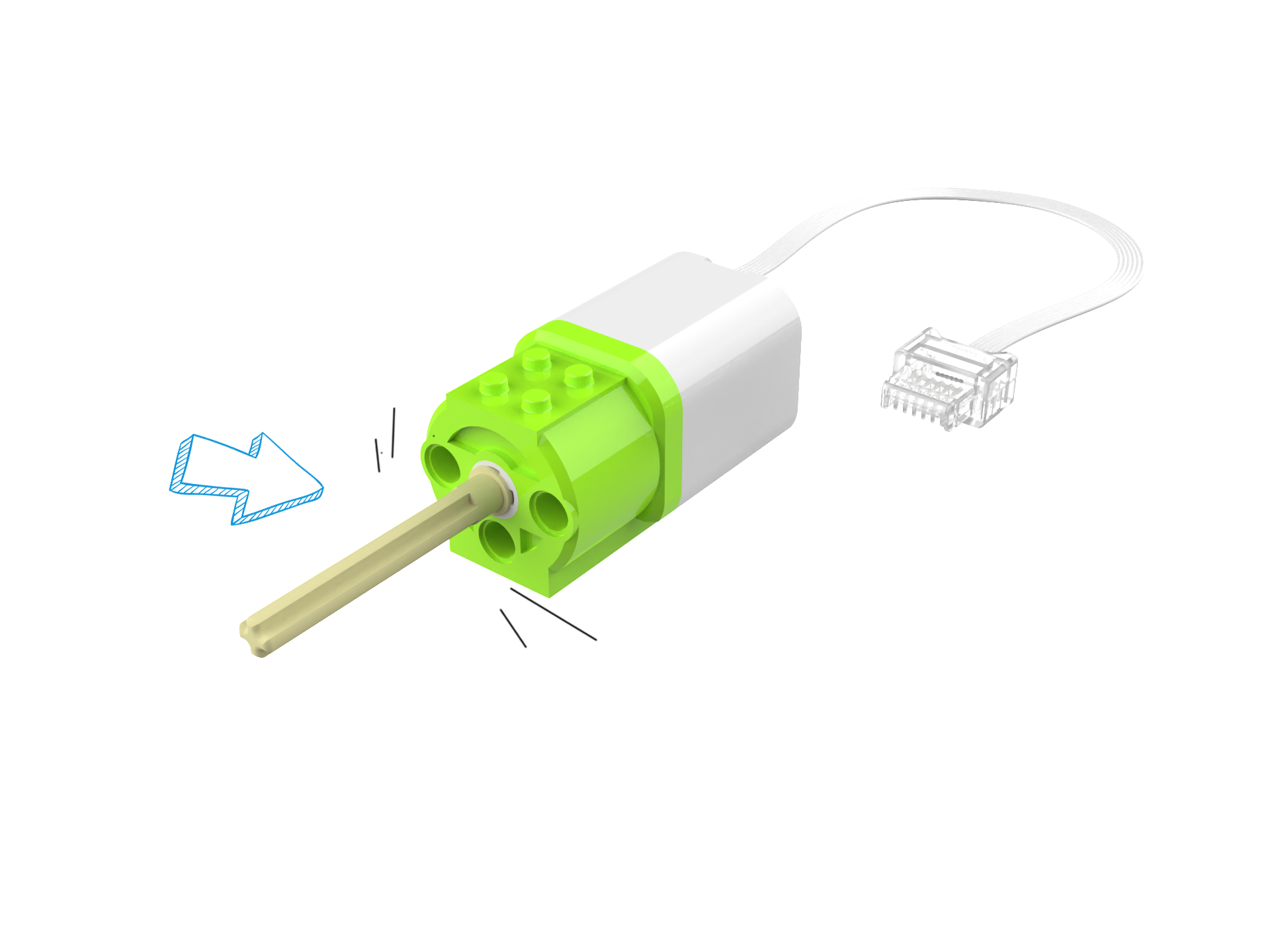
① |
Power Output Port |
Provides power to drive mechanical structures and complete tasks. |
② |
Crystal Connector |
Designed with an anti-reverse insertion feature, used to connect various components (e.g., sensors, motors, and Xiao Q Robot). |
Extension
|
|
|---|---|
|
|
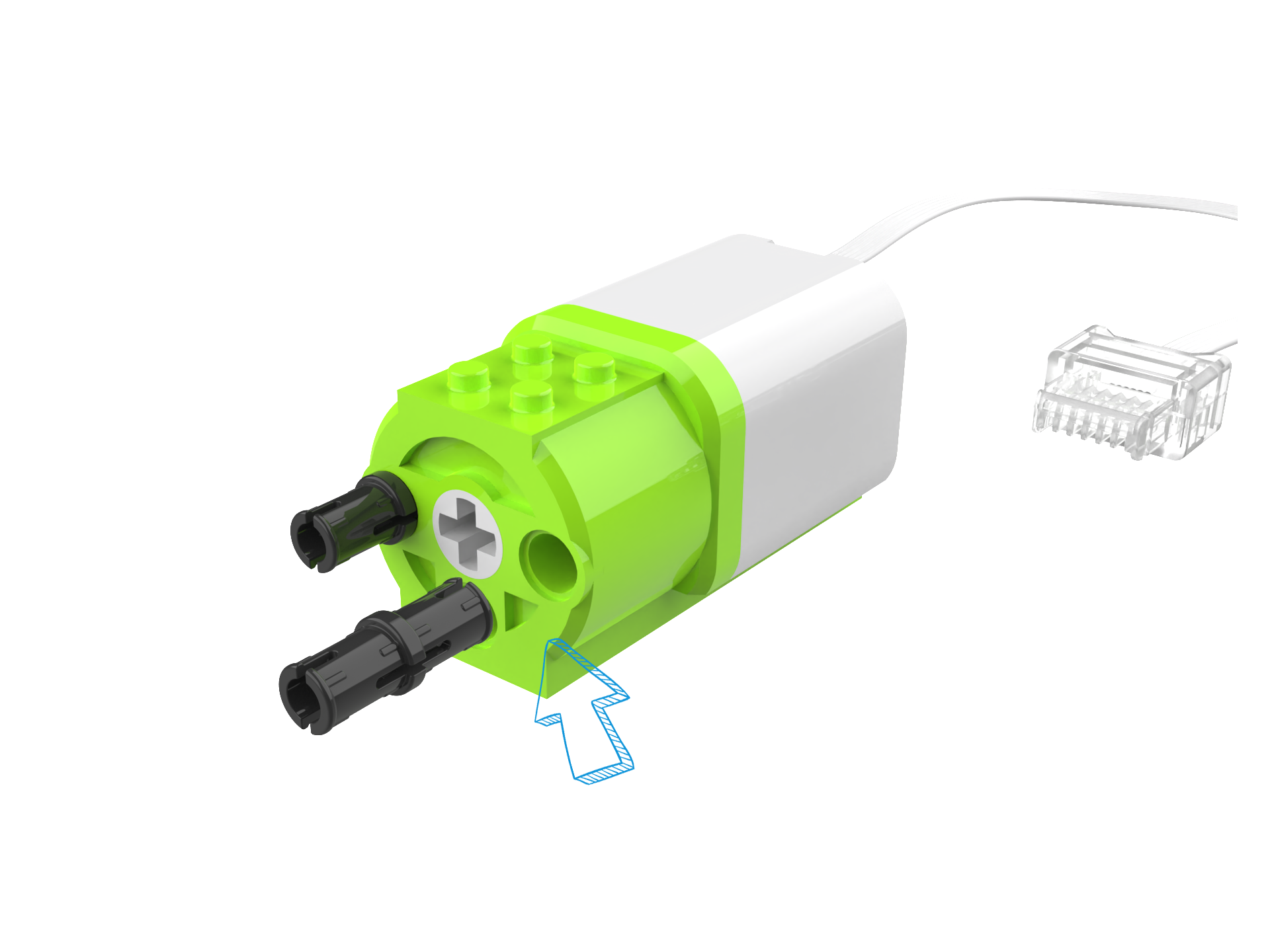
Specifications
Item |
Description |
|---|---|
Name |
Motor Module |
Code |
B0130009 |
Dimensions |
48×24×24 mm |
Weight |
33 g |
Material |
ABS |
Torque |
0.12 N.m (Max) |
Speed |
208 RPM±10% |
Noise |
54 dB(MAX) |
Communication |
Serial Communication |
Working Mode |
Counterclockwise / Clockwise Rotation |
Compatibility |
LEGO |
Usage Instructions
Mode |
Description |
|---|---|
Button Control |
Buttons can control motor rotation. |
Logic Control |
Distance sensor or tilt sensor controls motor rotation. |
Voice Control |
Direct voice commands control motor rotation. |
Voice Programming Control |
Voice sensor programming to control motor movement. |
Software Programming Control |
Use the APP software to program motor movement. |
For detailed instructions, please refer to the function description. Click on it to learn more.