ICQbot Xiao Q Robot
Introduction
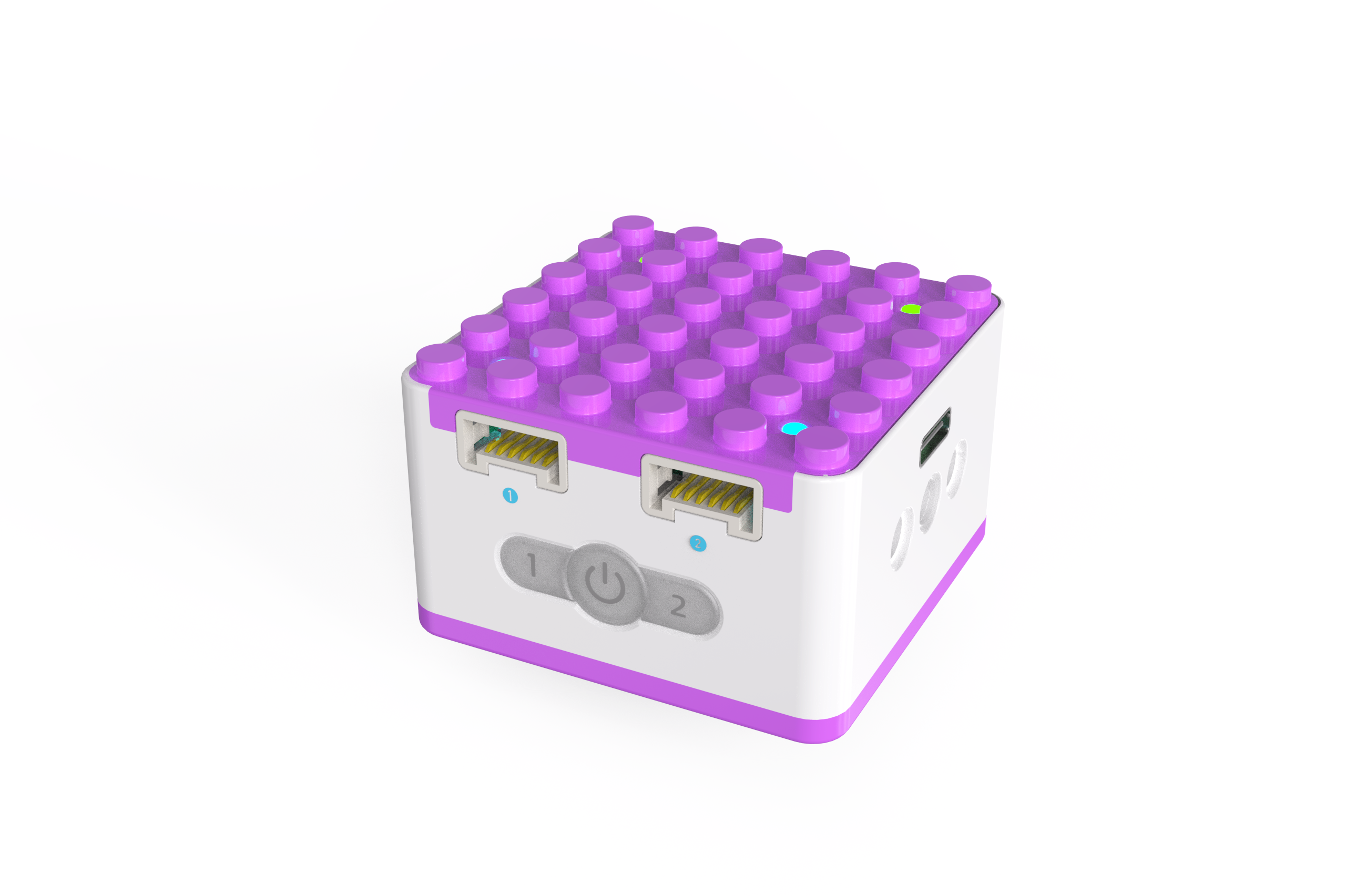
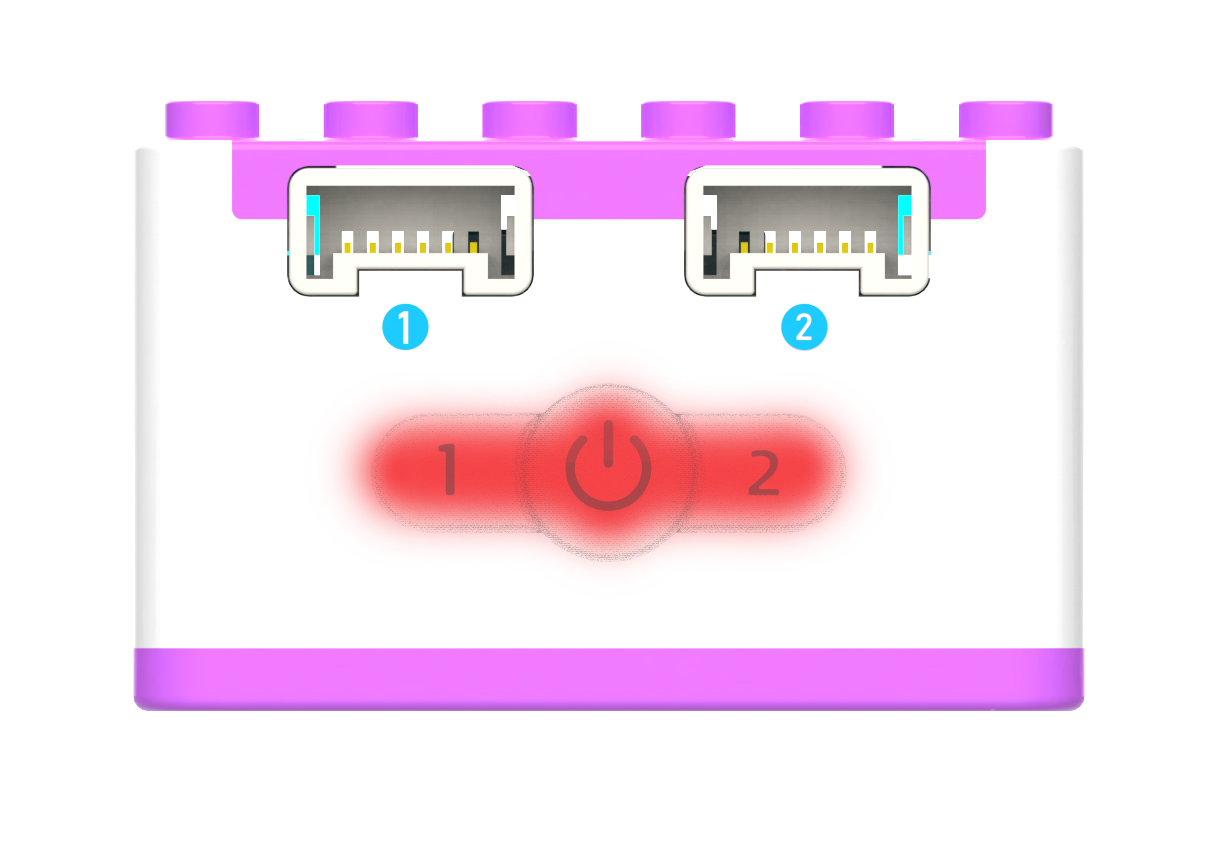
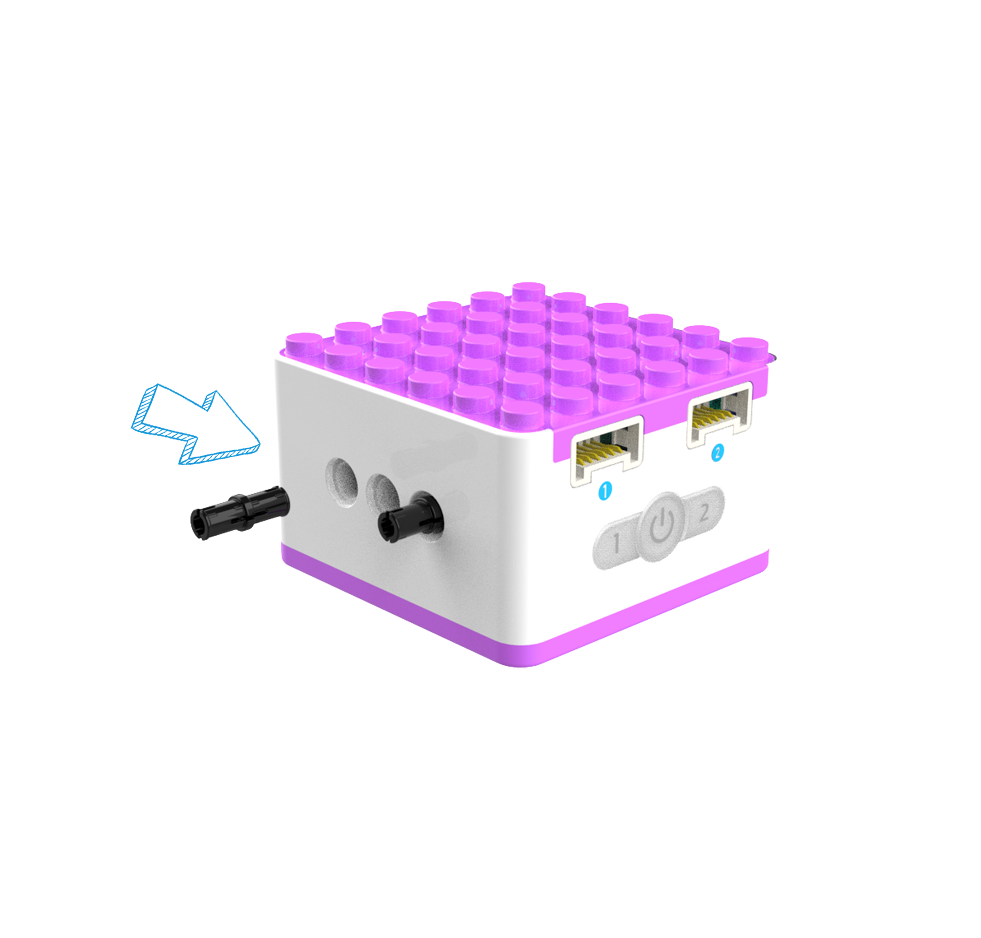
The main controller: Xiao Q Robot serves as the core of the robot’s operation. Sensors send commands that require the Xiao Q Robot to process and relay to actuators to perform corresponding actions. The Xiao Q Robot features a white and purple color scheme with a split upper-lower structure. Its top and bottom are compatible with LEGO structural components, while the sides support beam-pin structures, offering extensive expandability. The Xiao Q Robot is equipped with: 2 blue input ports, 2 green output ports, 1 Type-C port, 4 indicator lights on the top, and 3 illuminated buttons, including Button 1, Power button, and Button 2.
Structure
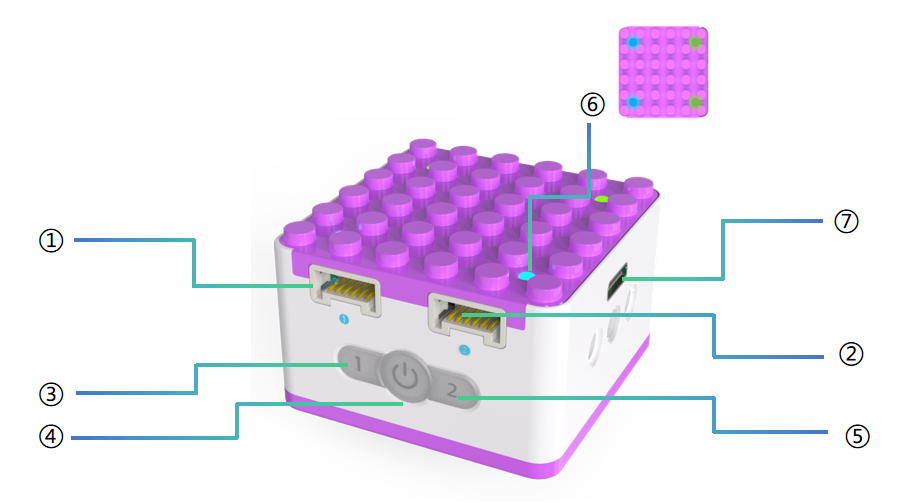
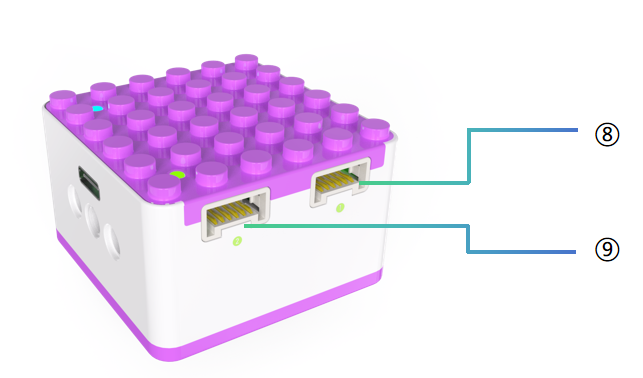
No. |
Name |
Description |
|---|---|---|
① |
Input Port 1 |
Blue-marked input port. Connects to tilt/distance sensors or voice sensors. |
② |
Input Port 2 |
Blue-marked input port. Connects to tilt/distance sensors or voice sensors. |
③ |
Button 1 |
Controls the corresponding output port motor movement. |
④ |
Power Button |
Press and hold the power button for 3s to turn the Xiao Q Robot on/off. |
⑤ |
Button 2 |
Controls the corresponding output port motor movement. |
⑥ |
Port Indicator Lights |
Shows the status of each port and battery status during charging. |
⑦ |
USB-C Port |
Charges the Xiao Q Robot with a 5V⎓1A power adapter. |
⑧ |
Output Port 1 |
Green-marked output port. Connects to the motor. |
⑨ |
Output Port 2 |
Green-marked output port. Connects to the motor. |
Indicator Light Descriptions
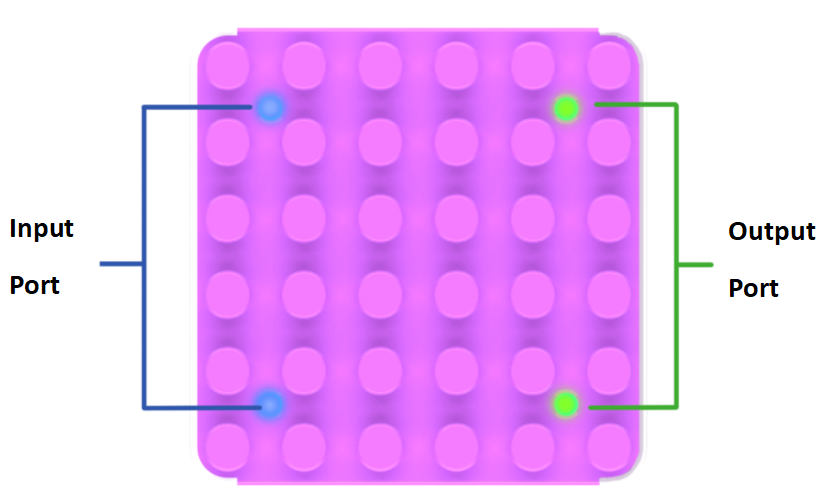
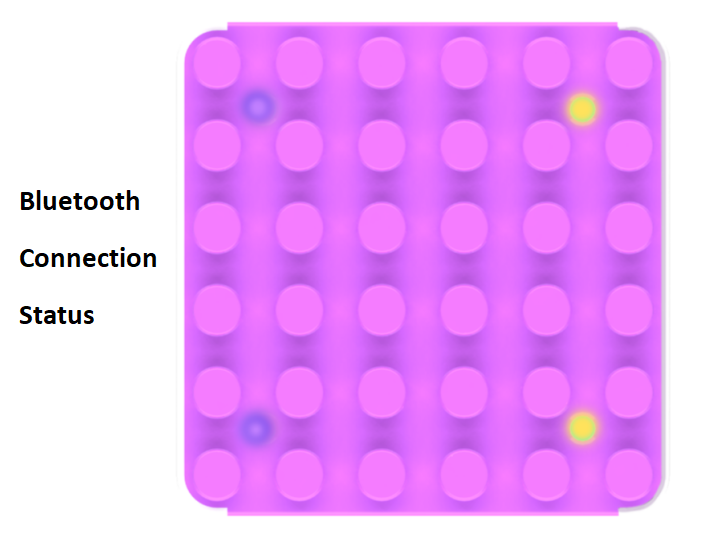
After normal startup, the indicator lights for input ports are blue, and for output ports, green.
In Bluetooth mode, input ports are purple, and output ports are yellow.
Battery Indicator Descriptions
|
|
|
|
|---|---|---|---|
|
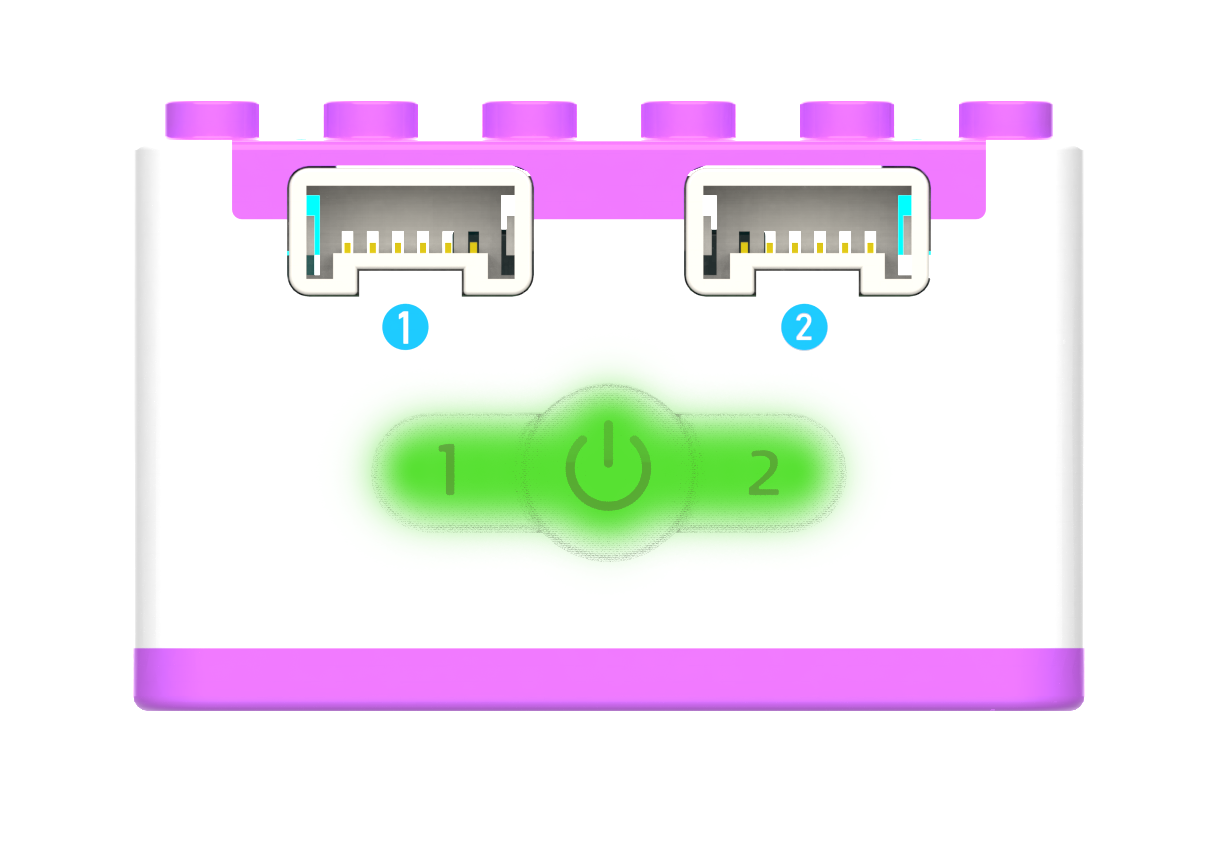
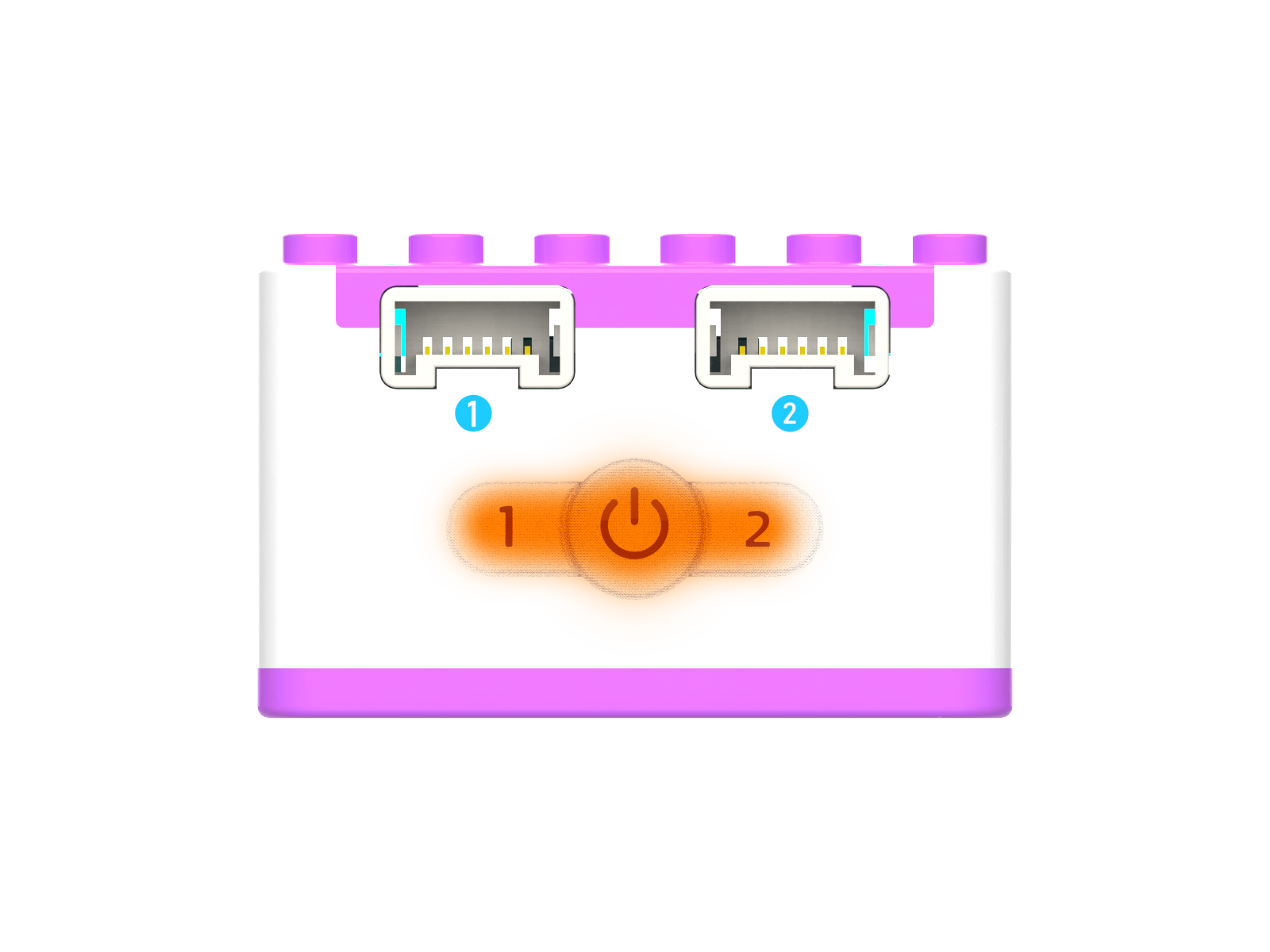
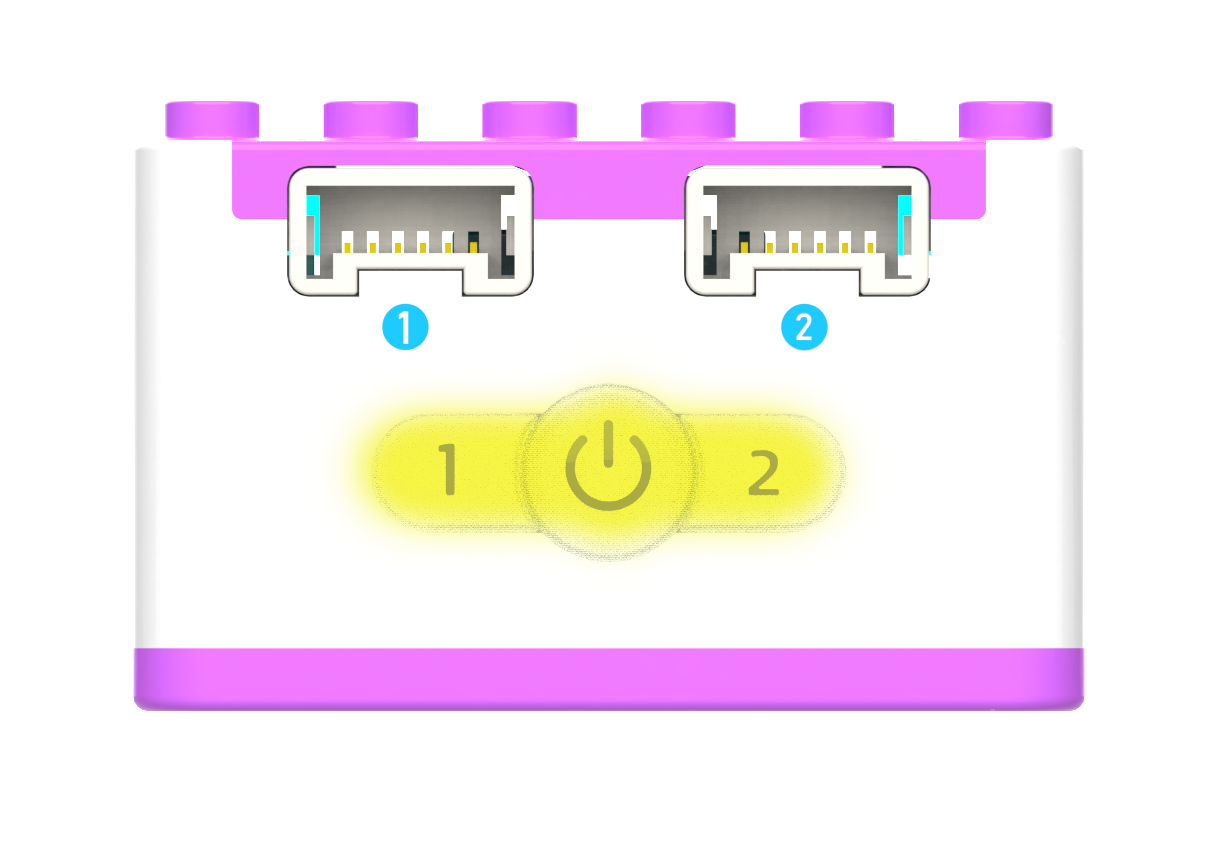
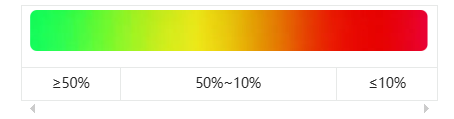
The battery indicator light shows the Xiao Q Robot’sbattery level during operation. When the battery is below 1%, the robot will shut down automatically.
Charging status indicators:
Status |
Battery Indicator Lights |
Port Indicator Lights |
|---|---|---|
Powered off |
Flashes until fully charged. The flash color corresponds to the battery level. |
4 ports display battery level: 1 light = 25%, 2 lights = 50%, 3 lights = 75%, 4 lights = 100%. |
Powered on |
No reaction. |
No reaction. |
Structural Expansion Diagram
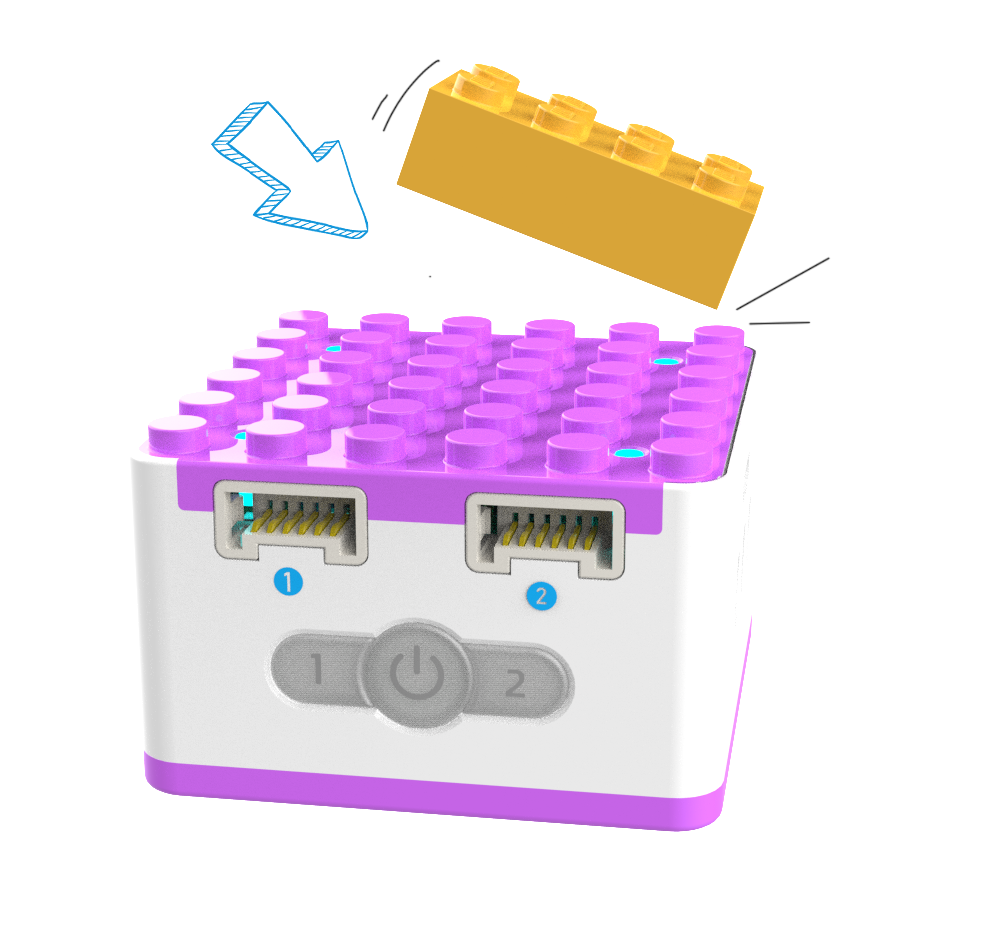
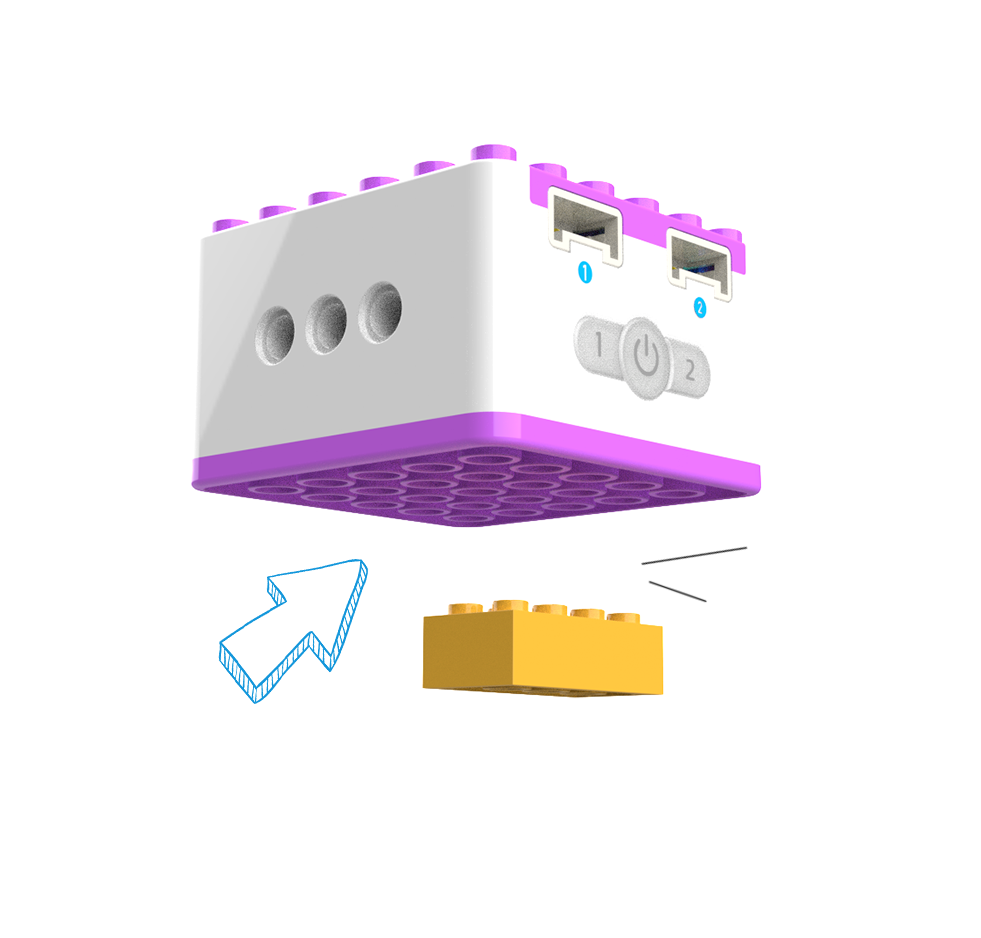
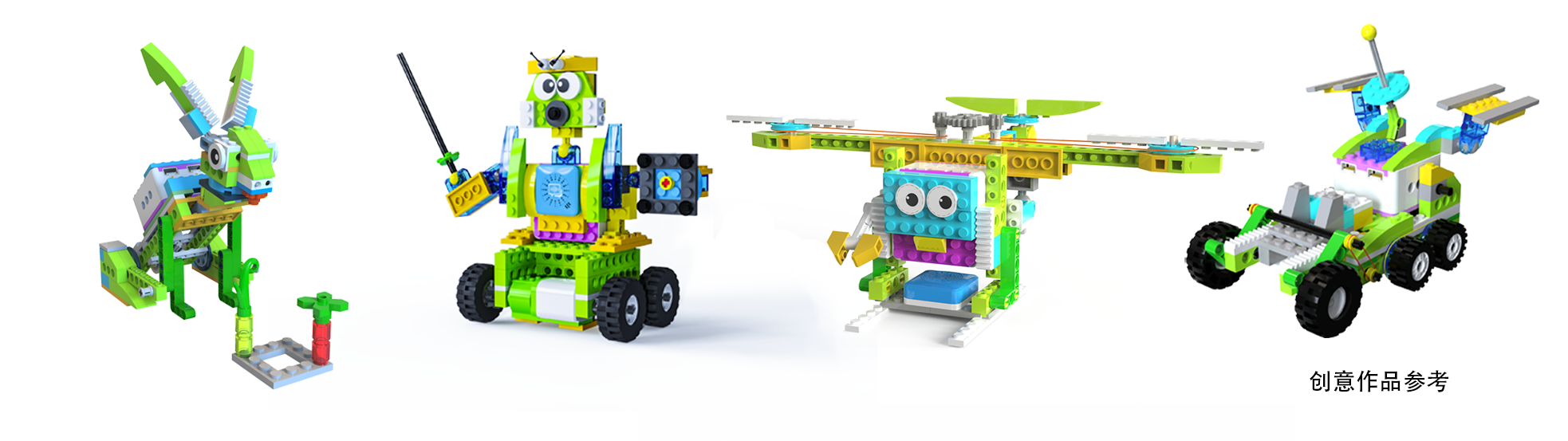
The Xiao Q Robot can be creatively expanded with LEGO bricks, plates, and pins. (See diagram below.)
|
|
|
|---|---|---|
|
Specifications
Item |
Description |
|---|---|
Name |
ICQbot Xiao Q Robot |
Code |
B0130005 |
Dimensions |
48×48×31 mm |
Weight |
56 g |
Material |
ABS |
Battery Capacity |
1200 mAh(LiPo) |
Charging Input |
5V⎓1A |
Battery Life |
2 h |
Connectivity |
BLE4.2 |
Coding Support |
ICQbot 、 Voice Programming |
Input Ports |
2 |
Output Ports |
2 |
Age |
5+ |
Compatibility |
LEGO |
Usage Instructions
Type |
Description |
|---|---|
Direct Control Mode |
Buttons 1/2 control motor movement. |
Logic Control Mode |
Input controls output; ports correspond to controls. |
Voice Programming Mode |
Input controls output; ports correspond to controls. |
Software-Hardware Interaction Mode |
Software controls motor rotation. |
For more detailed usage instructions, refer to the function guide and click Learn More.