Direct Control Mode
Case
Button-Controlled Motor Demonstration:
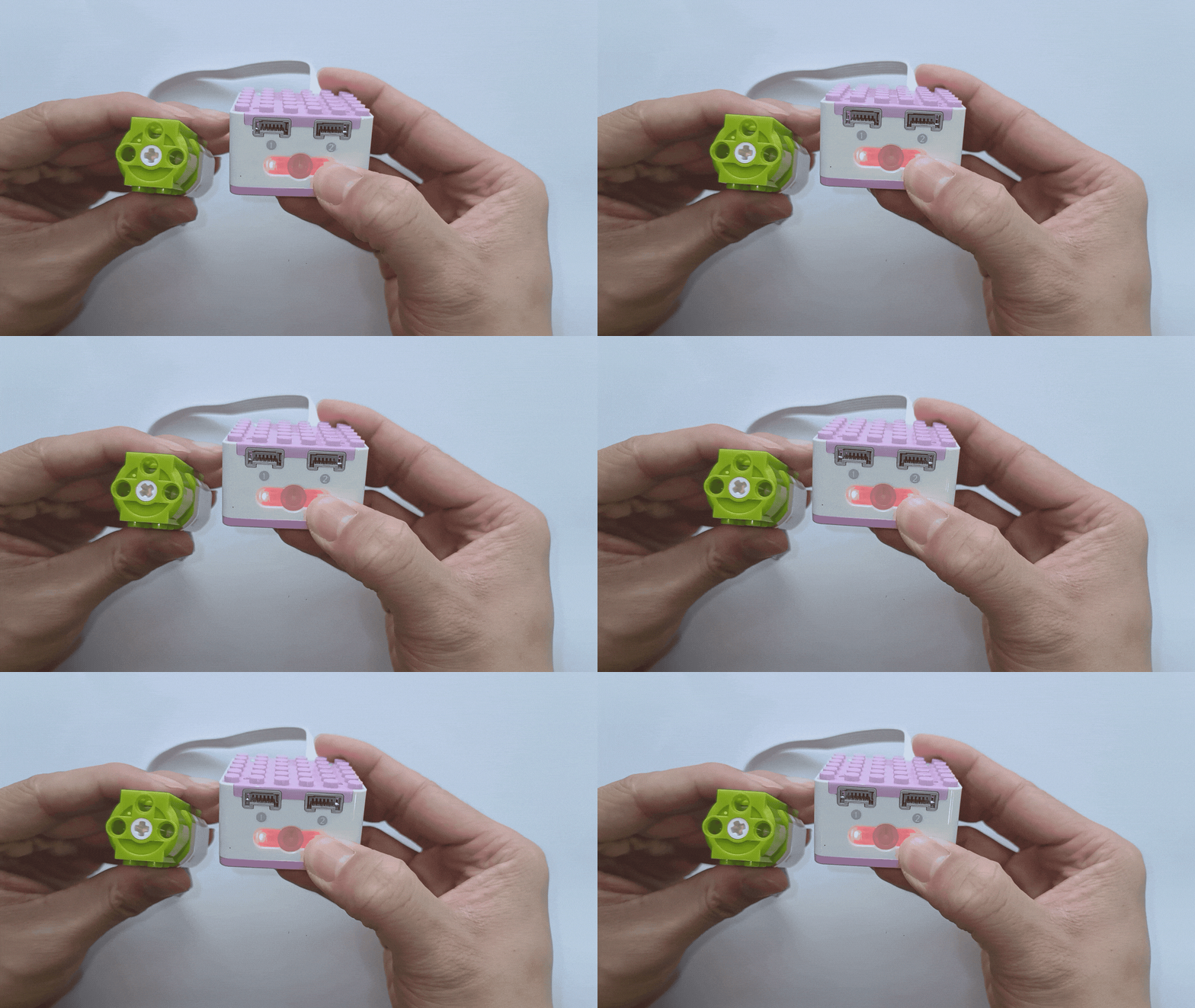
How to use the XiaoQ Robot’s buttons to control the motor’s movement?
Steps:
Preparation
|
|
|---|---|
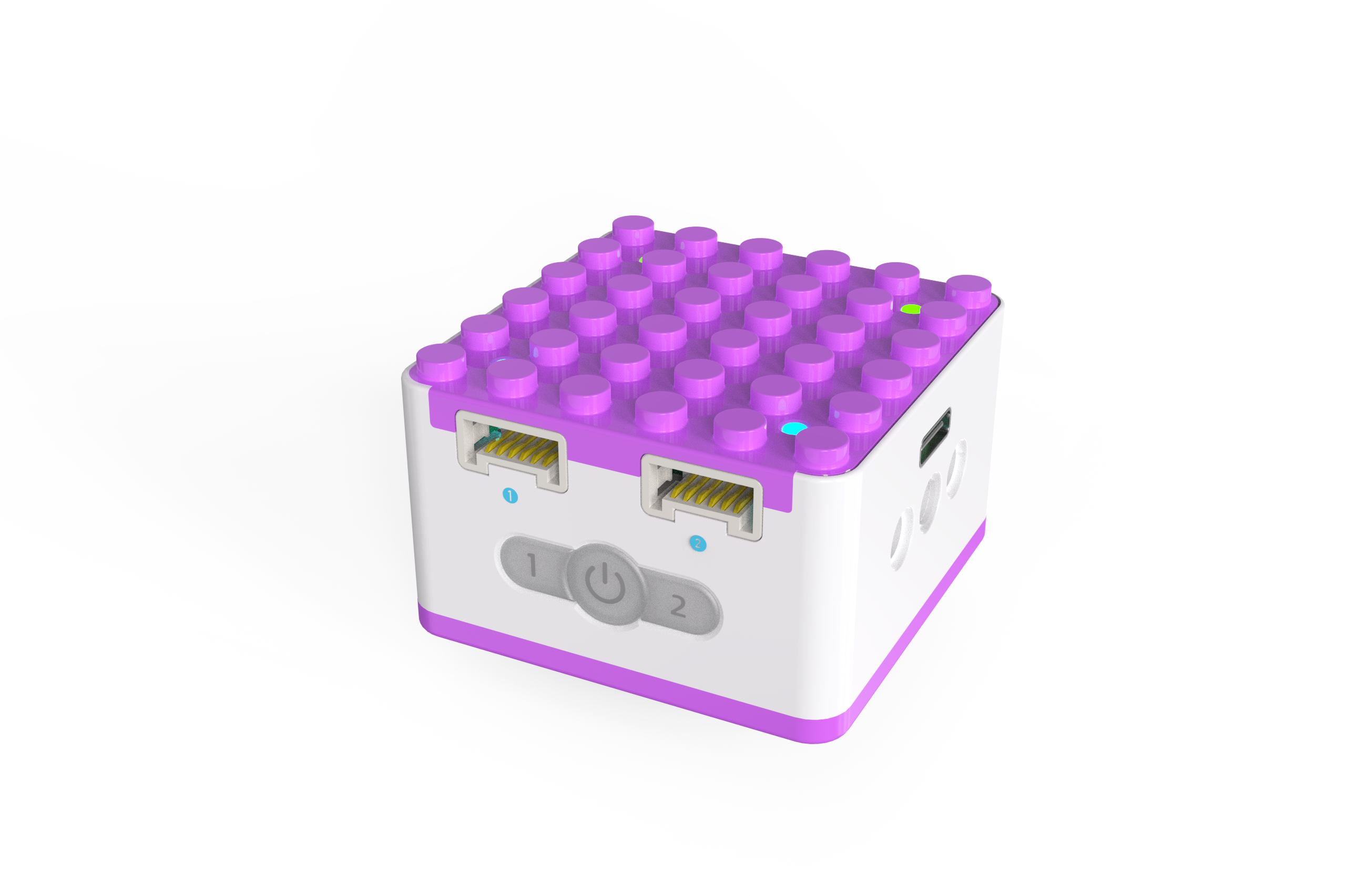
ICQbot Xiao Q Robot×1 |
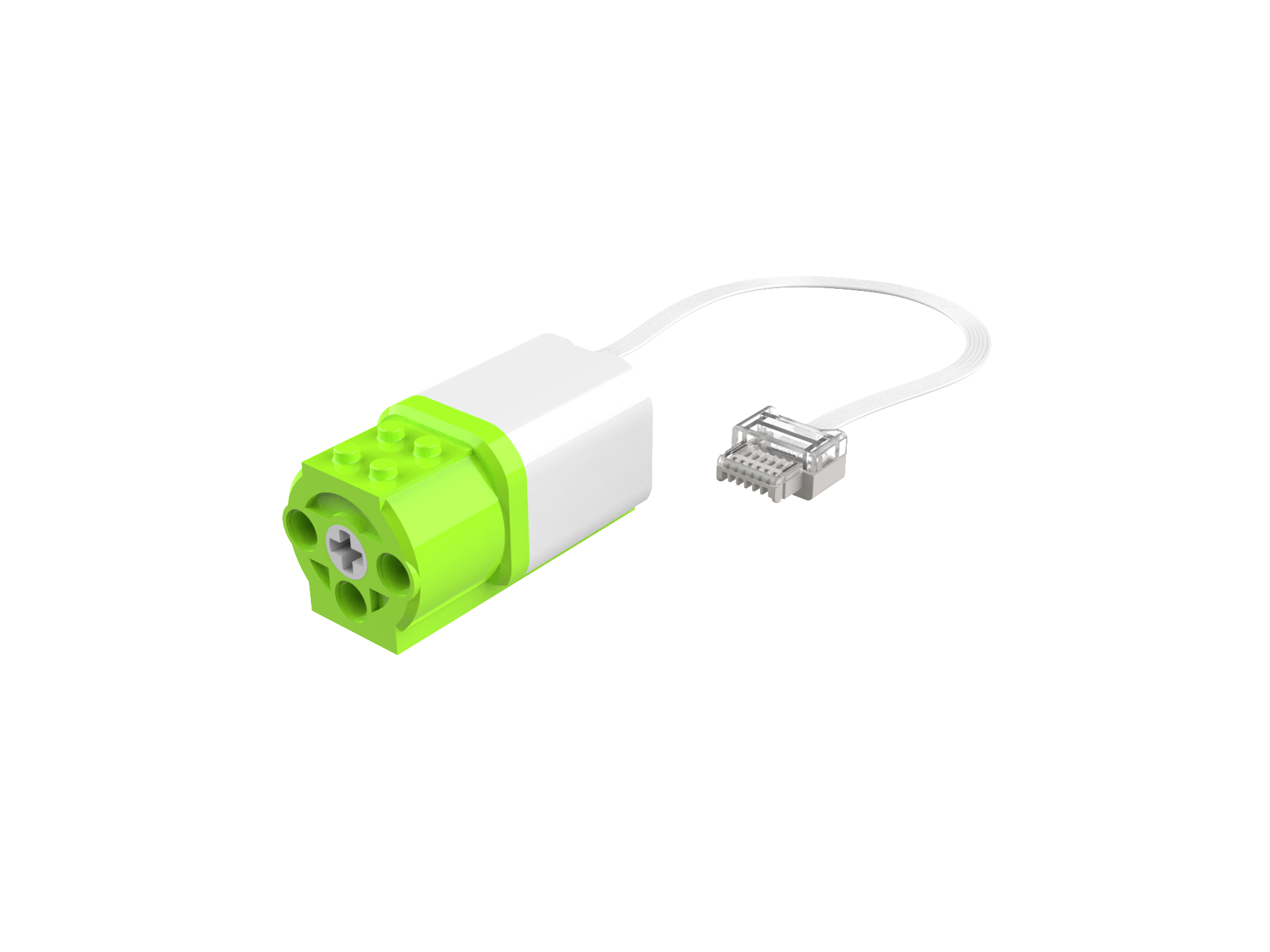
Motor ×1 |
Step Display
|
|
|---|---|
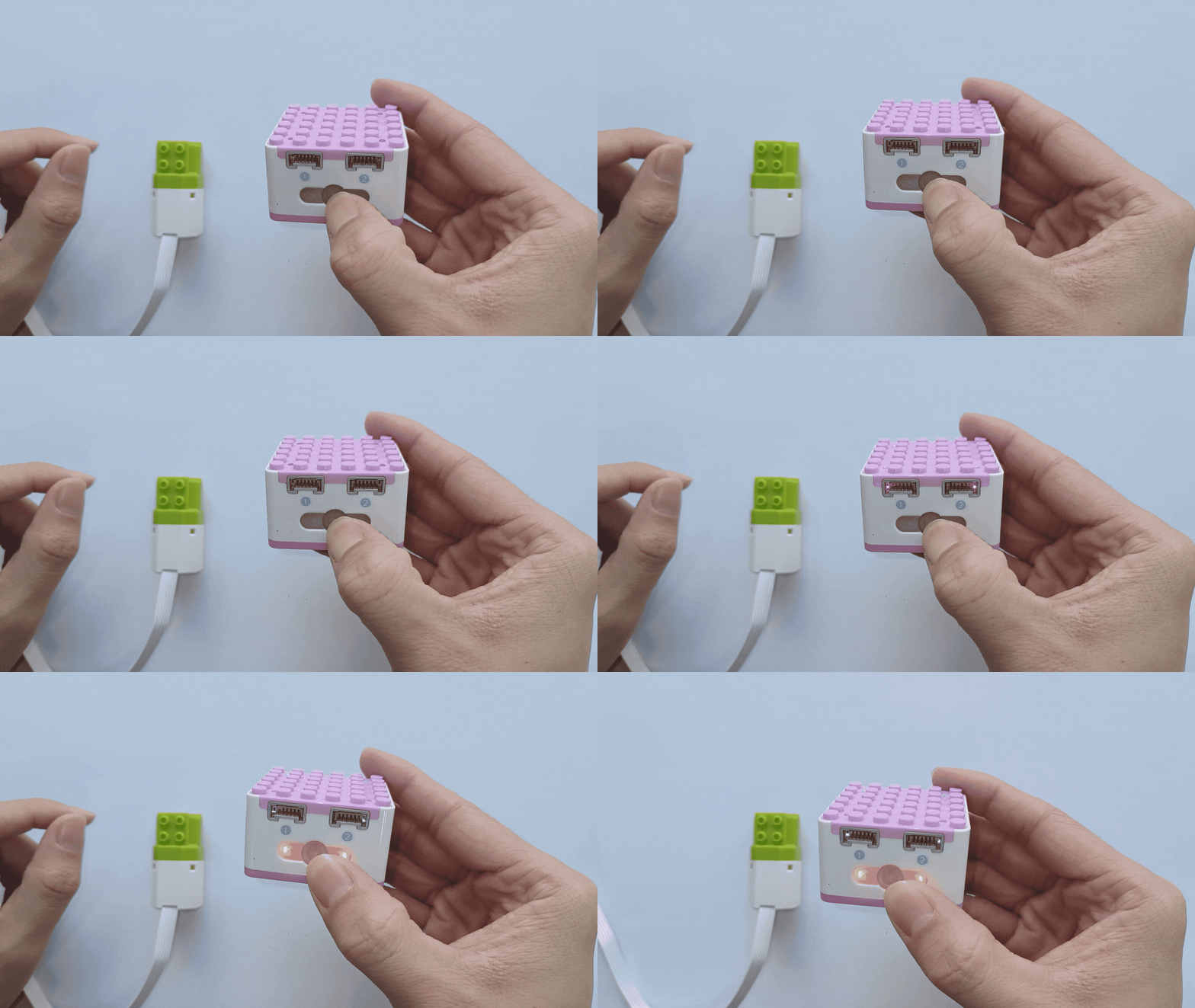
1、Press and hold the power button on the Xiao Q Robot for 3 seconds to power it on. |
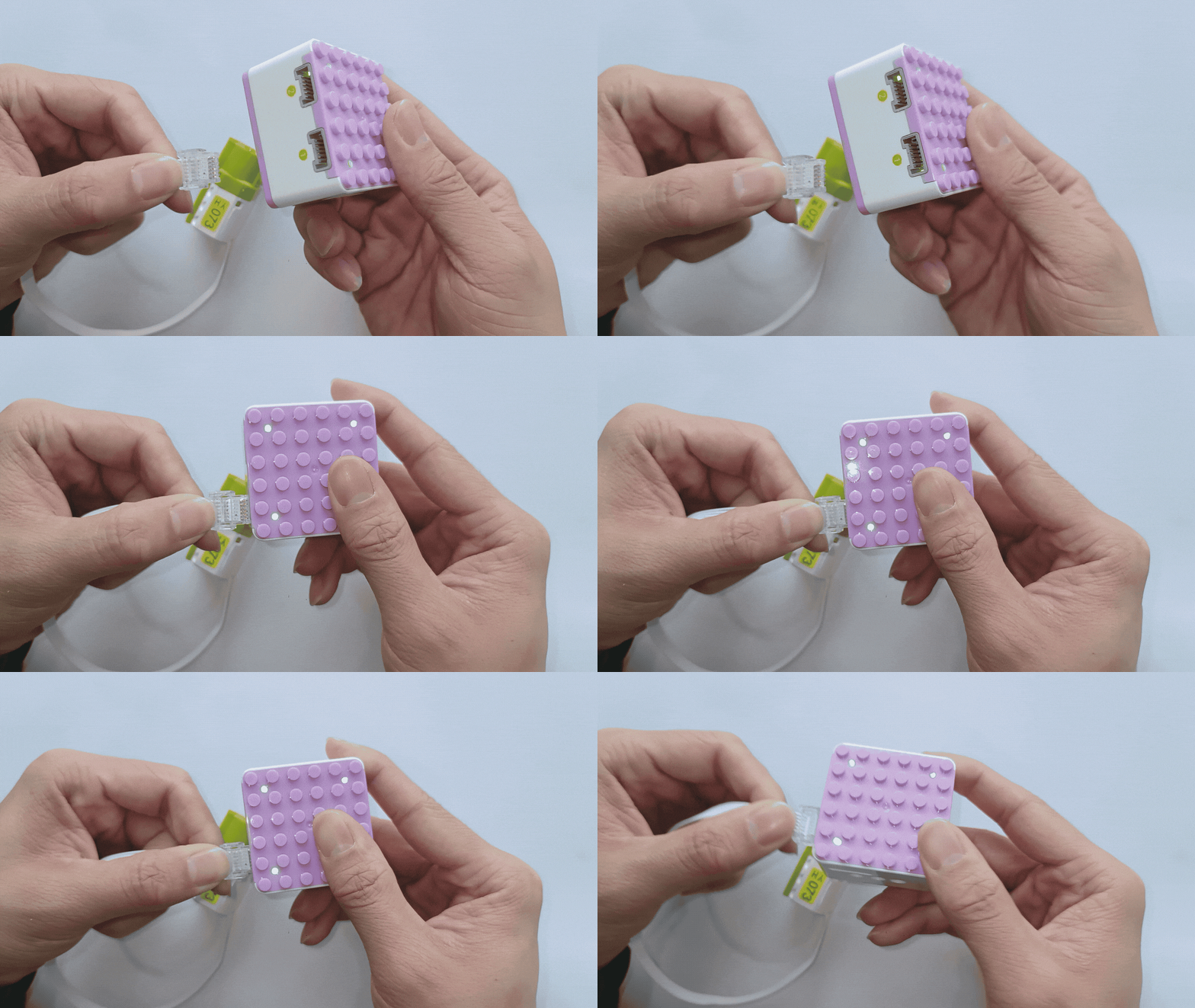
2、Connect the motor to Port 1 (green side) of the Xiao Q Robot. |
|
|
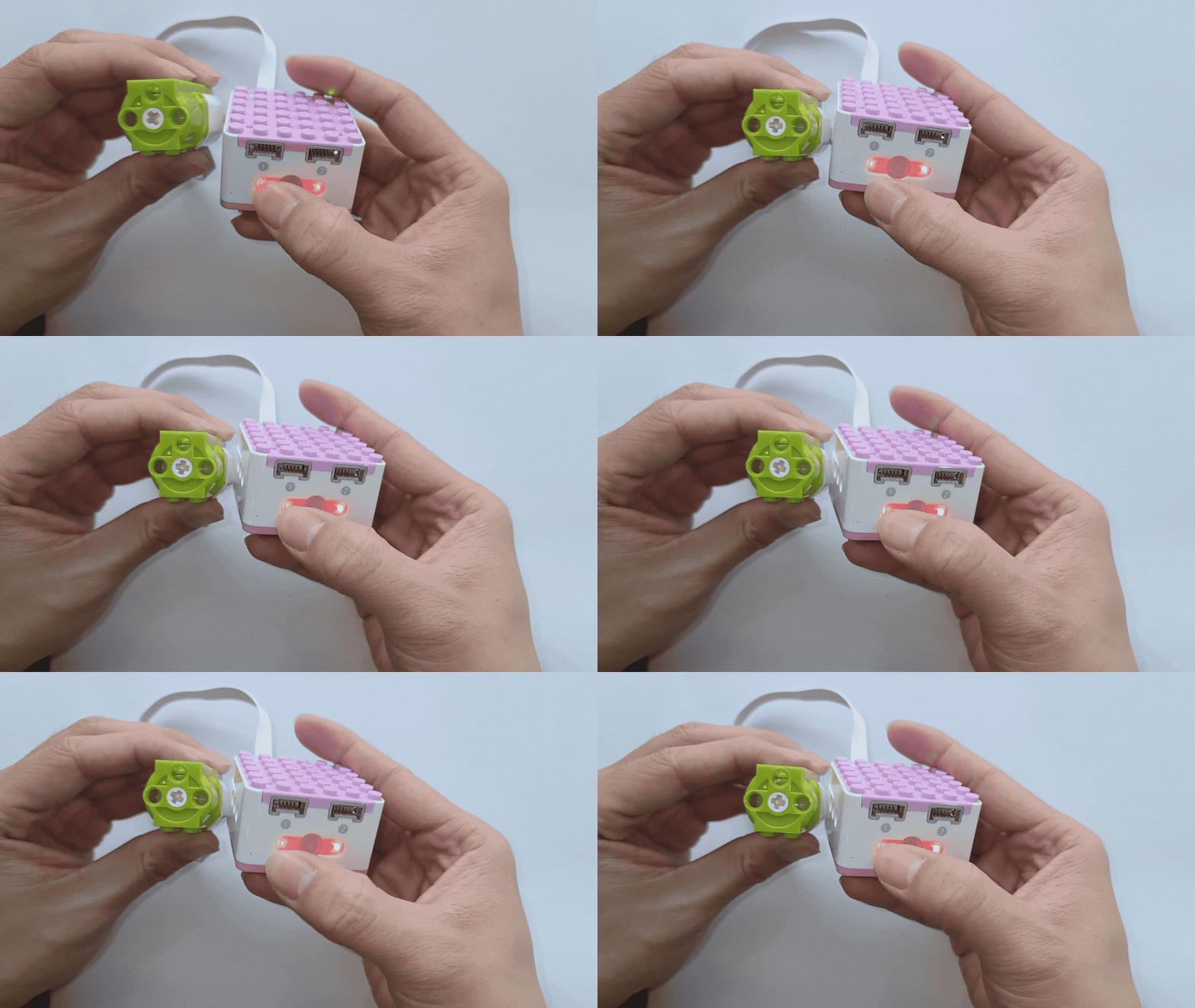
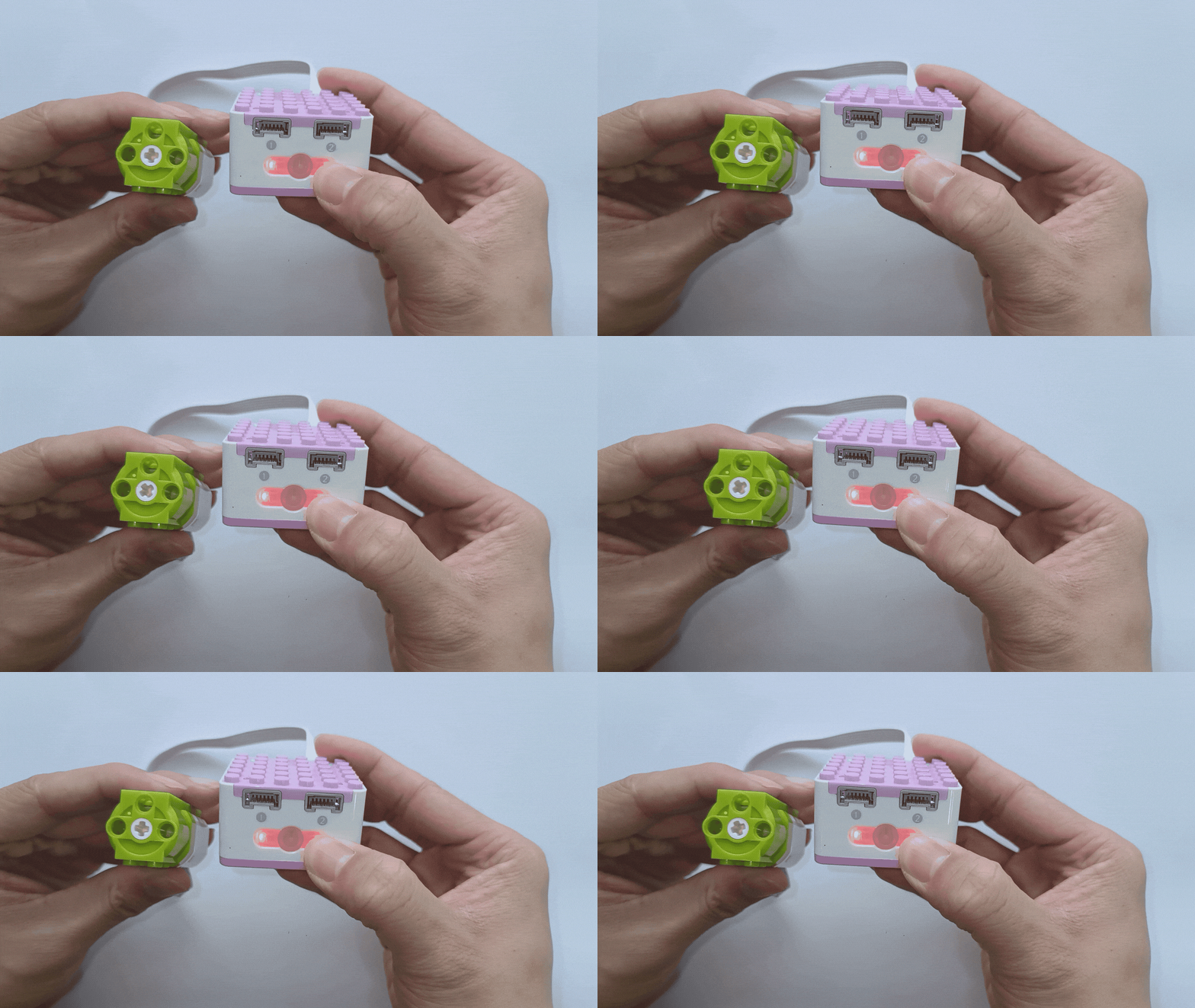
3、Press Button 1 to rotate the motor counterclockwise, press it again to stop the motor. |
4、Button 2 operates similarly to Button 1, controlling the motor connected to Port 2 to rotate clockwise. |