Quick Start
If you are using this product for the first time, please read this chapter carefully to quickly learn how to use ICQbot to make some simple cases.
Voice Programming Control
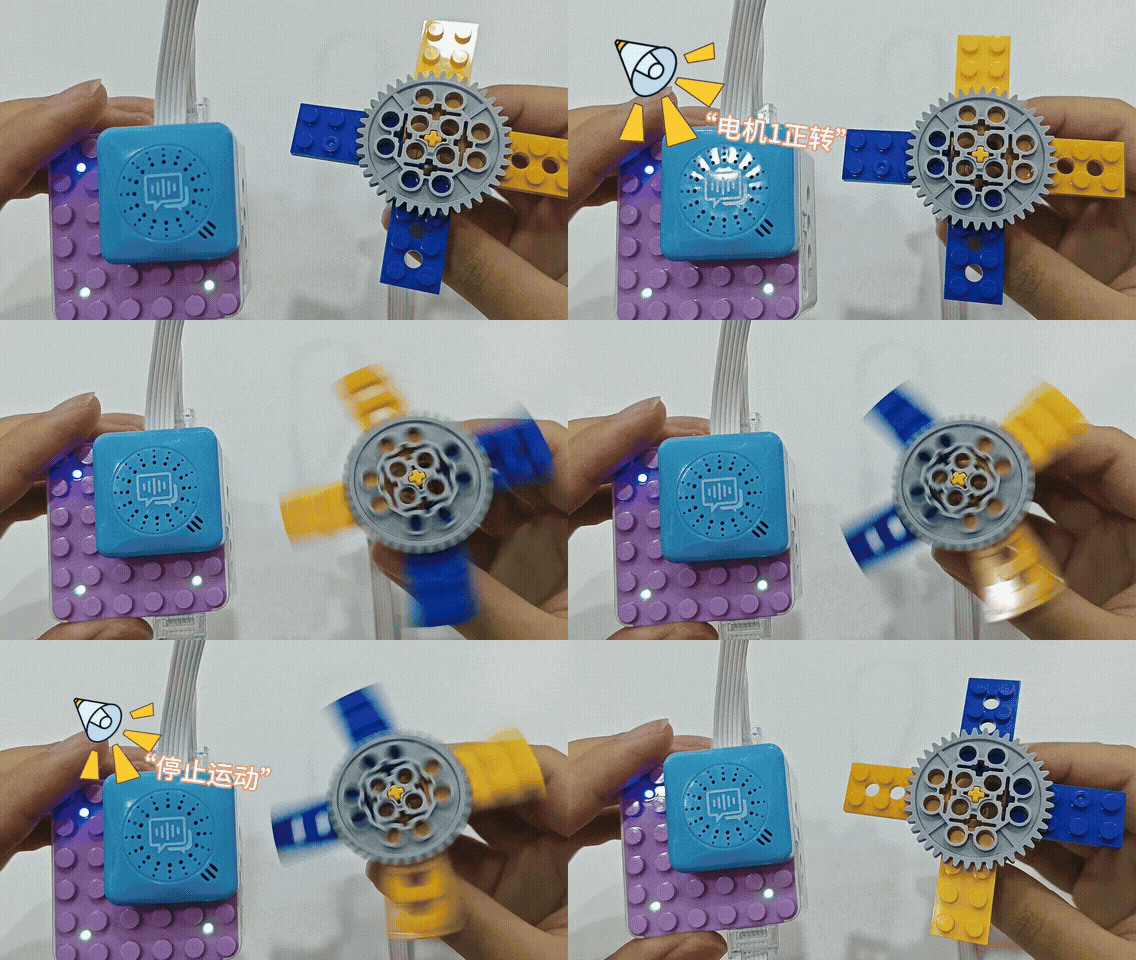
In this section, we will use the ICQbot Xiao Q Robot, voice recognition sensor, and motor to create a fan controlled by voice commands. Through this project, you will gain a deeper understanding of how voice commands interact with hardware modules.
Case Overview
Steps
Preparation
|
|
|
|---|---|---|
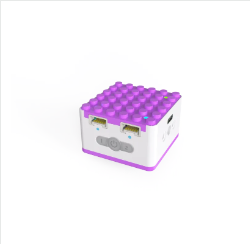
ICQbot Xiao Q Robot × 1 |
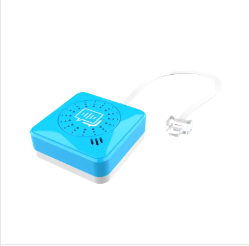
Voice Recognition Sensor × 1 |
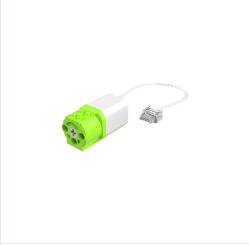
Motor × 1 |
|
|
|
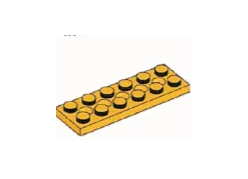
2×6 Thin Plates × 4 |
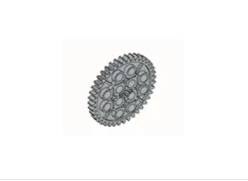
40-Tooth Gear × 1 |
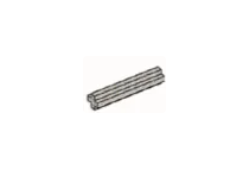
No. 3 Axle × 1 |
Assembly Steps
|
|
|---|---|
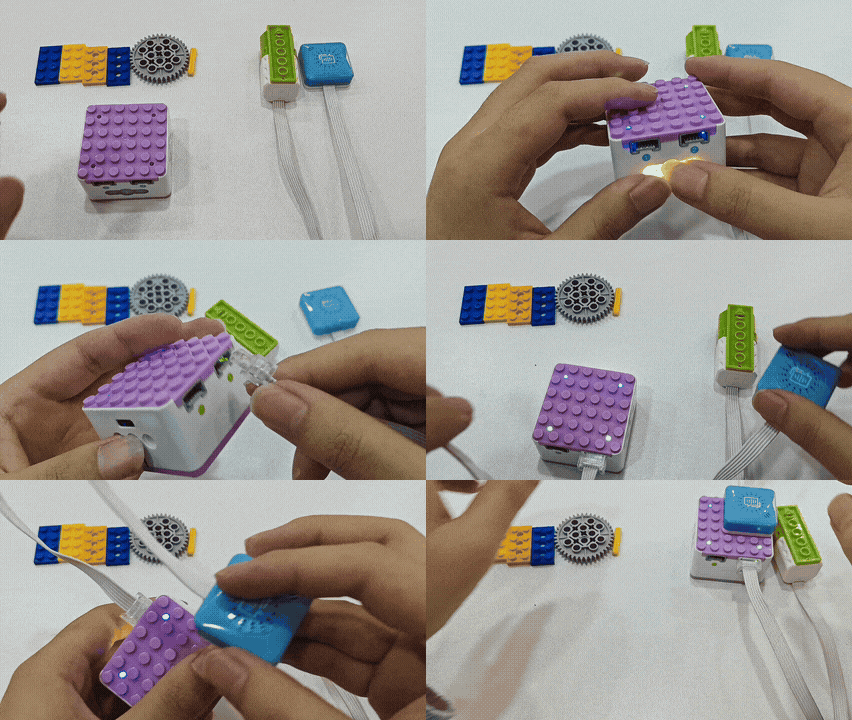
a、Plug the voice recognition sensor into blue port 1. |
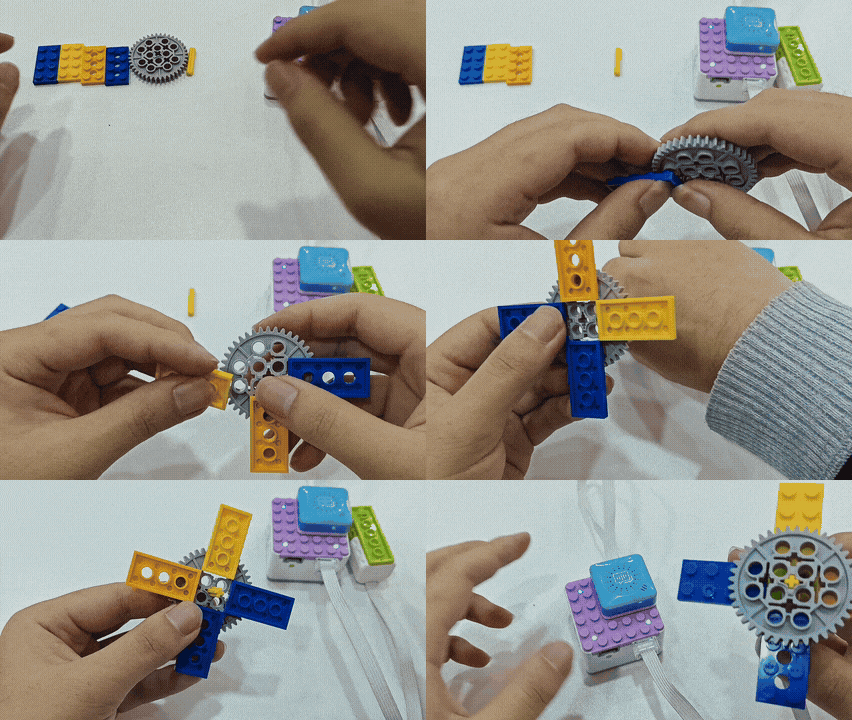
b、Assemble the fan blades and attach them to the motor. |
|
|
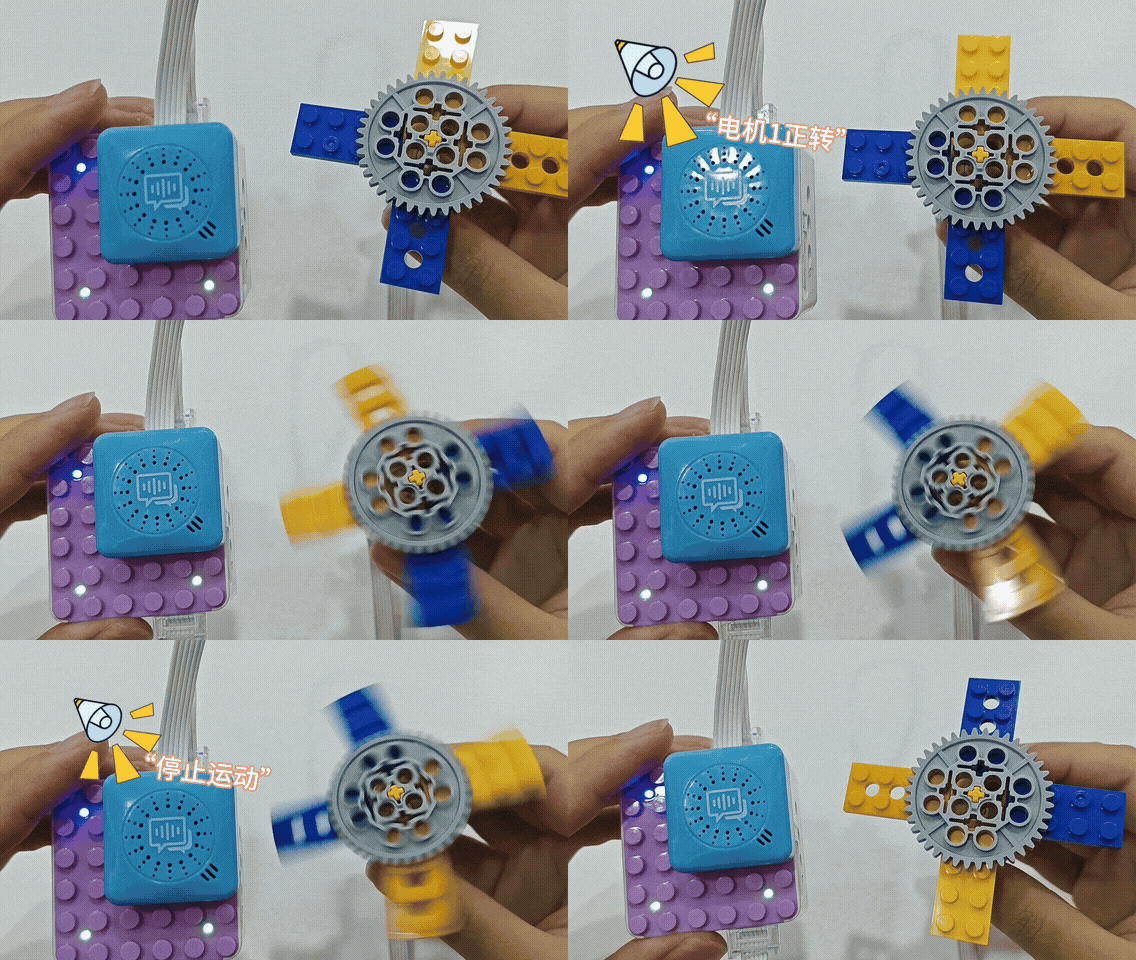
c、 Start using the fan: |
Software Programming Control
In this section, we will guide you through creating a voice-controlled stage character. This project will help you understand how to use voice commands to manipulate stage characters effectively.
**Case Overview **
**Steps **
Preparation
|
 |
|
 |
|
 |
| :—: | :—: | :—: |
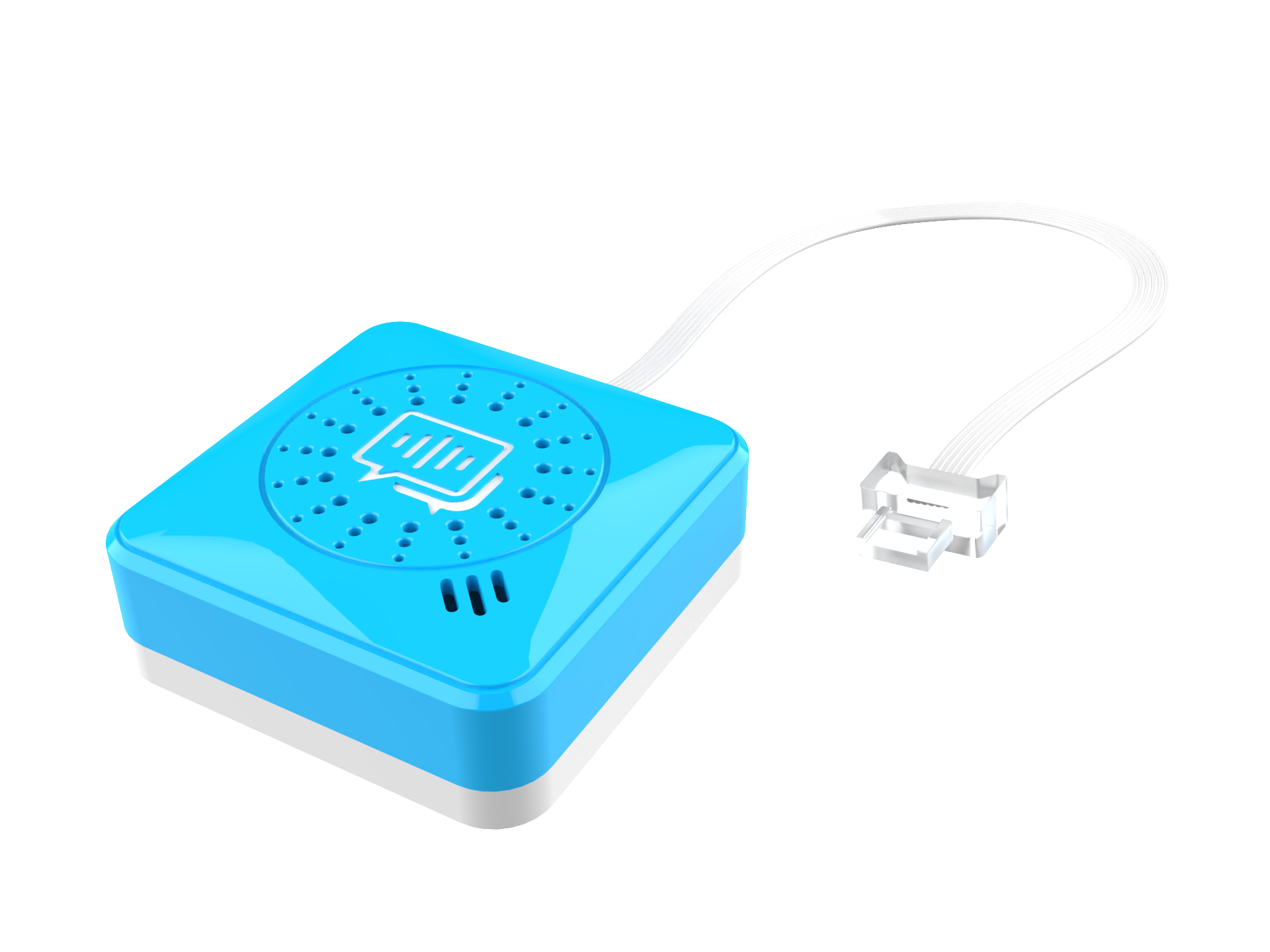
| ICQbot Xiao Q Robot × 1 | Voice Recognition Sensor x 1 | ICQbot Software × 1 |
|
| :—: | :—: | :—: |
| ICQbot Xiao Q Robot × 1 | Voice Recognition Sensor x 1 | ICQbot Software × 1 |
Assembly Steps
|
|
|---|
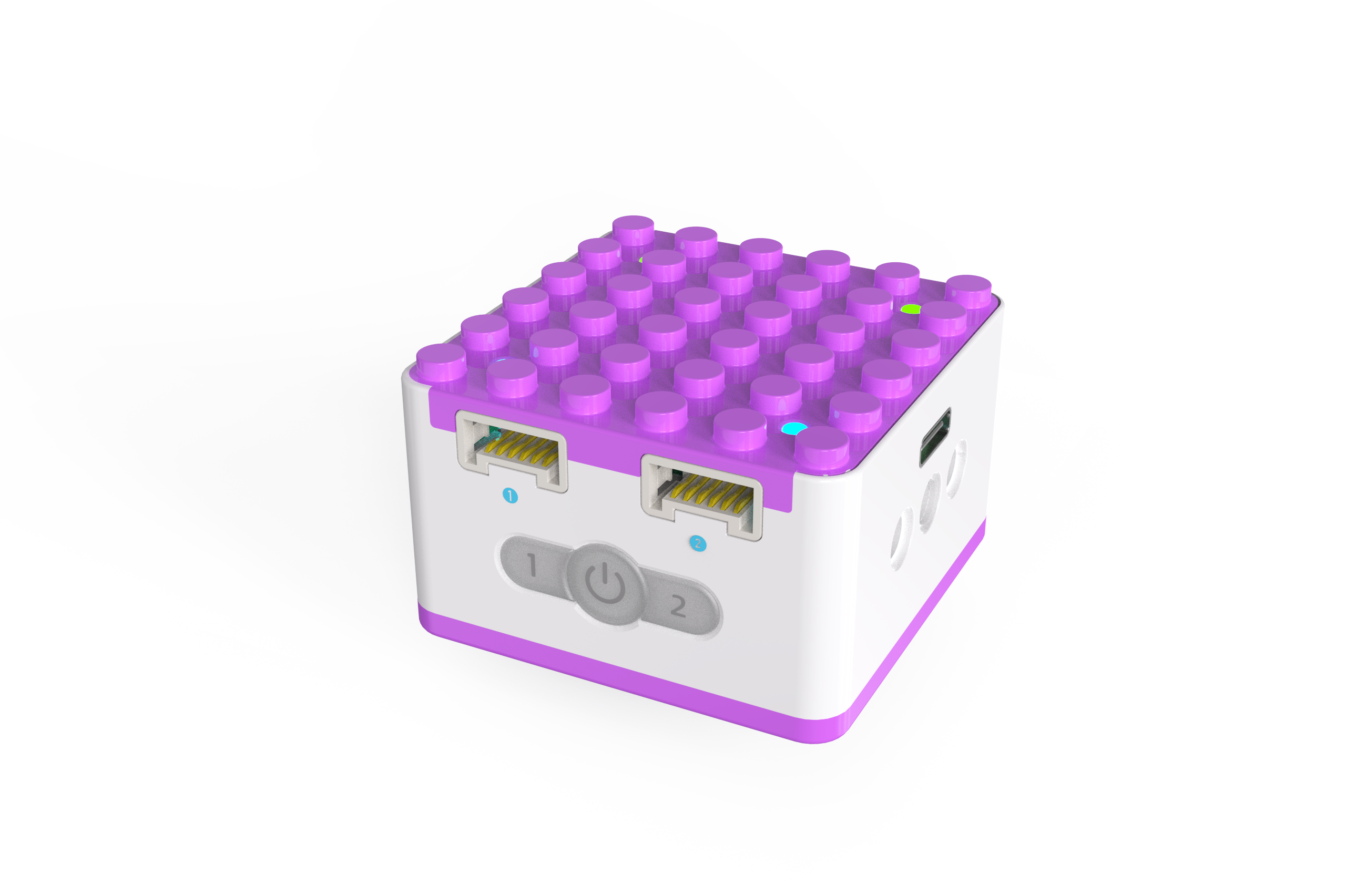
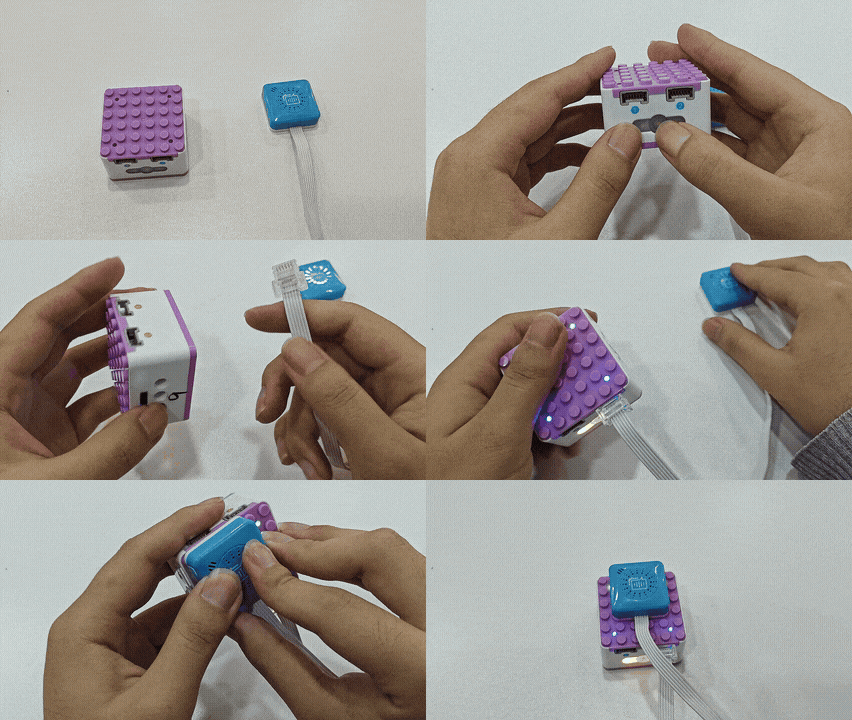
Connect the voice recognition sensor to Port 1 or Port 2 of the ICQbot Xiao Q Robot. |
Programming Steps
|

|

|
| — | — |
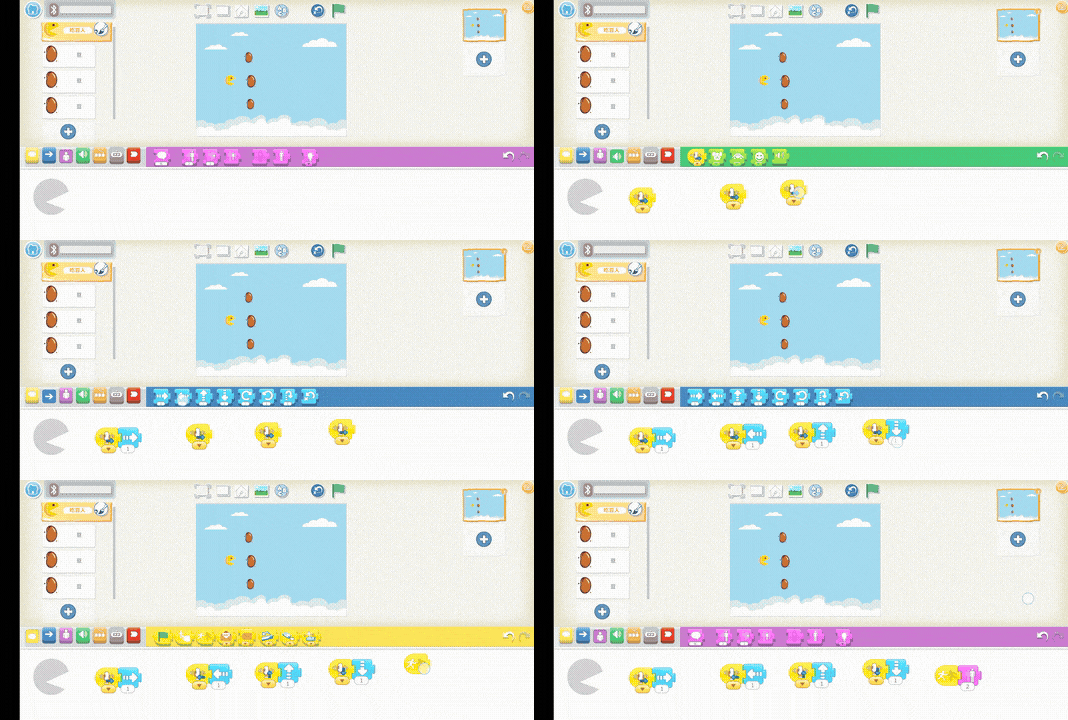
| 1、Choose a background image. | 2、Select a Pac-Man character and three beans, then resize them to appropriate sizes (Note: Select the target character before resizing). |
|
|
|
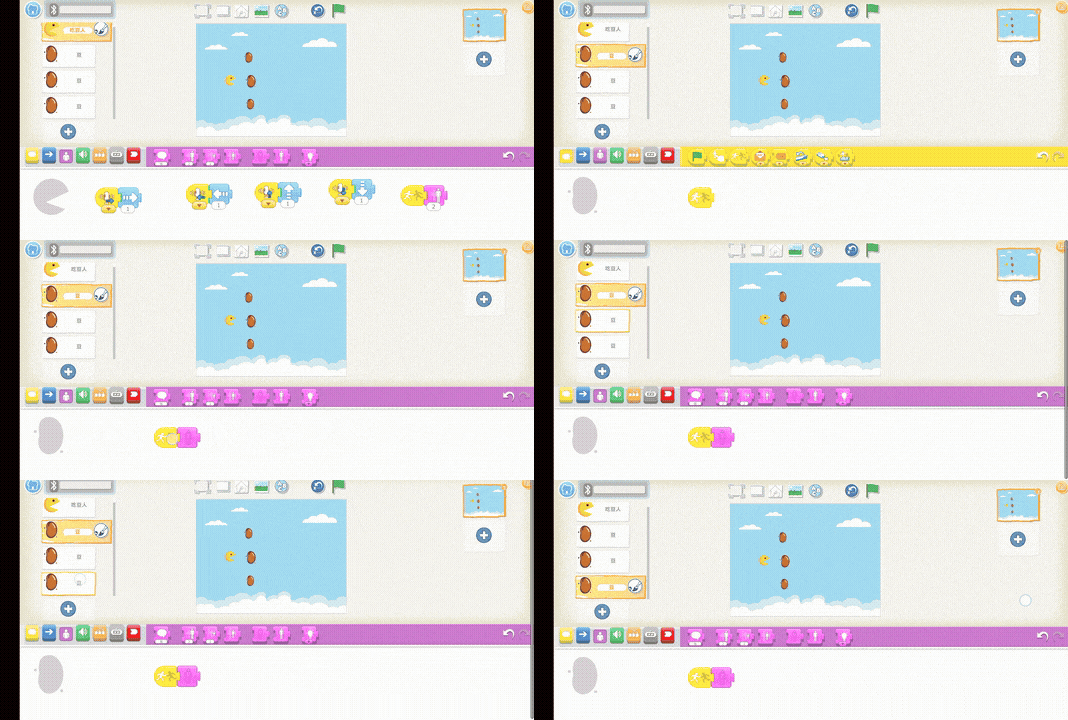
| 3、Program Pac-Man to move using voice commands. When Pac-Man eats a bean, it grows larger. | 4、Program the beans to disappear when Pac-Man eats them. |
Connect via Bluetooth and click “Learn More.”
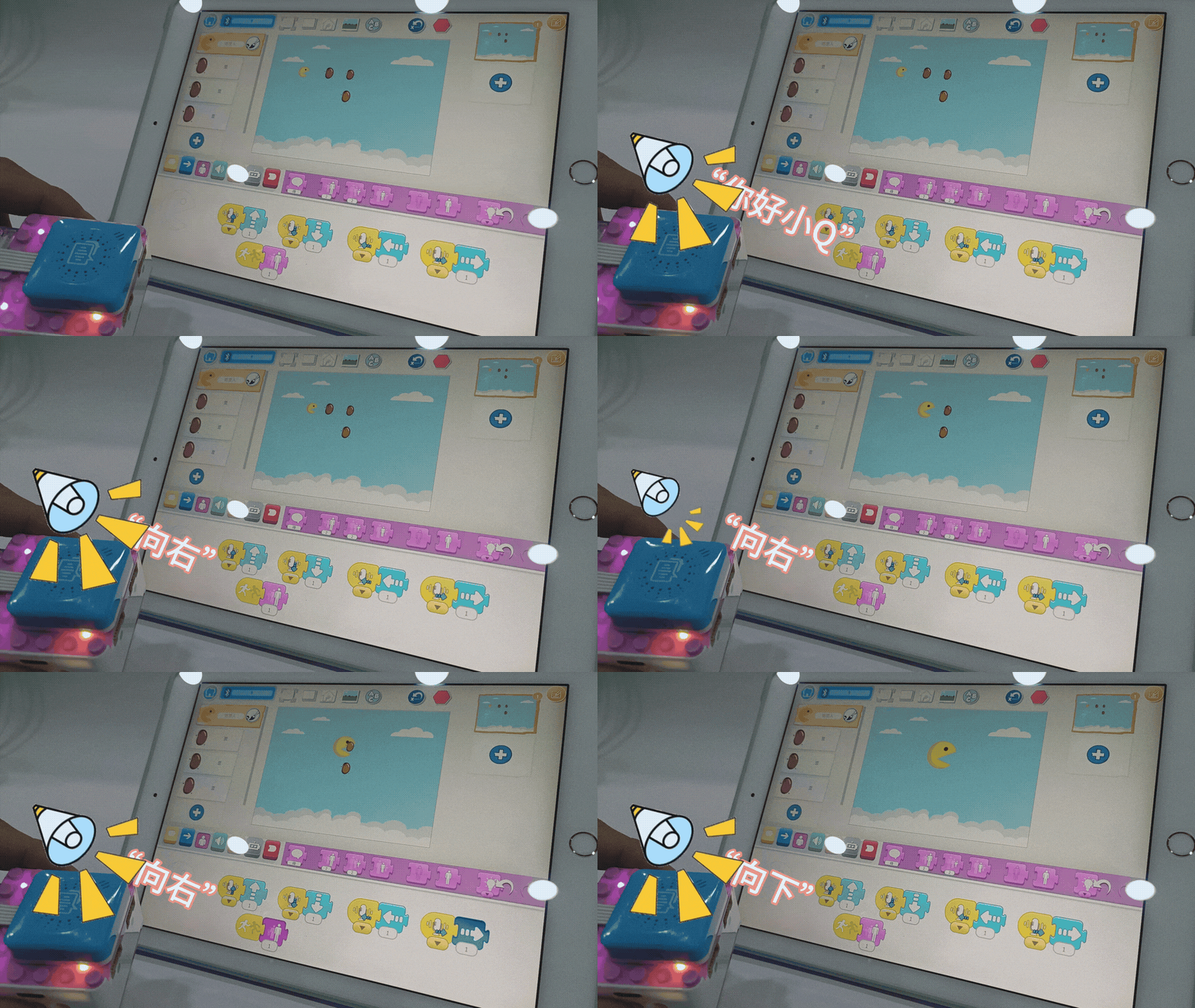
Start Using
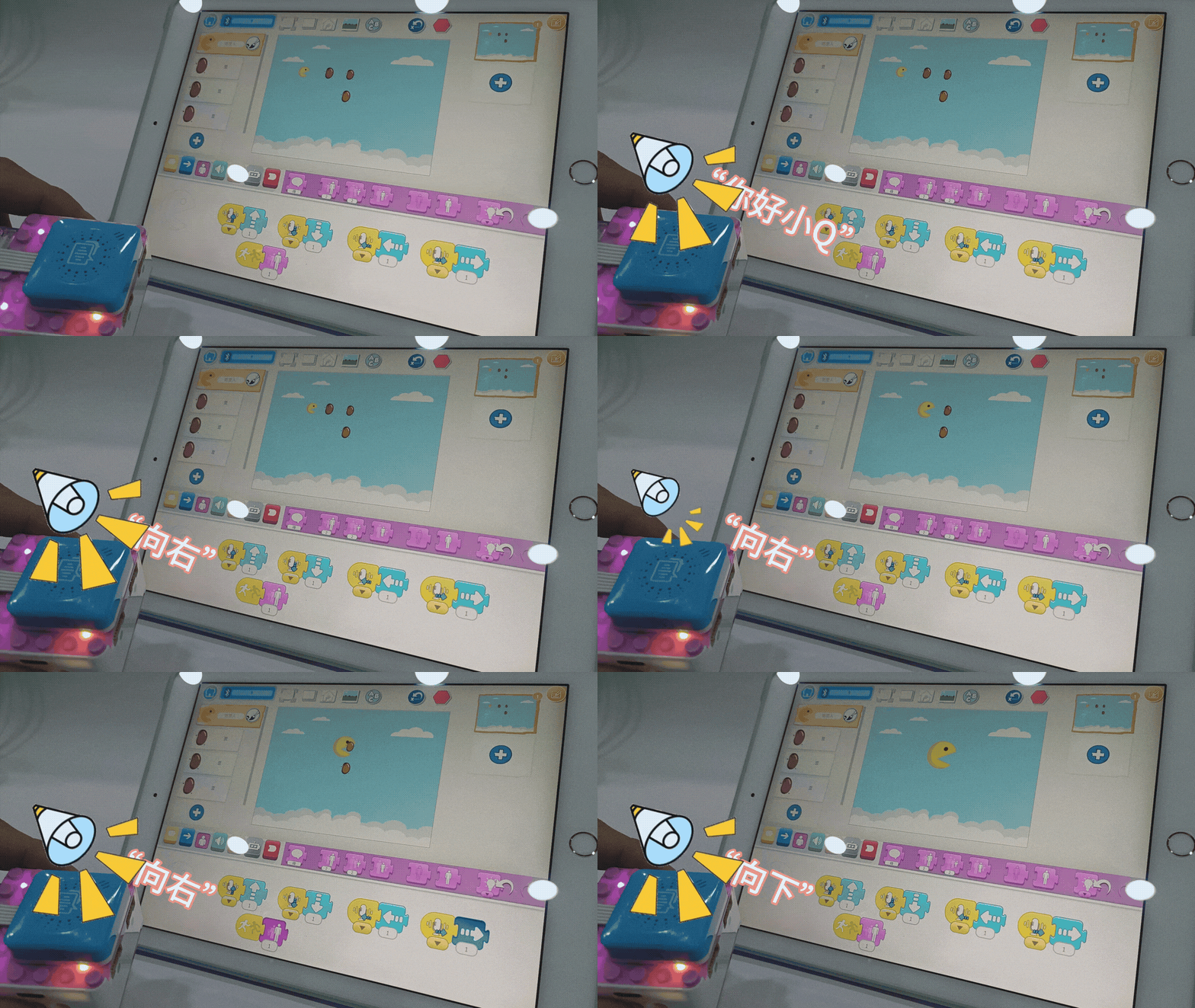
Click the green flag above the stage to run the program.
Wake up Xiao Q Robot by saying “Hello, Xiao Q.”
Use the commands “Move up,” “Move down,” “Move left,” and “Move right” to control Pac-Man’s movements.