Voice Programming Mode
Voice Direct Control
Demonstration
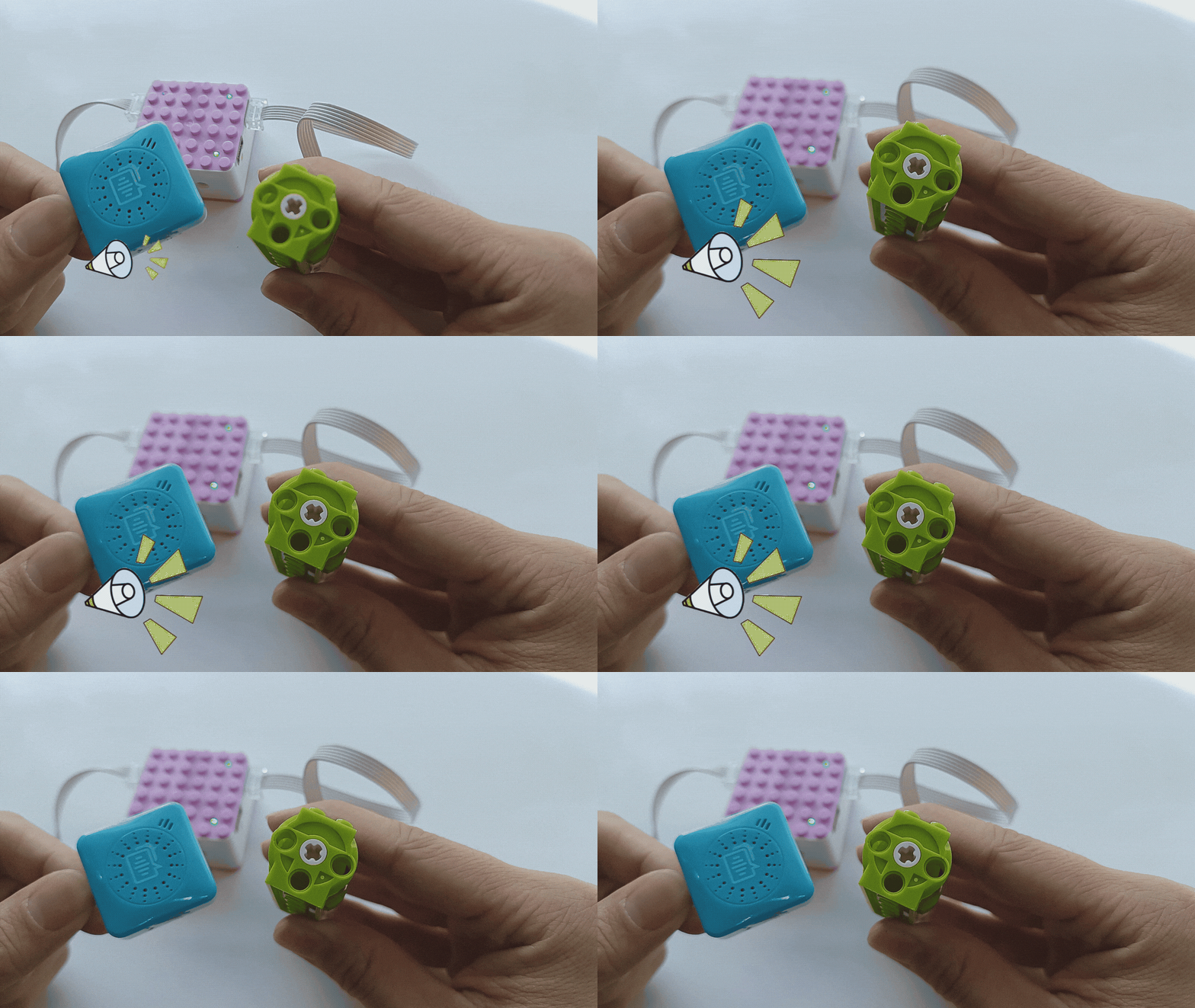
How to control the motor’s movement using voice commands?
Steps:
Preparation
|
|
|
|---|---|---|
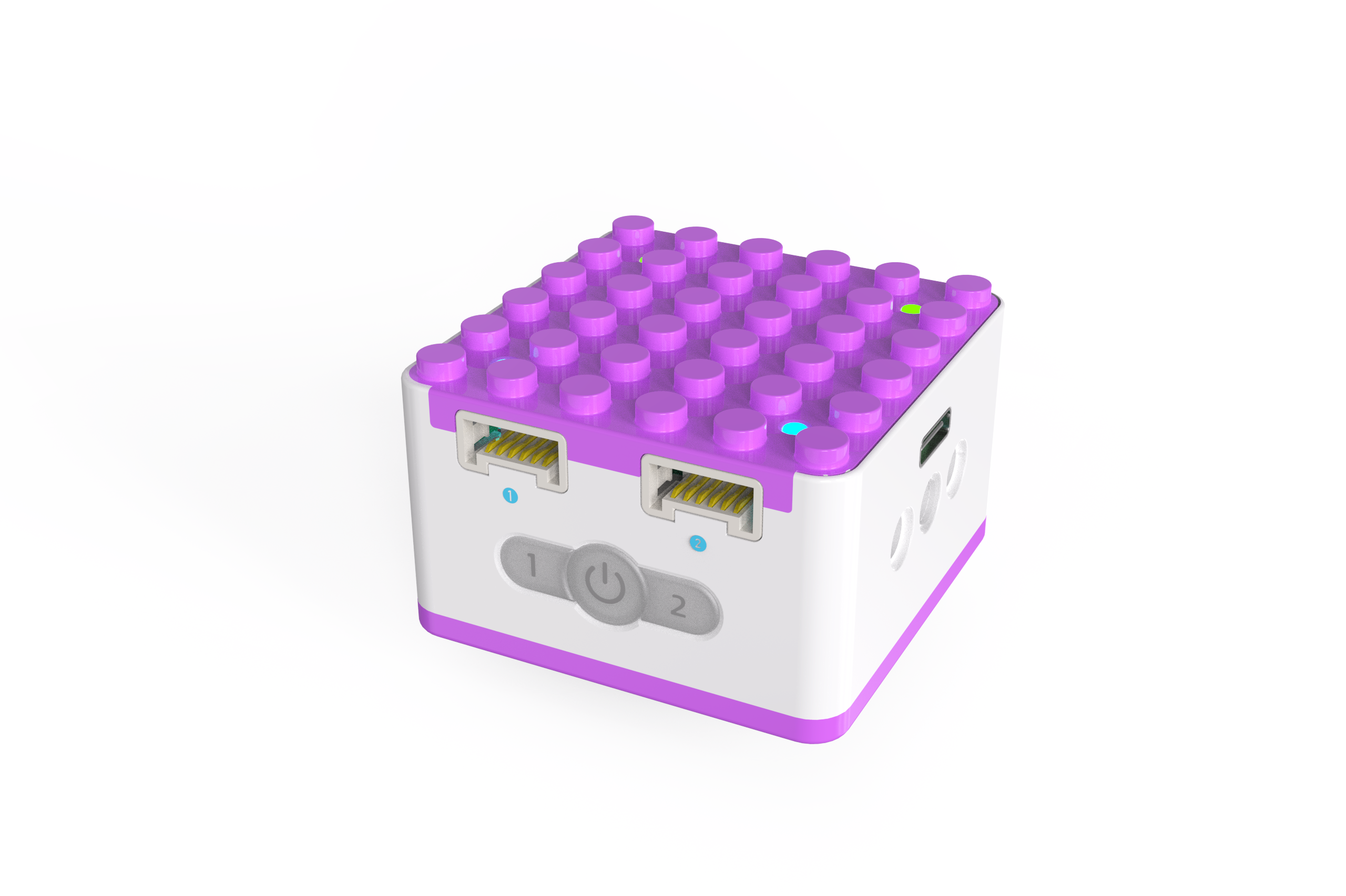
ICQbot Xiao Q Robot × 1 |
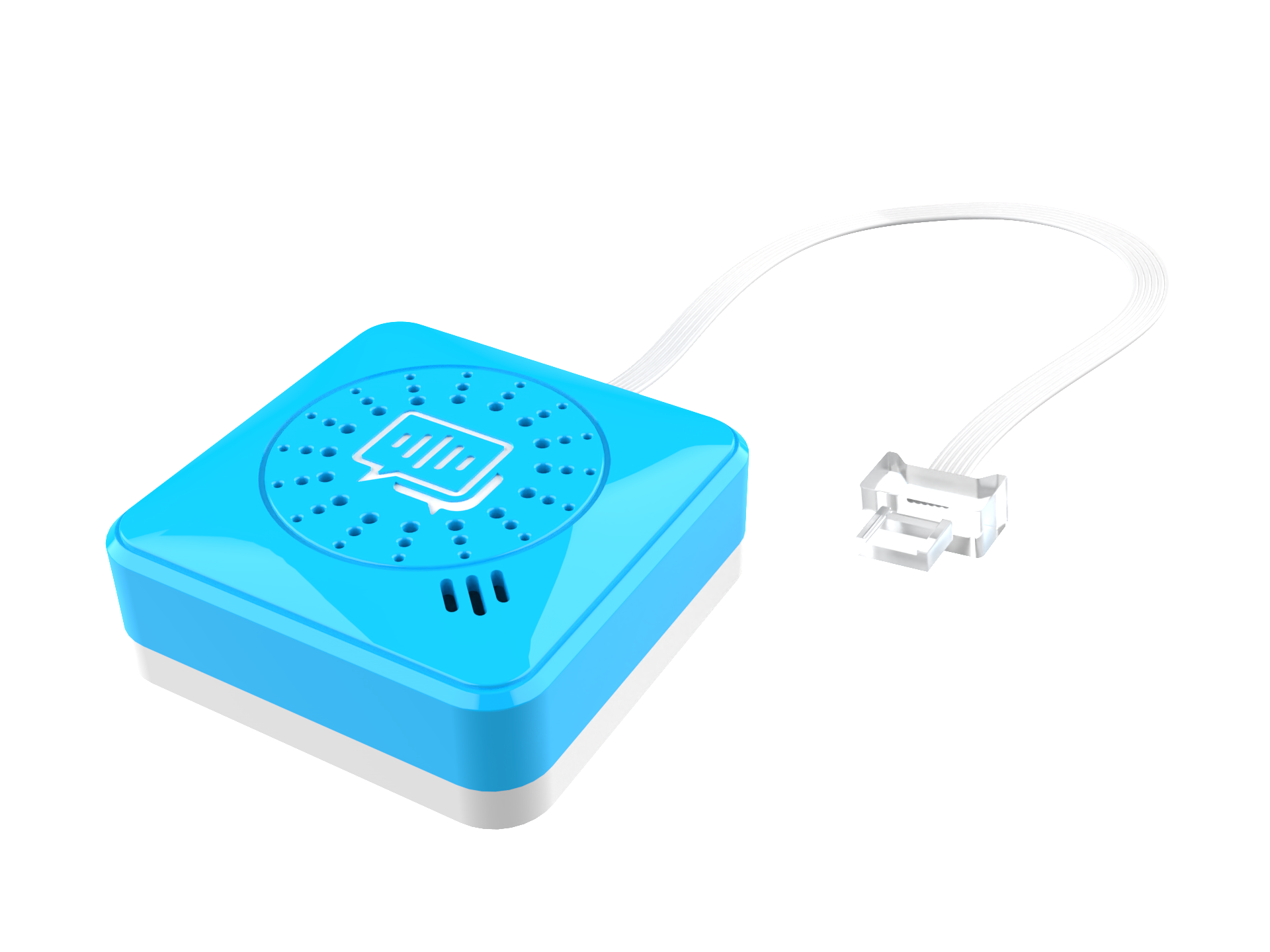
Voice Recognition Sensor ×1 |
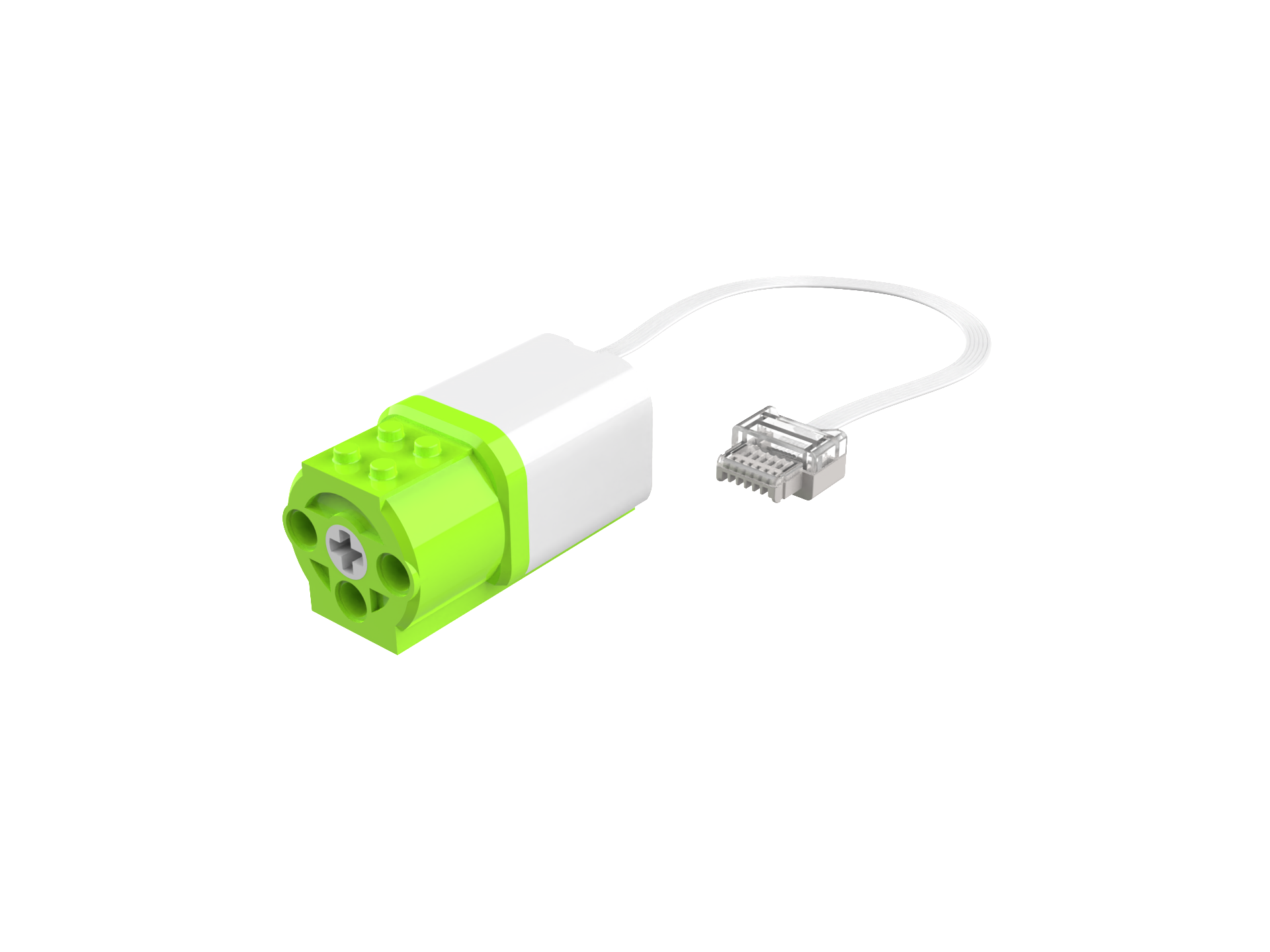
Motor × 1 |
Steps Display
|
|
|---|---|
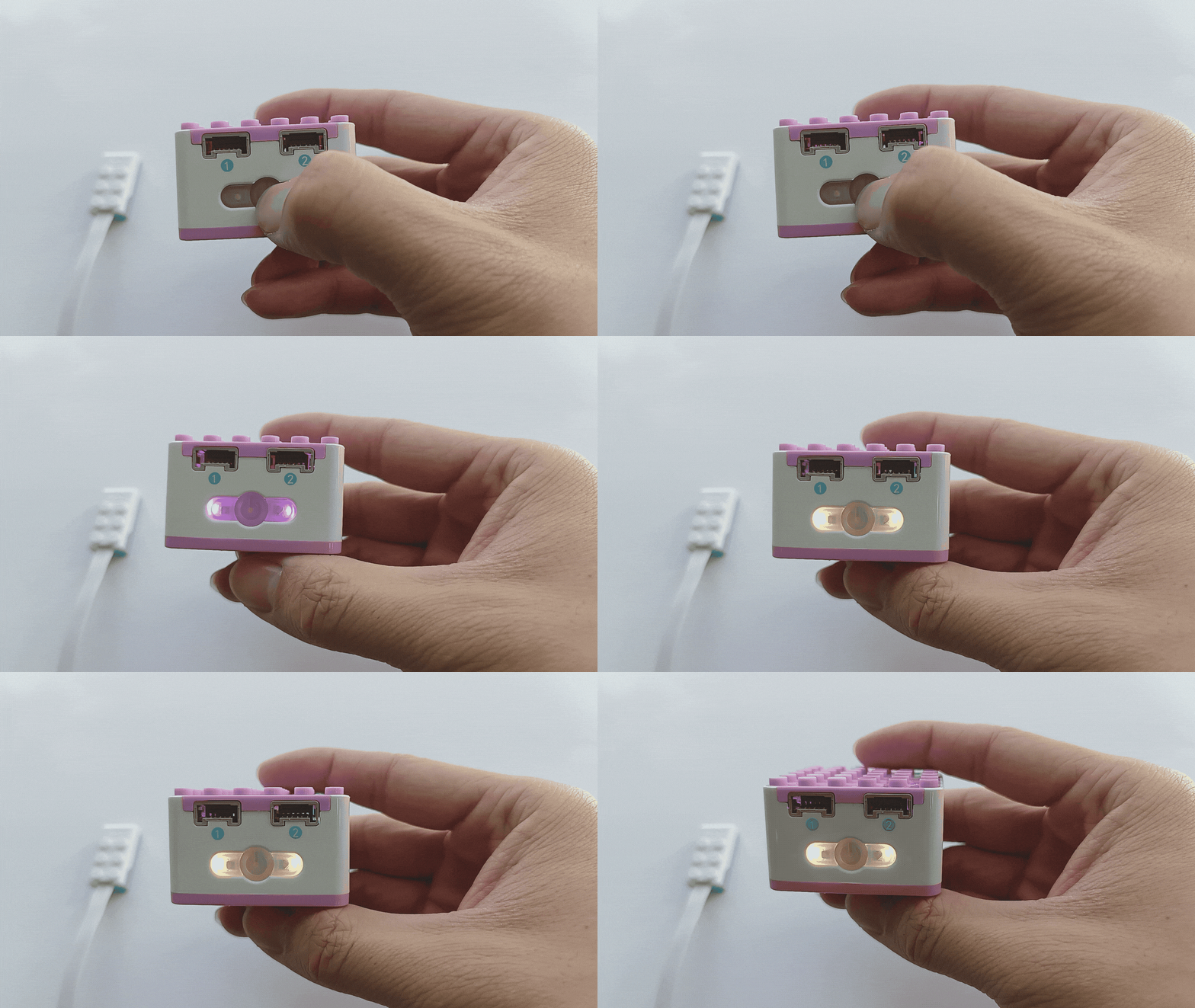
1、Press and hold the power button on the Xiao Q Robot for 3s to power it on. |
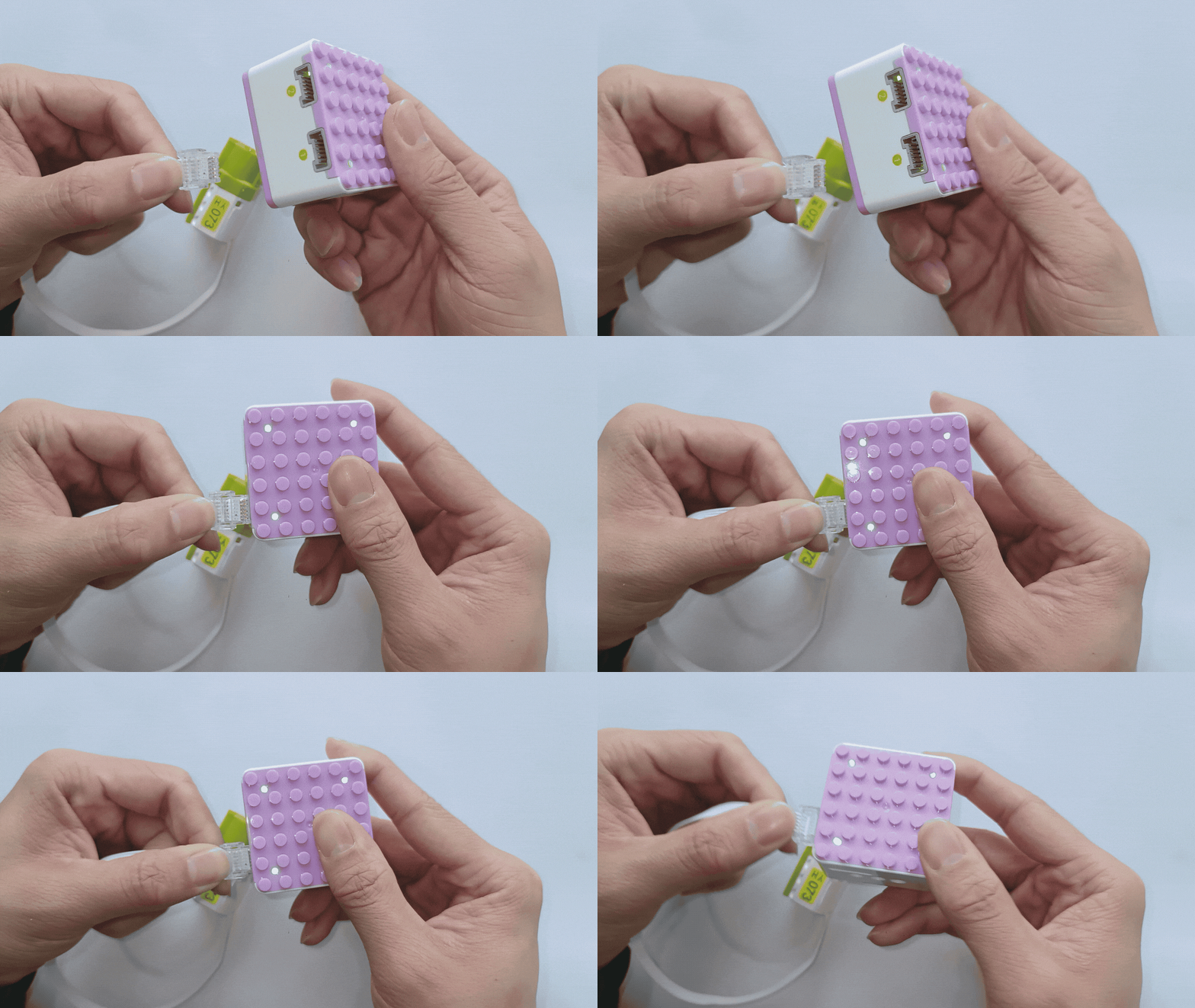
2、Connect the motor to Port 1 (green side). |
|
|
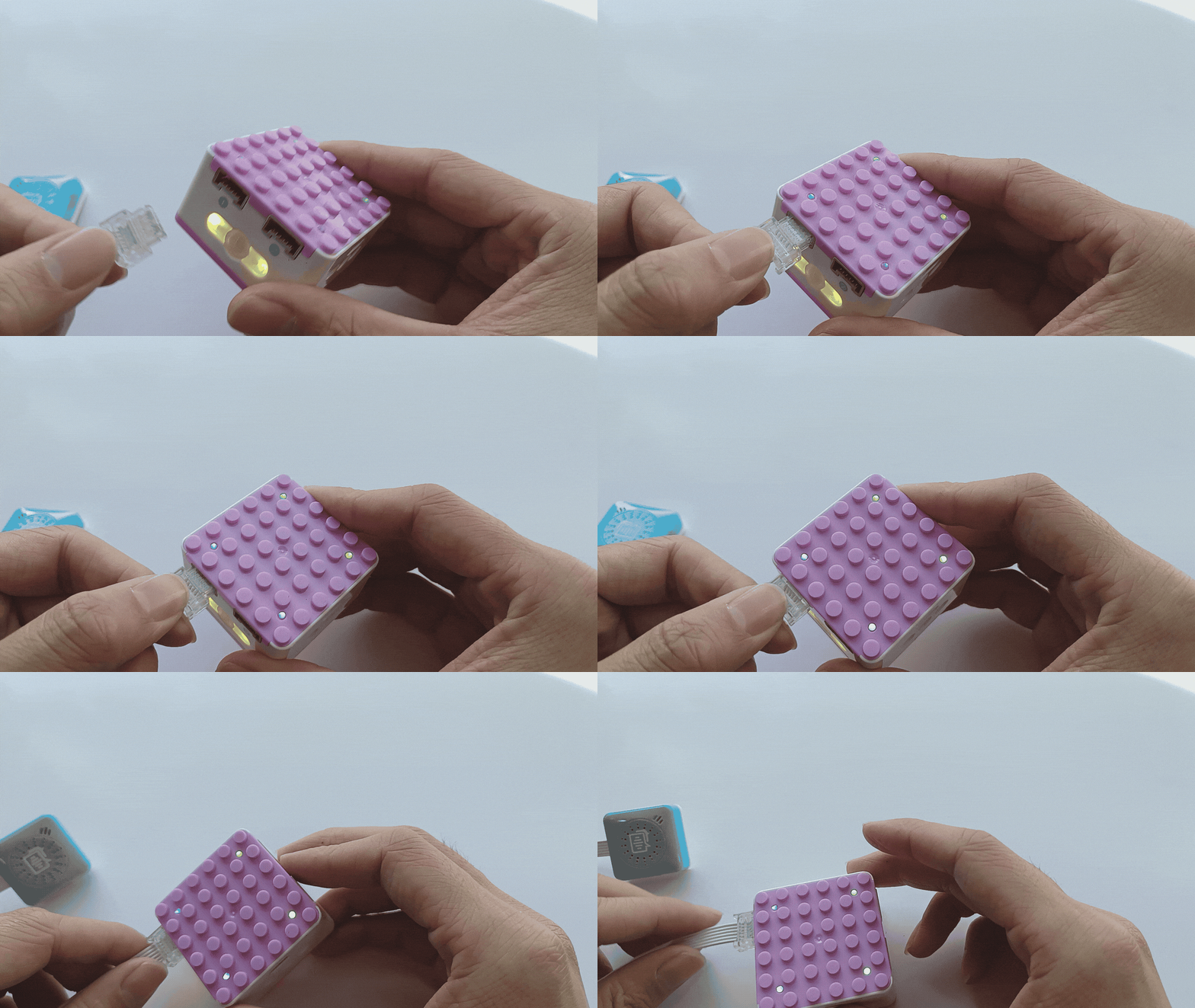
3、Connect the voice sensor to Port 1 (blue side). |
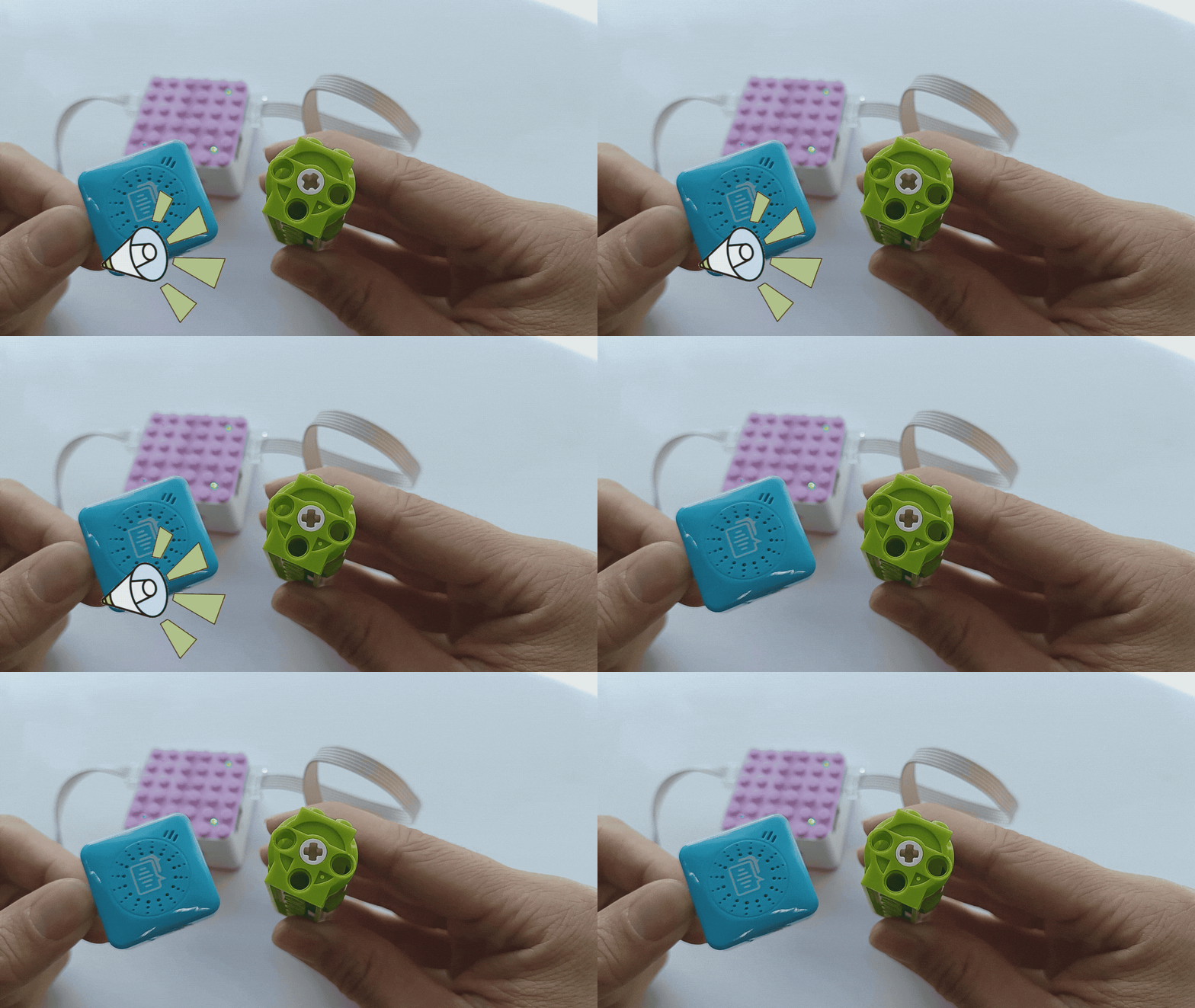
4、Wake up the voice recognition sensor by saying “Hello Xiao Q” and wait for the response. Say “Motor 1 forward” to rotate the motor. The system will reply, “Motor 1 forward recognized,” and the motor will rotate. Say “Stop” to stop the motor. |
Note:
The voice command should match the motor’s port, as shown below:
Port Connection |
Command Word |
Command Word |
|---|---|---|
Port 1 connected to motor |
Motor rotates |
Motor does not rotate |
Port 2 connected to motor |
Motor does not rotate |
Motor rotates |
Both Port 1 and Port 2 connected to motors |
Both motors rotate |
Motor rotates |
*Other command word effects can be tried on your own. Click here to learn more command words.
Voice Programming Control
Demonstration
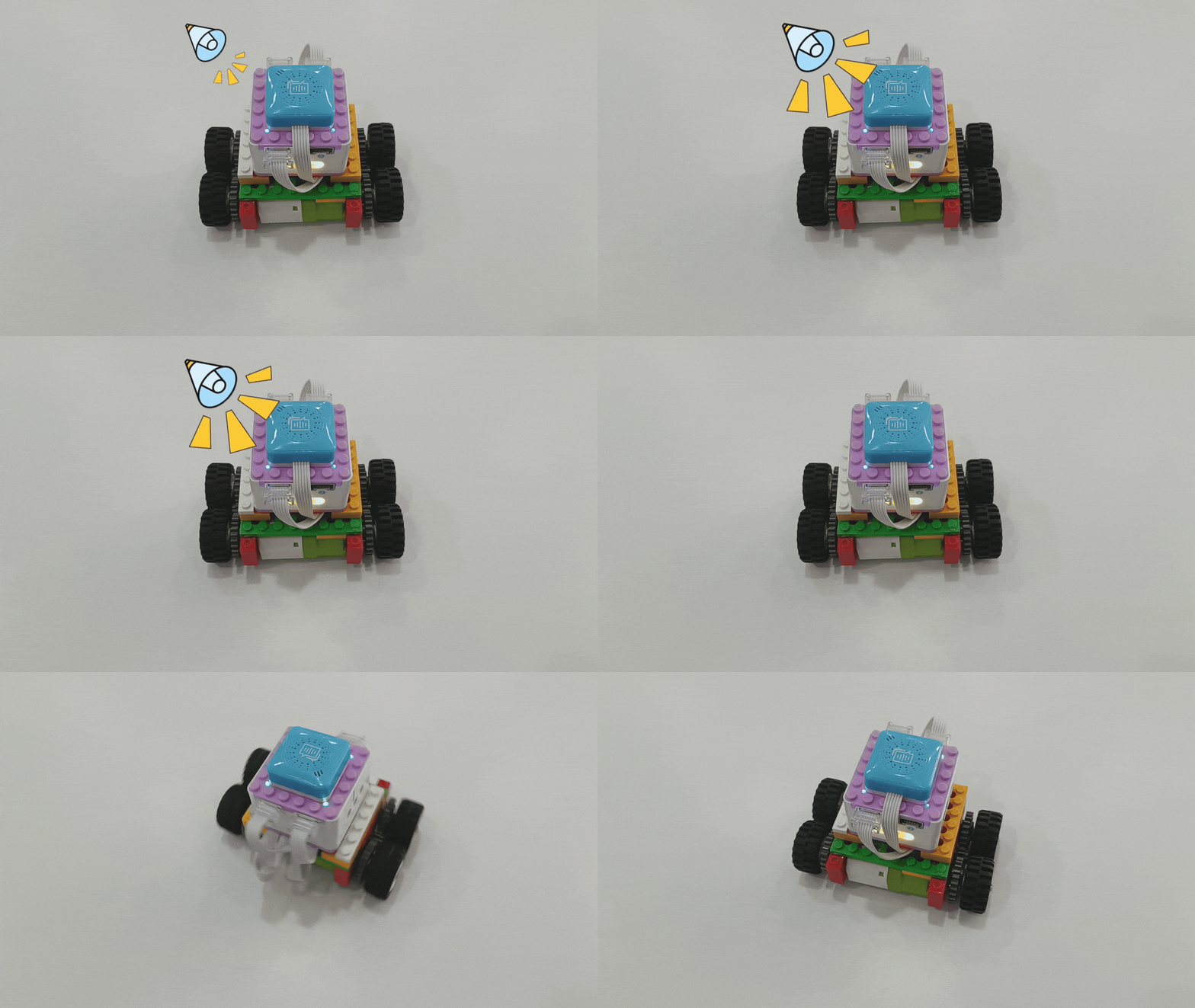
How to use voice programming to control the robot’s movement?
Preparation
|
|
|
|---|---|---|
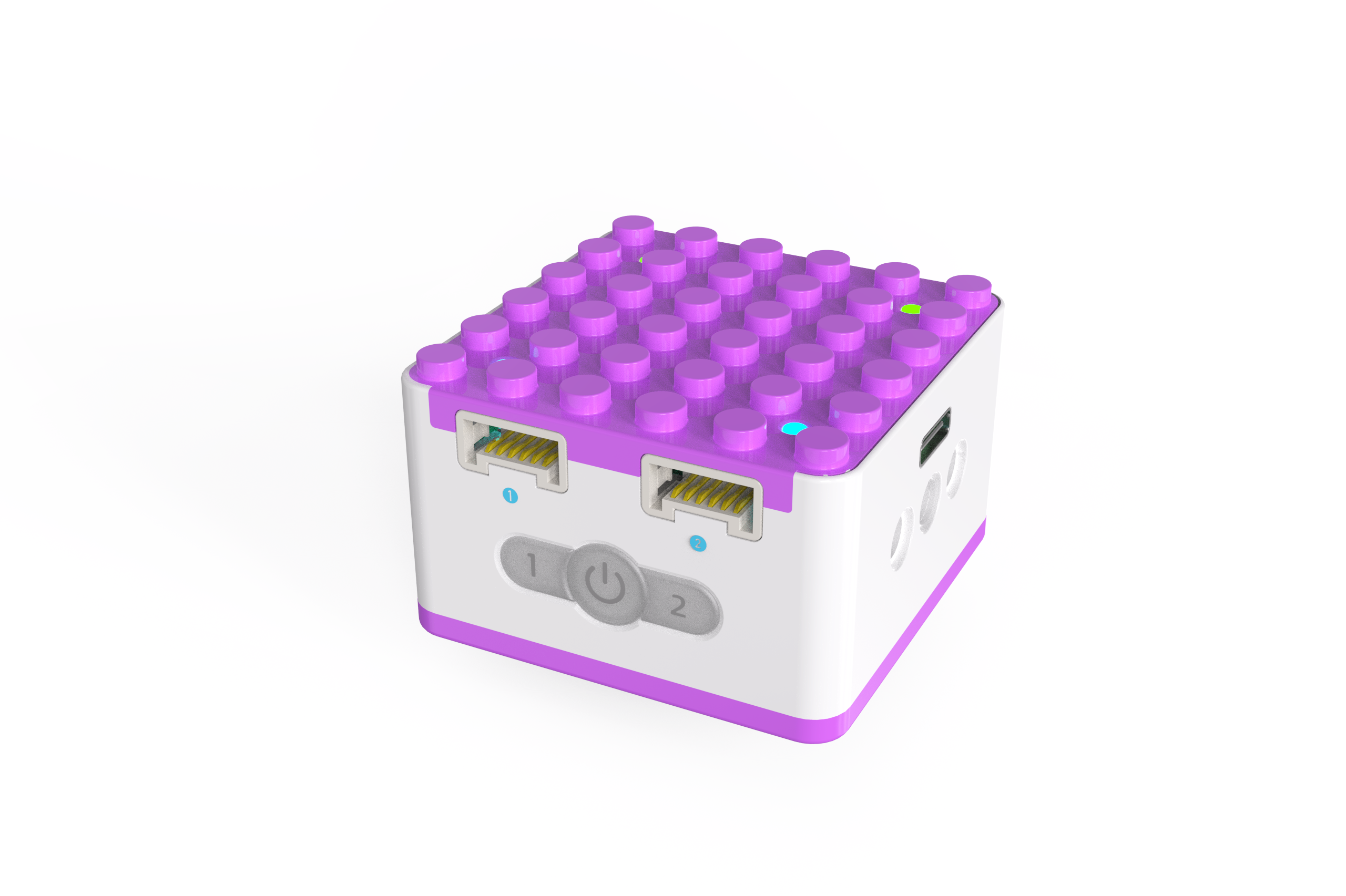
ICQbot Xiao Q Robot × 1 |
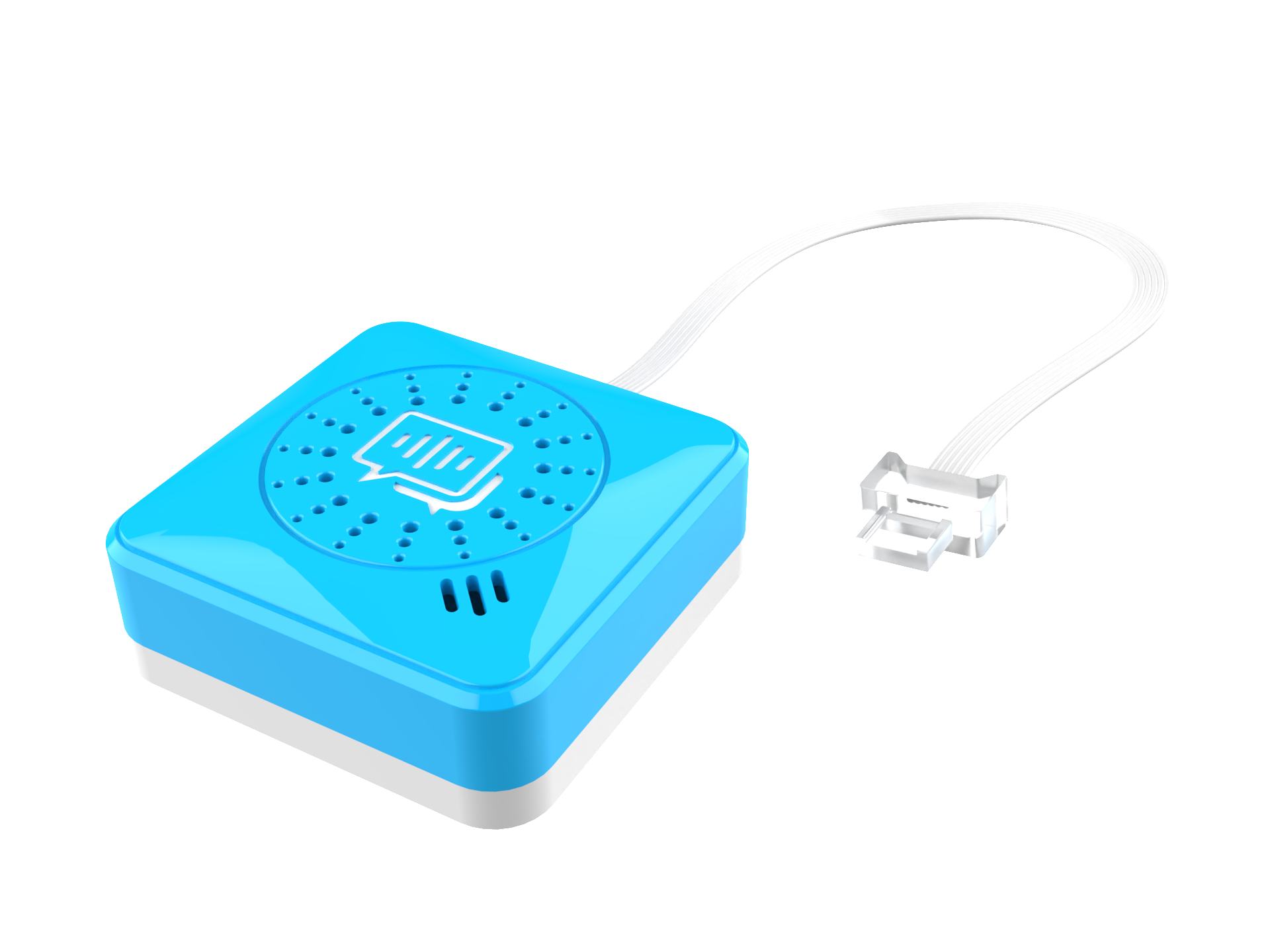
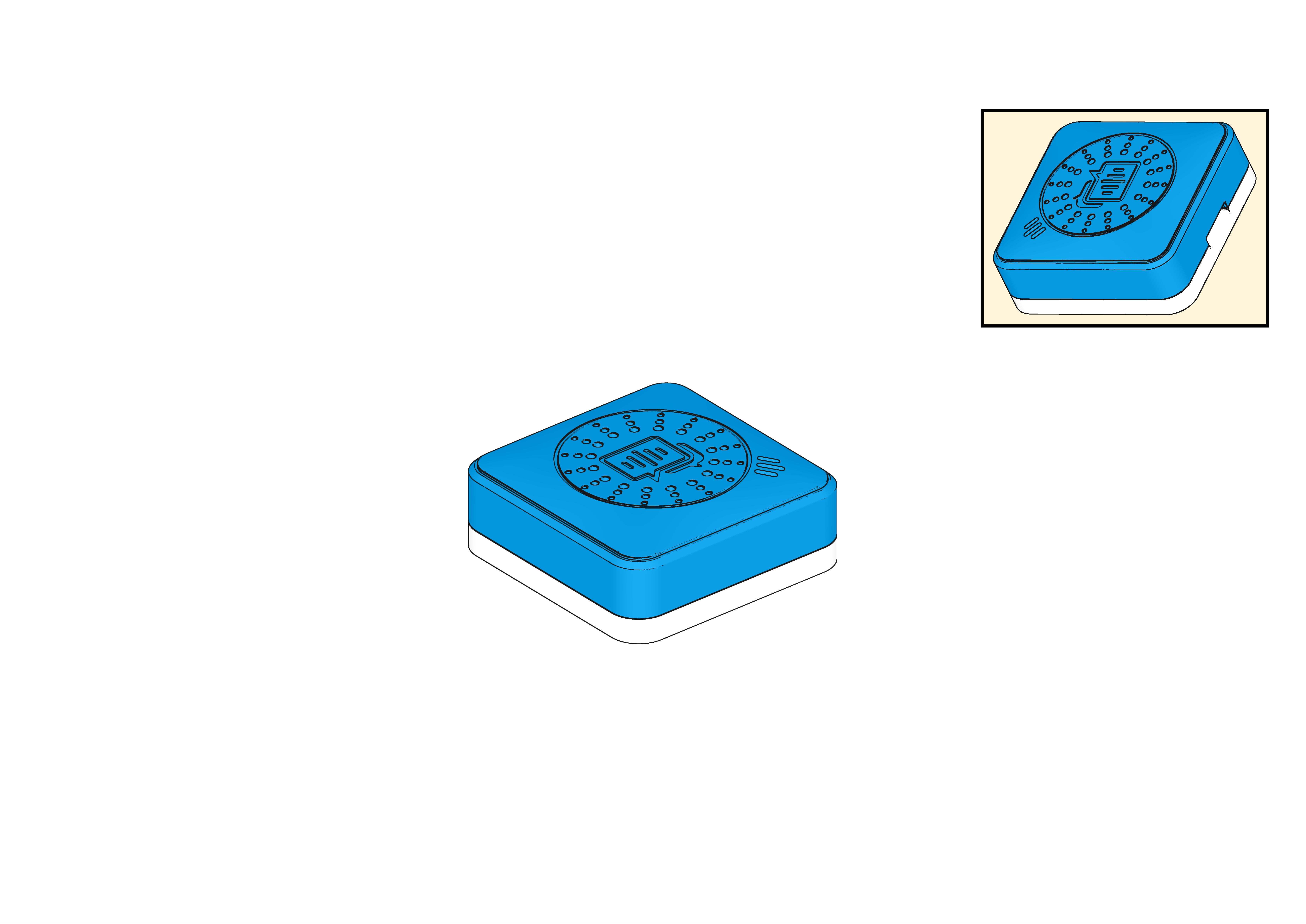
Voice Recognition Sensor ×1 |
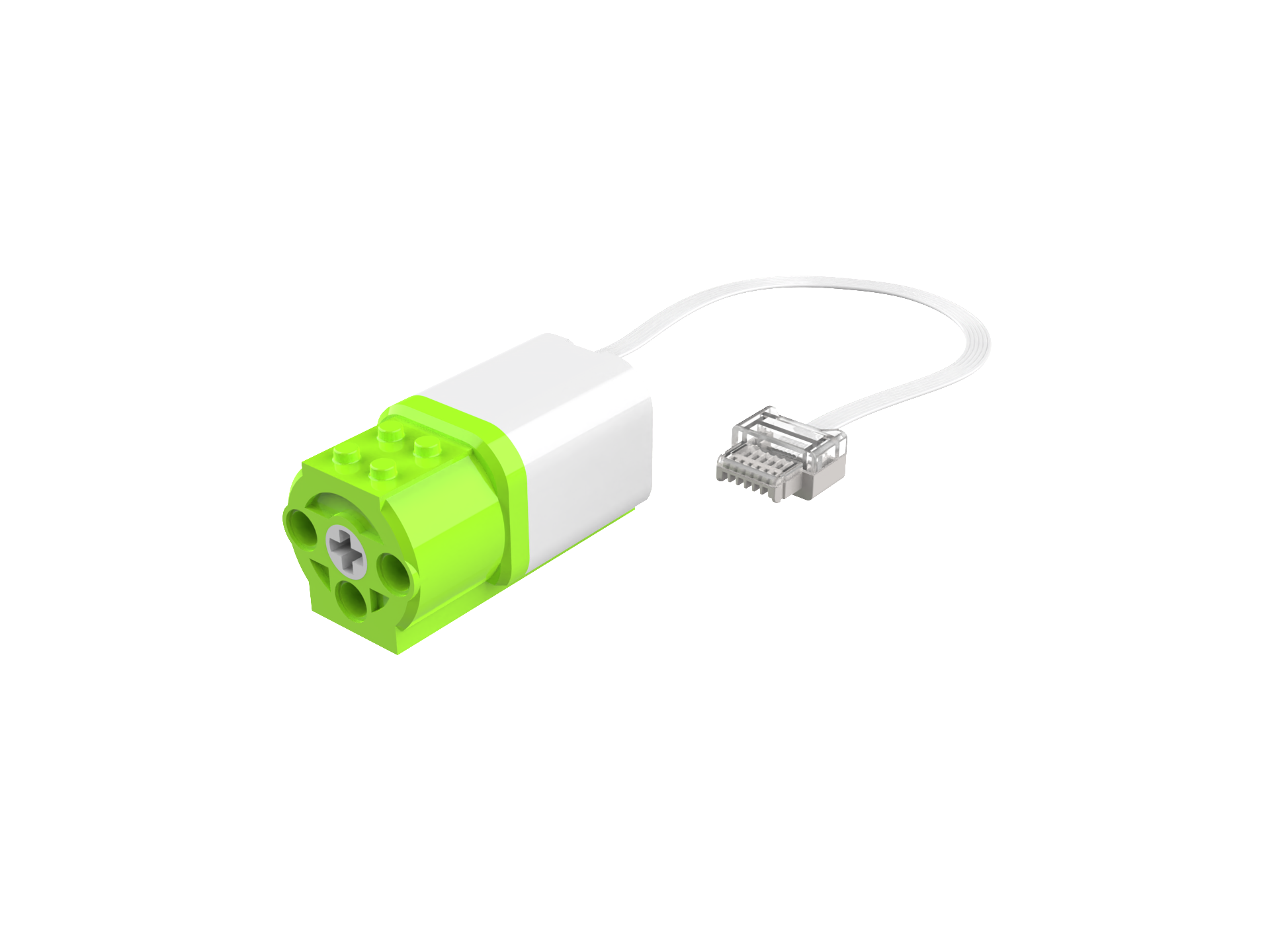
Motors × 2 |
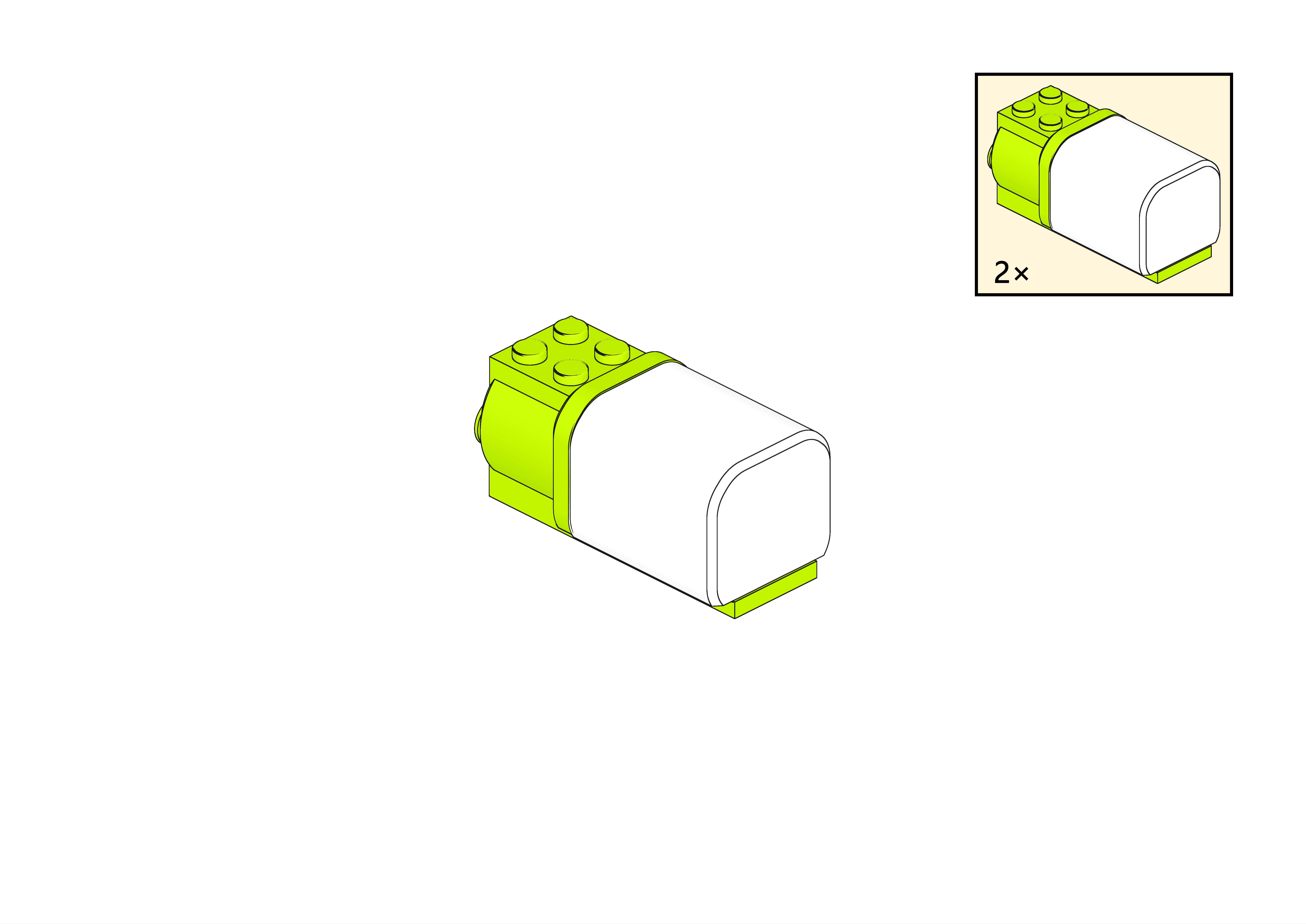
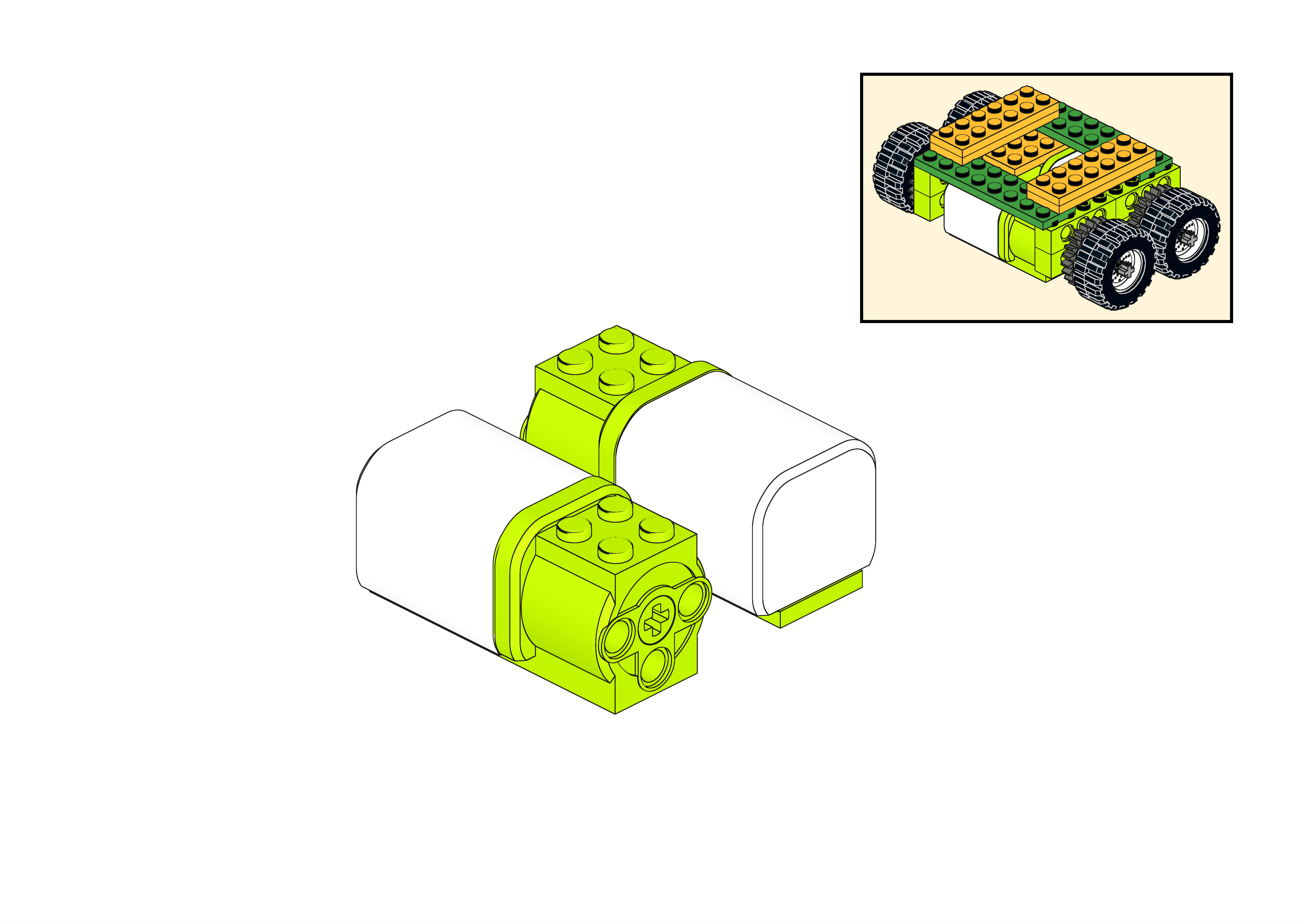
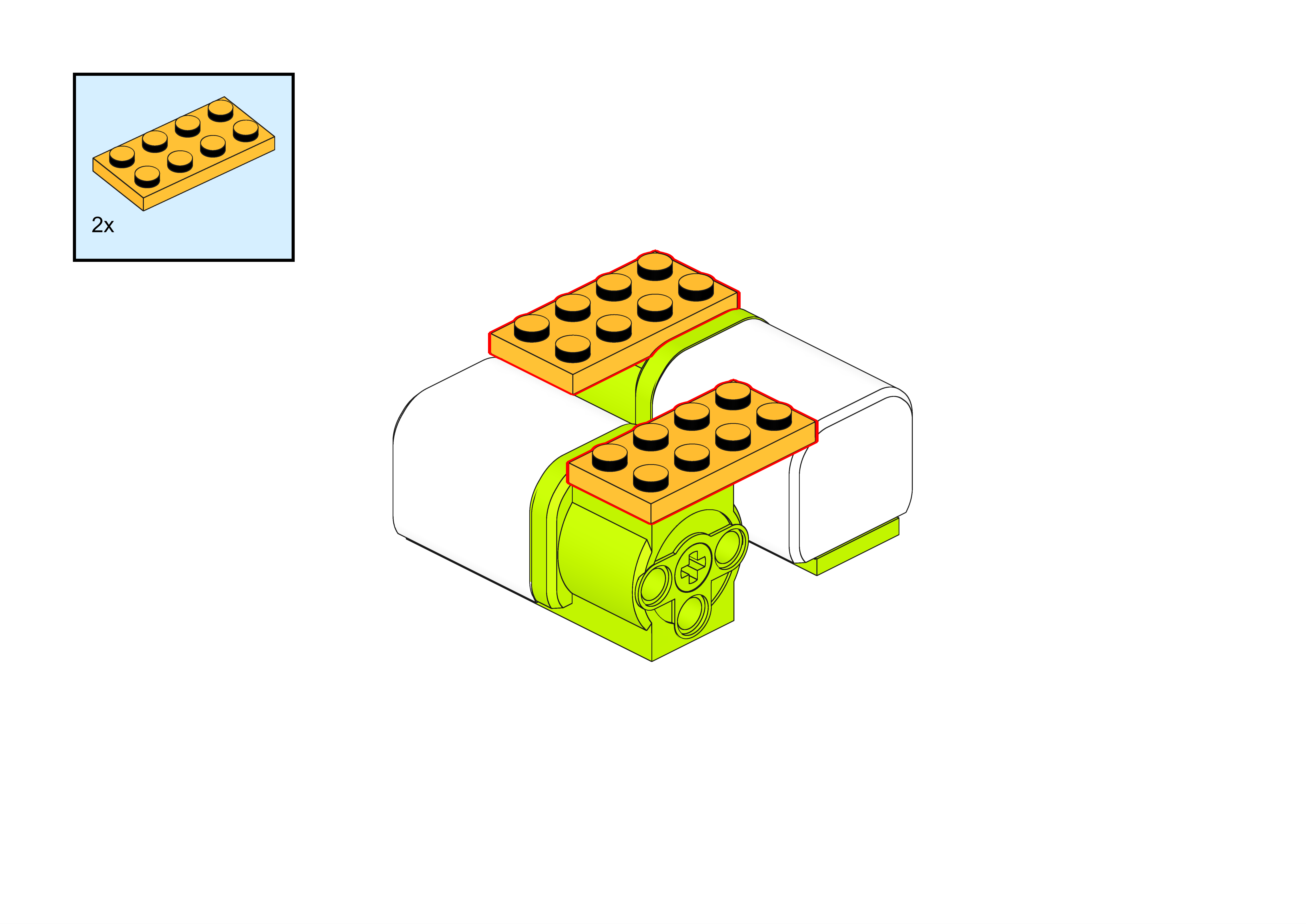
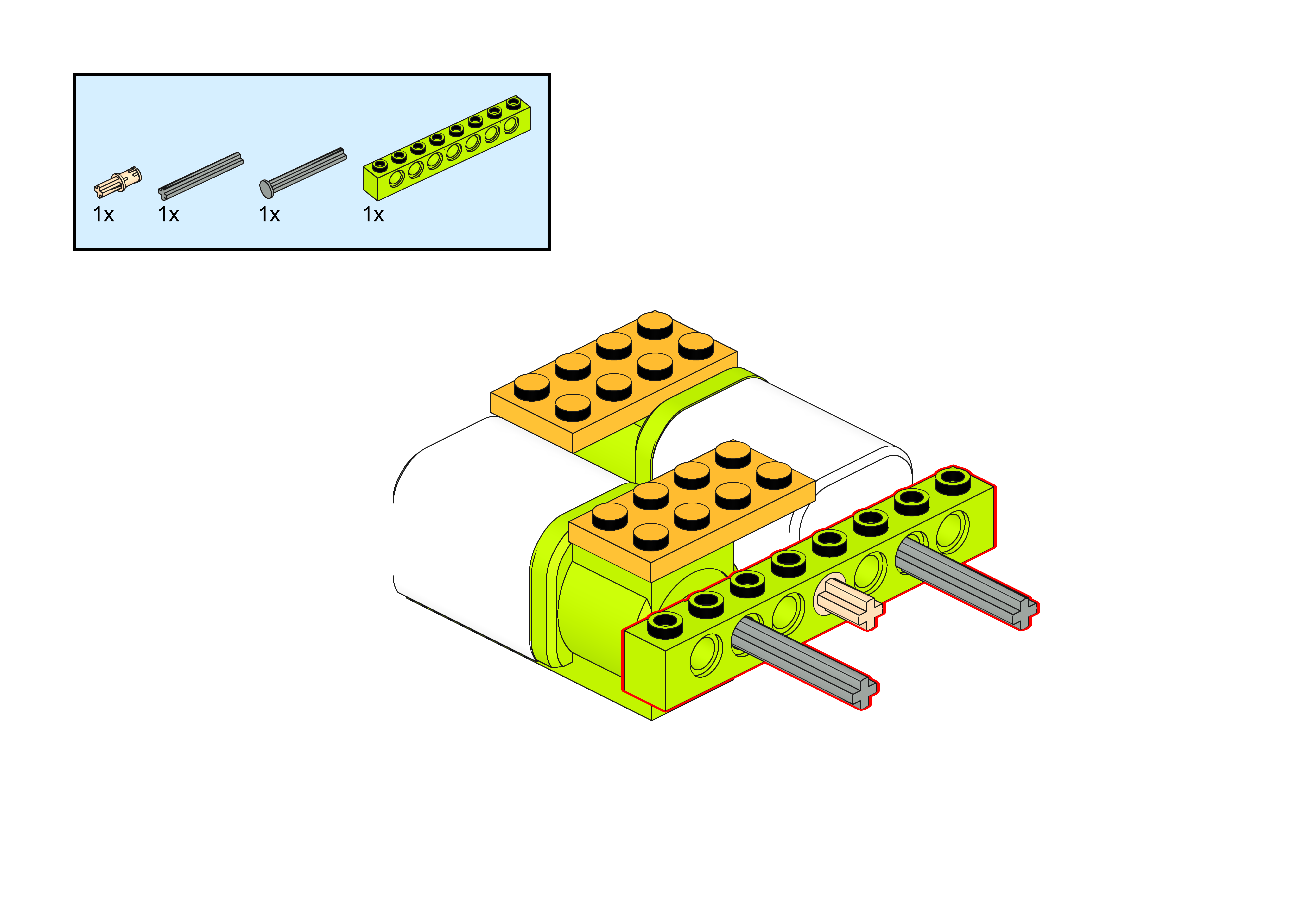
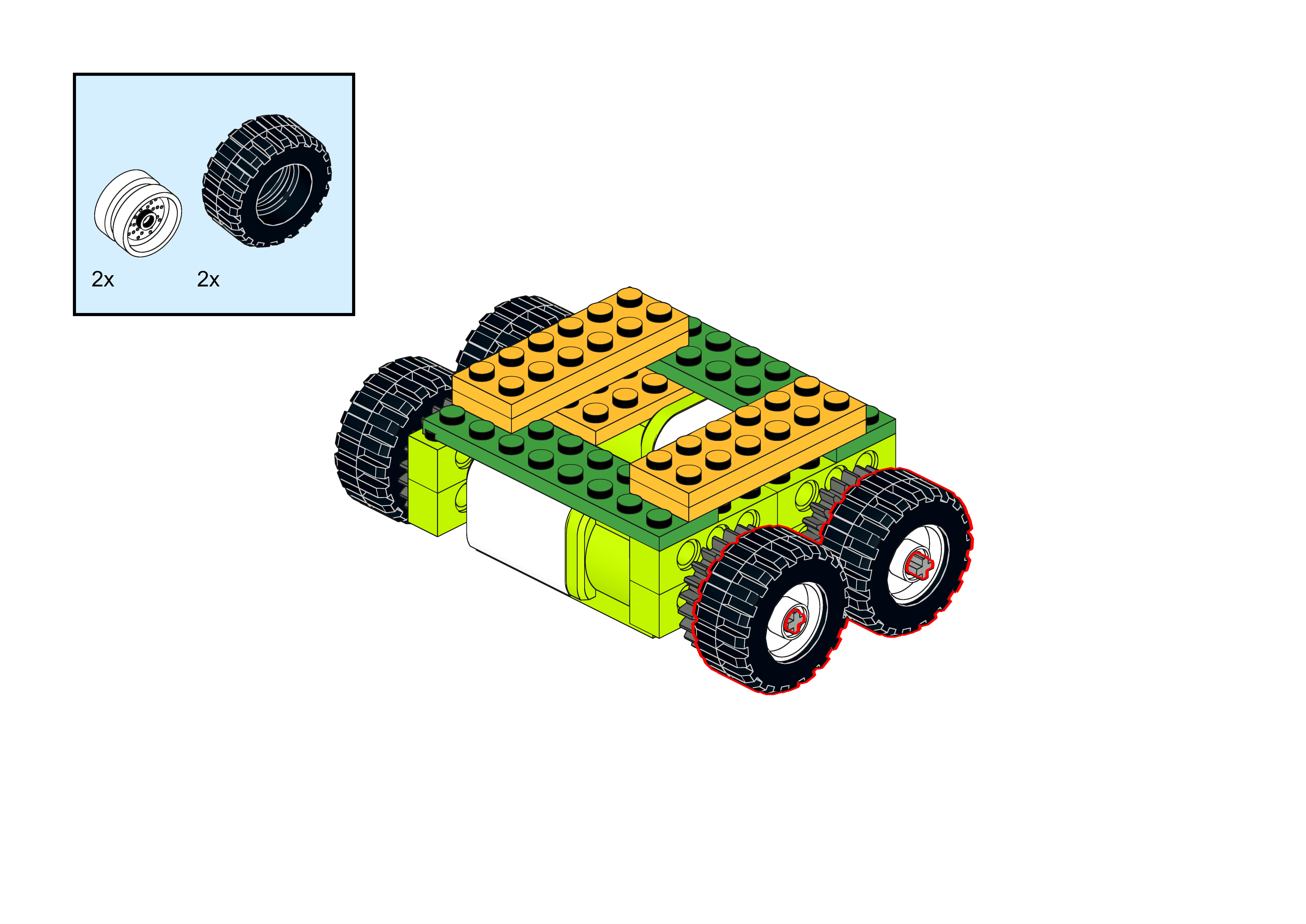
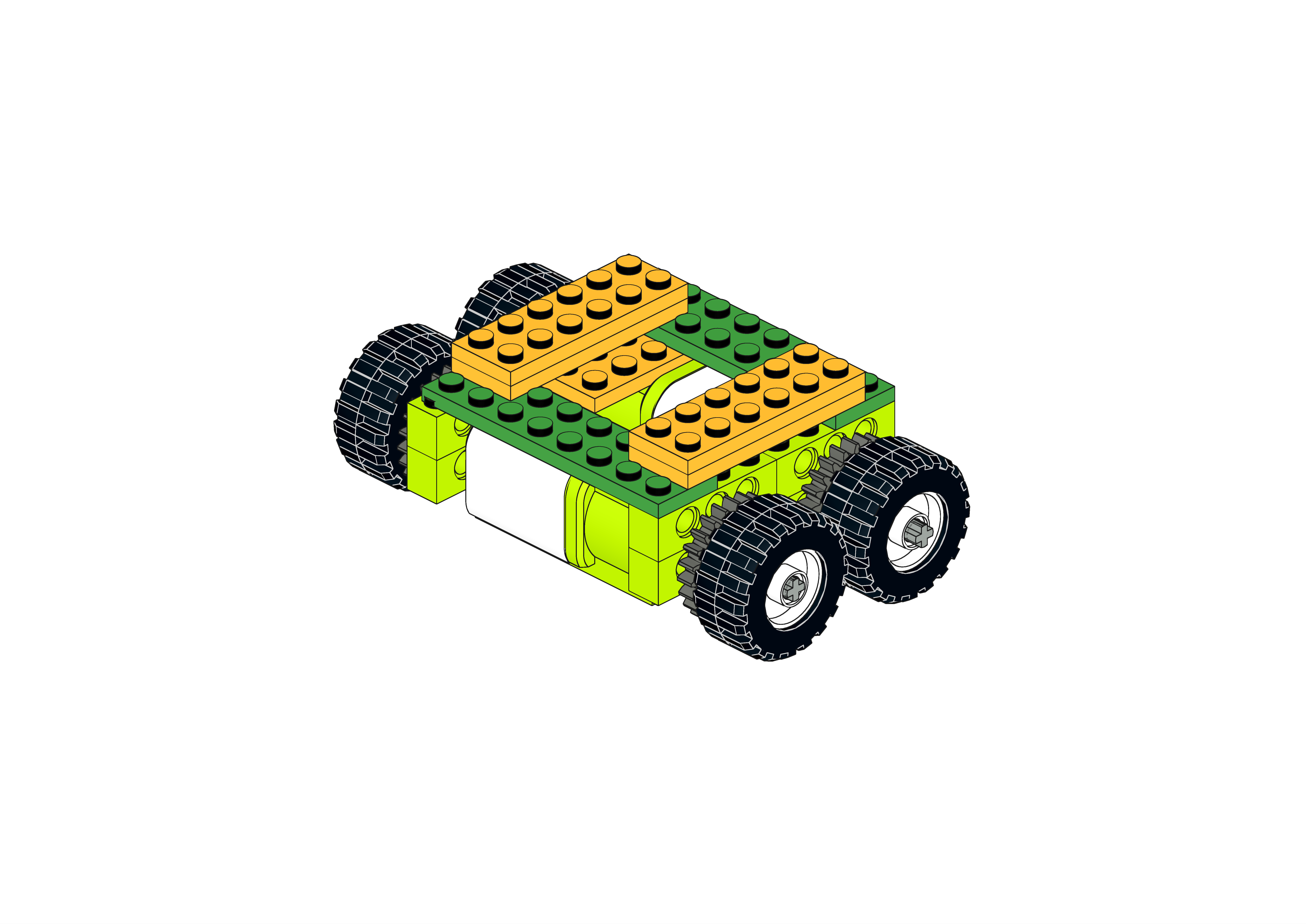
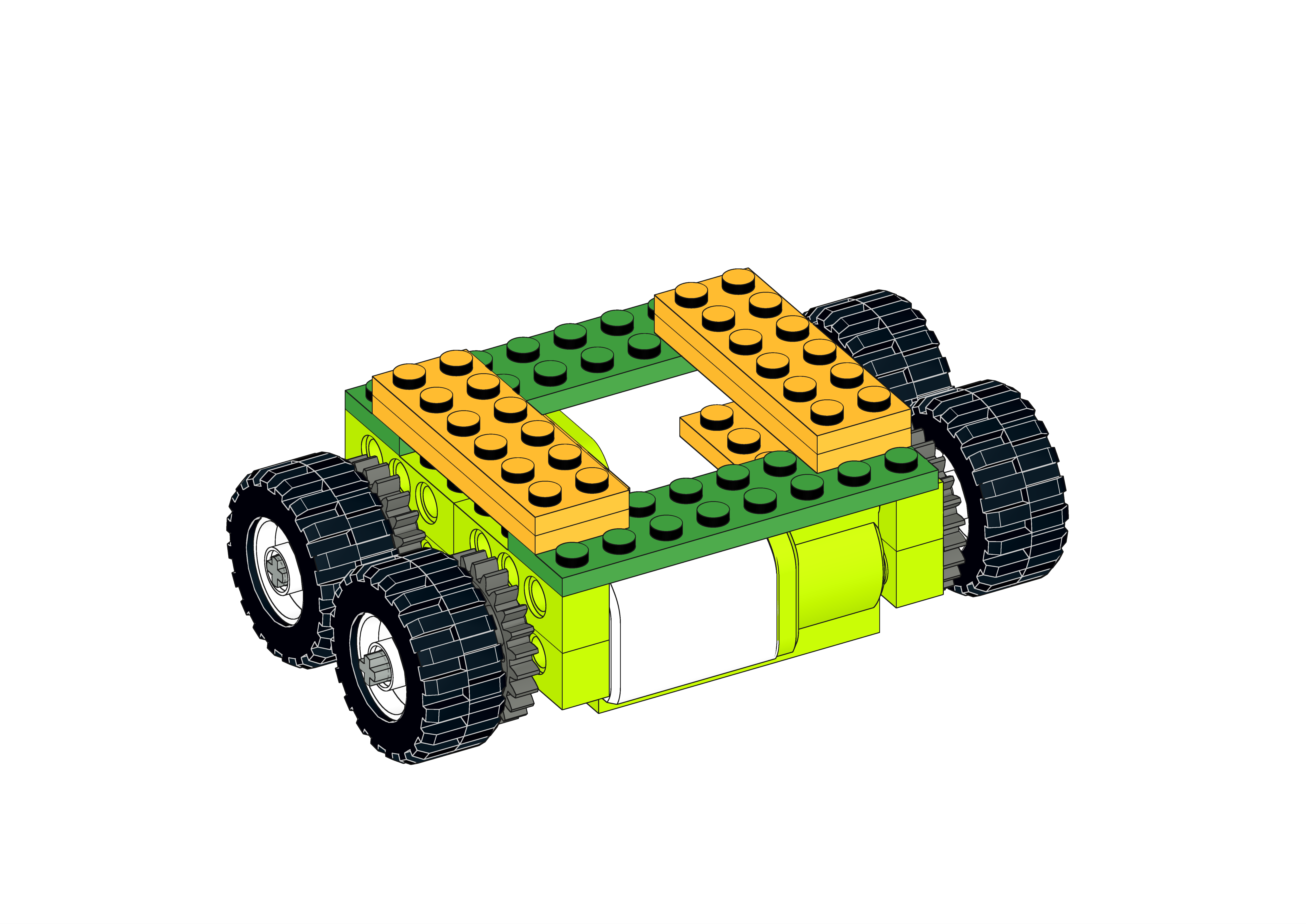
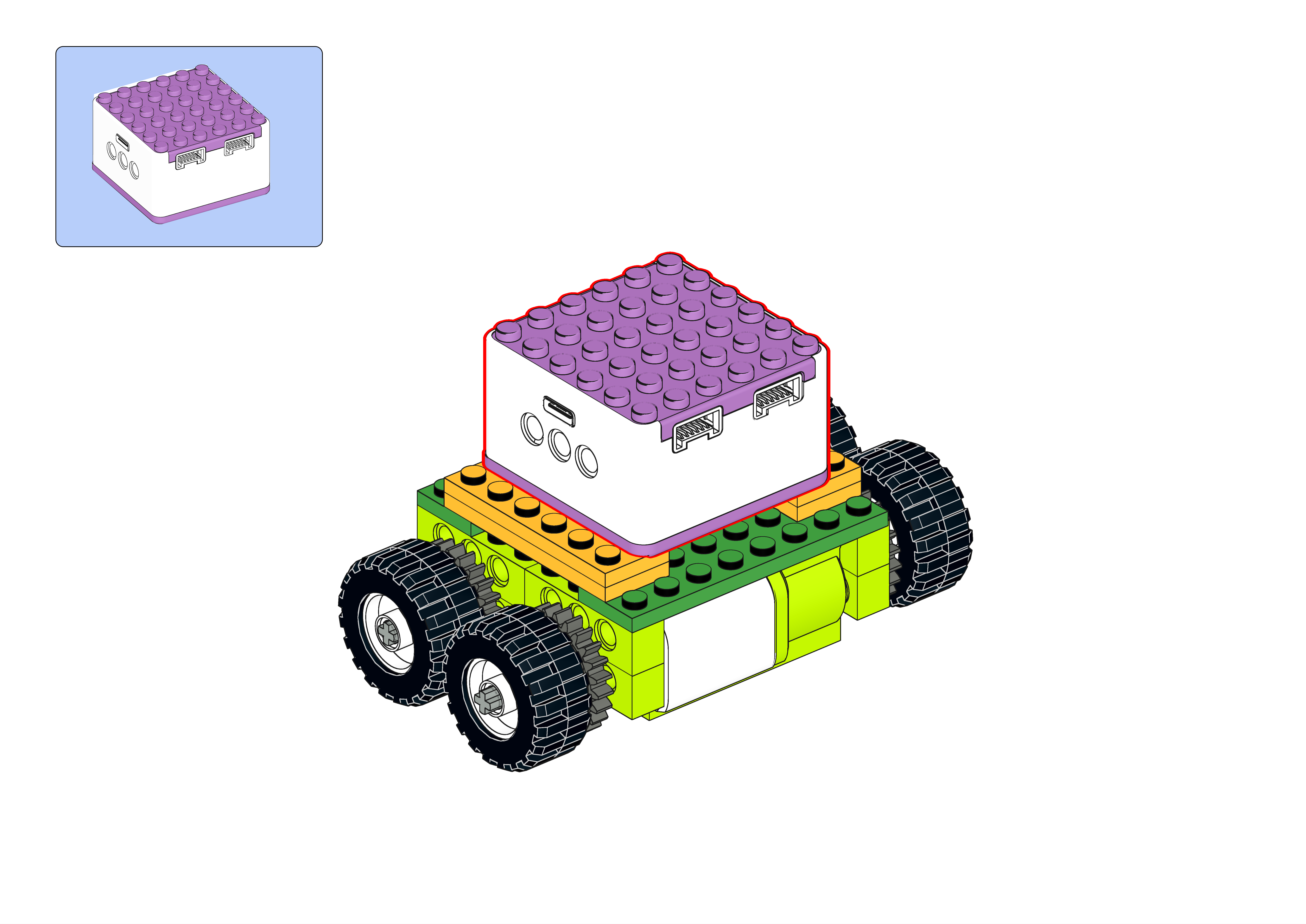
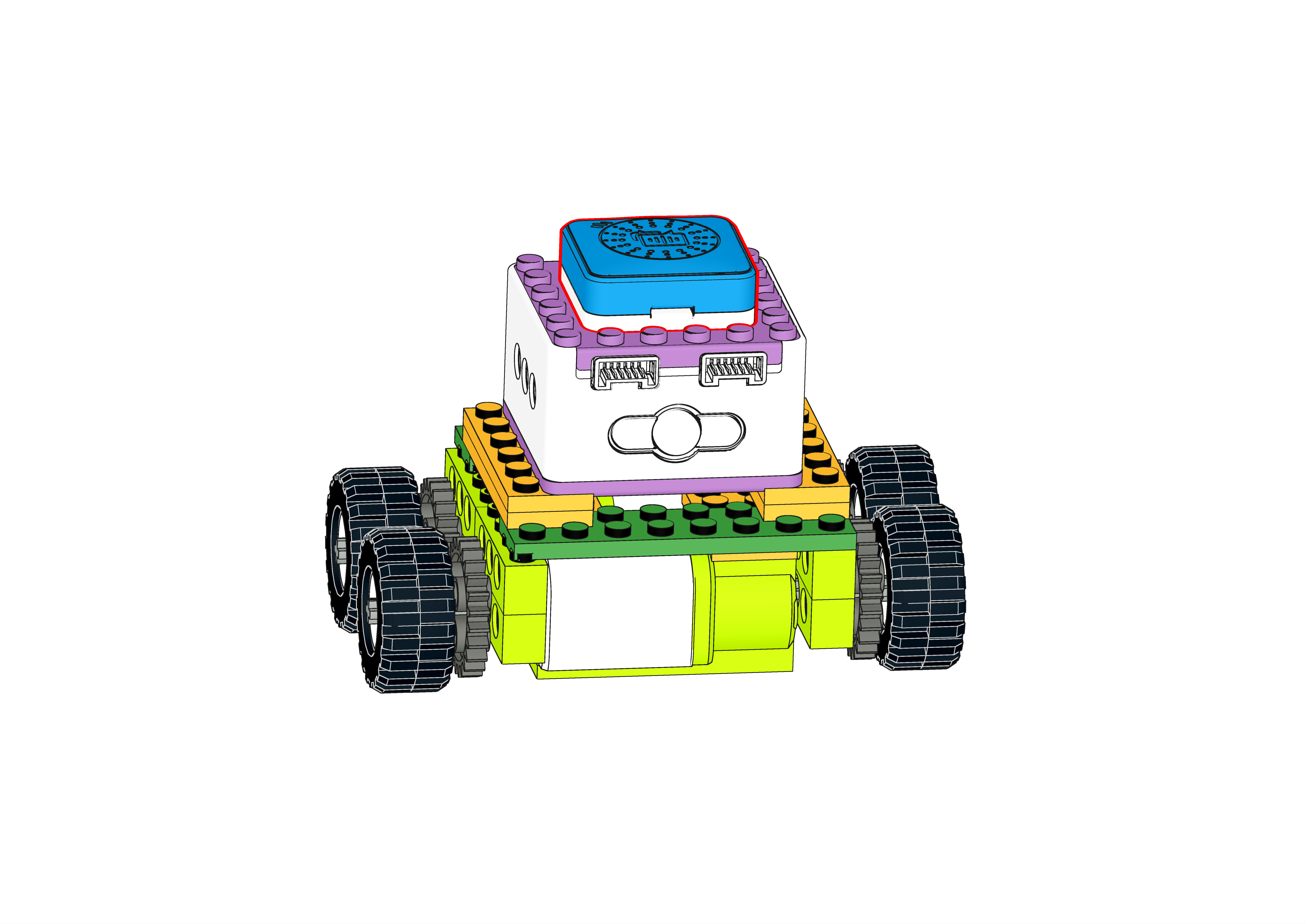
Structure Setup
|
|
|
|
|---|---|---|---|
Step 1 |
Step 2 |
Step 3 |
Step 4 |
|
|
|
|
Step 5 |
Step 6 |
Step 7 |
Step 8 |
|
|
|
|
Step 9 |
Step 10 |
Step 11 |
Step 12 |
|
|
|
|
Step 13 |
Step 14 |
Step 15 |
Step 16 |
|
|
||
Step 17 |
Step 18 |
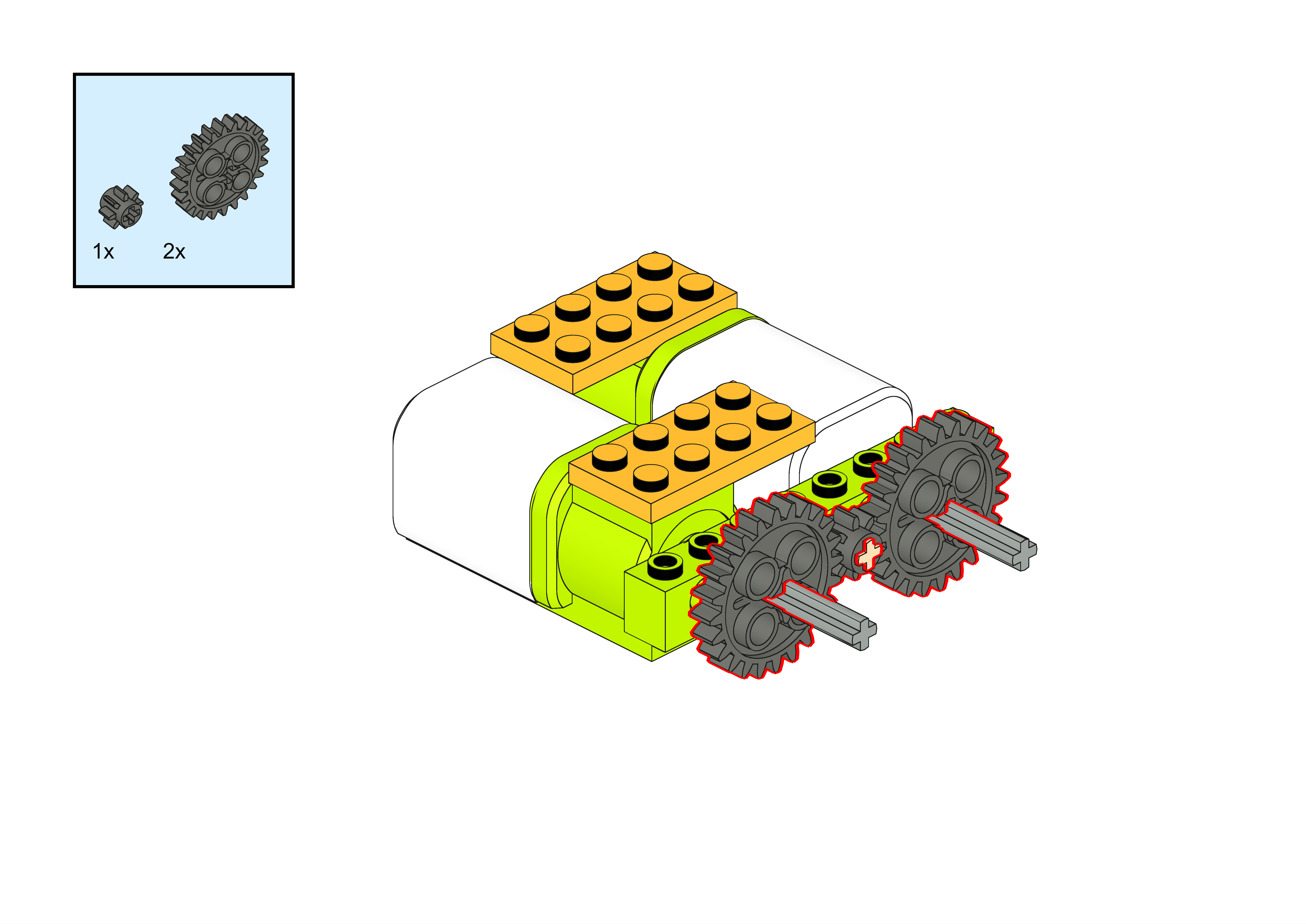
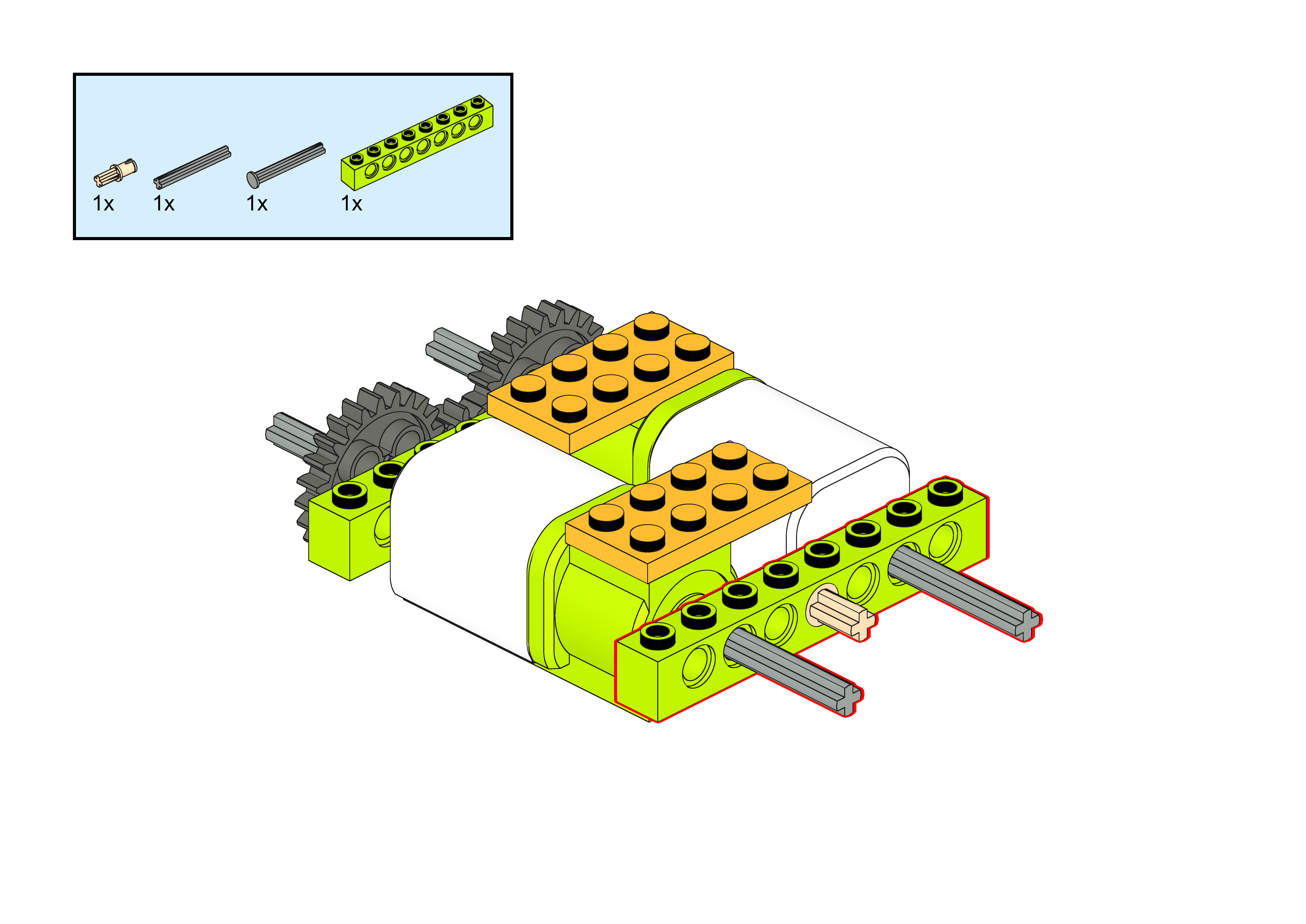
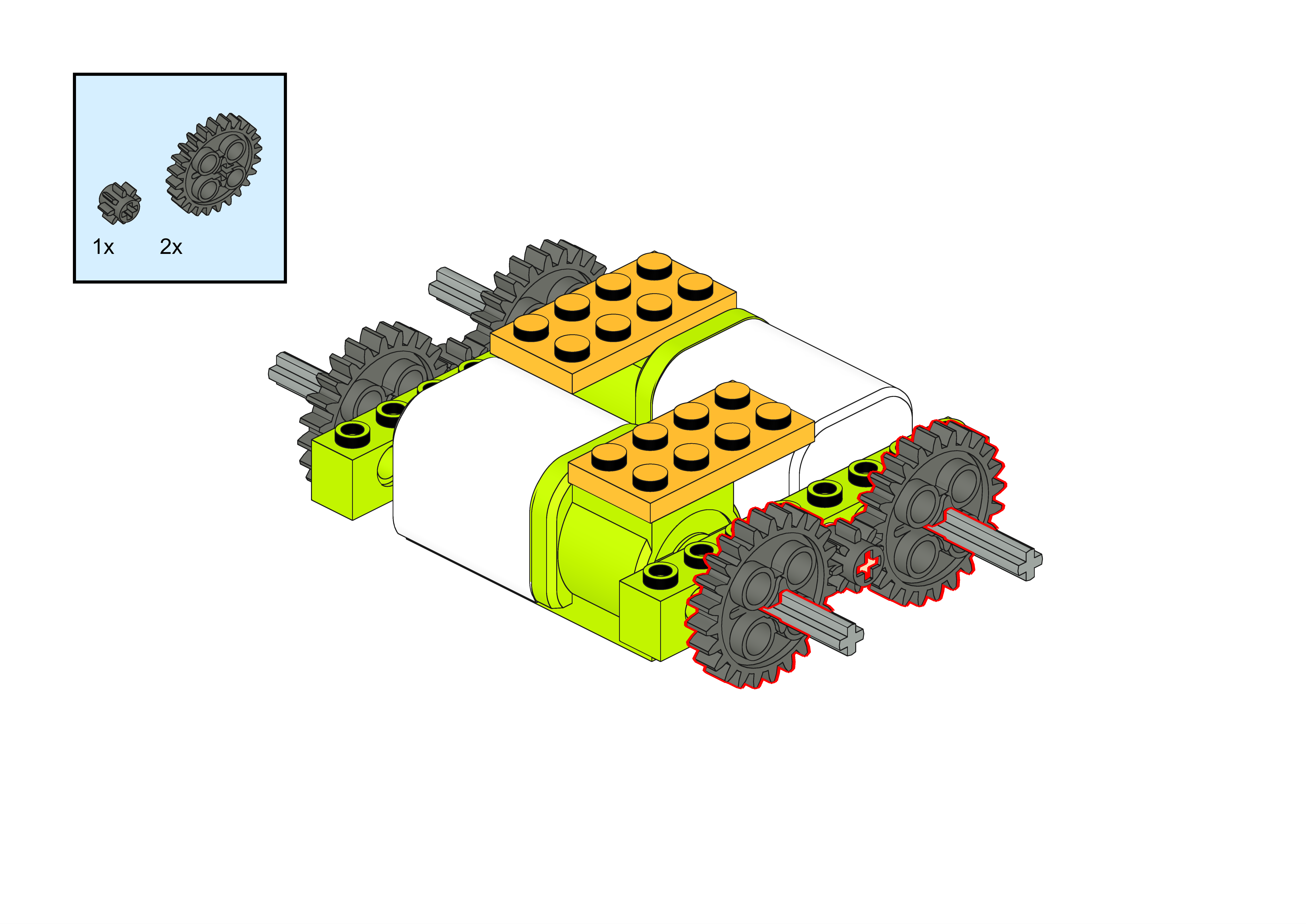
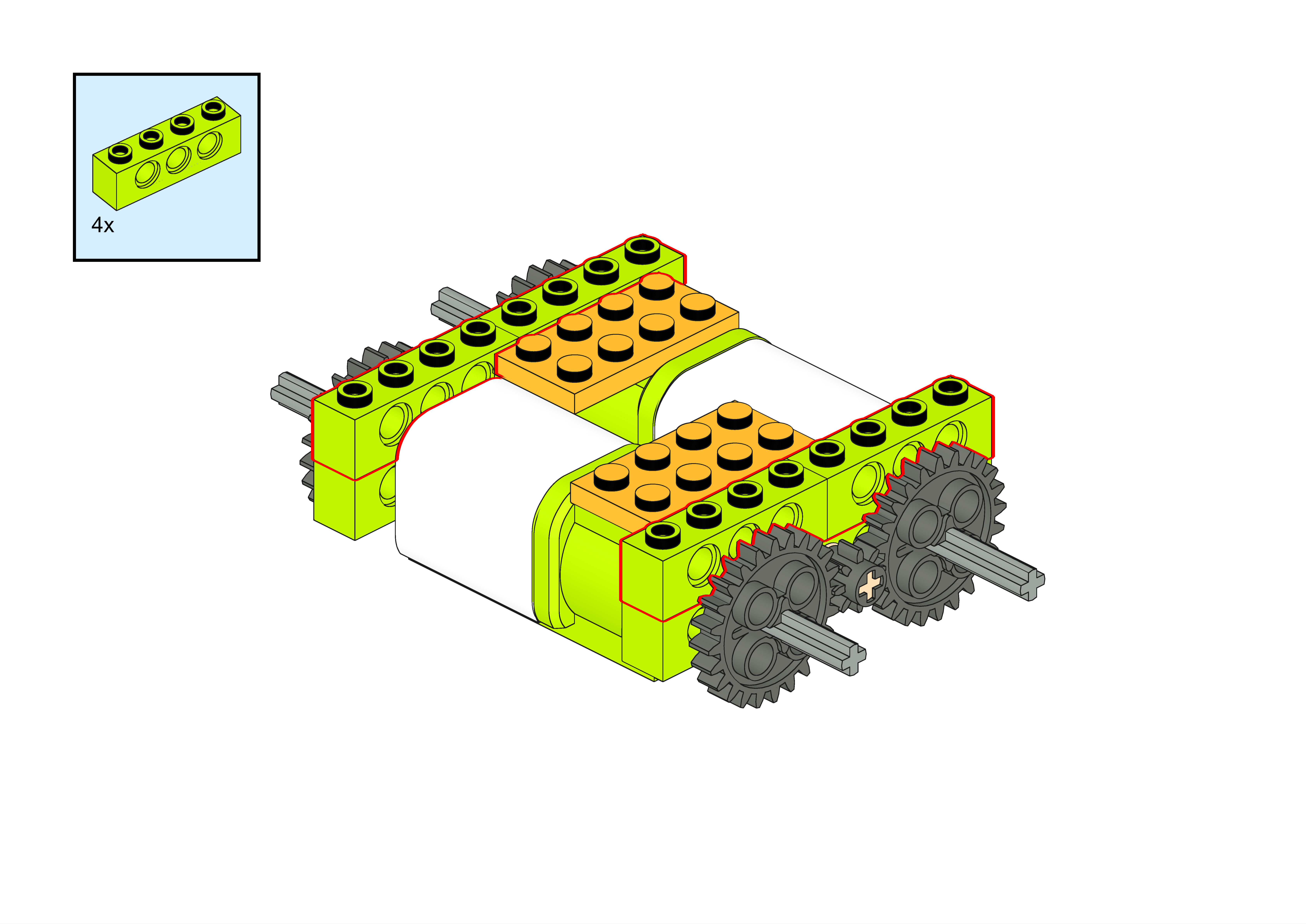
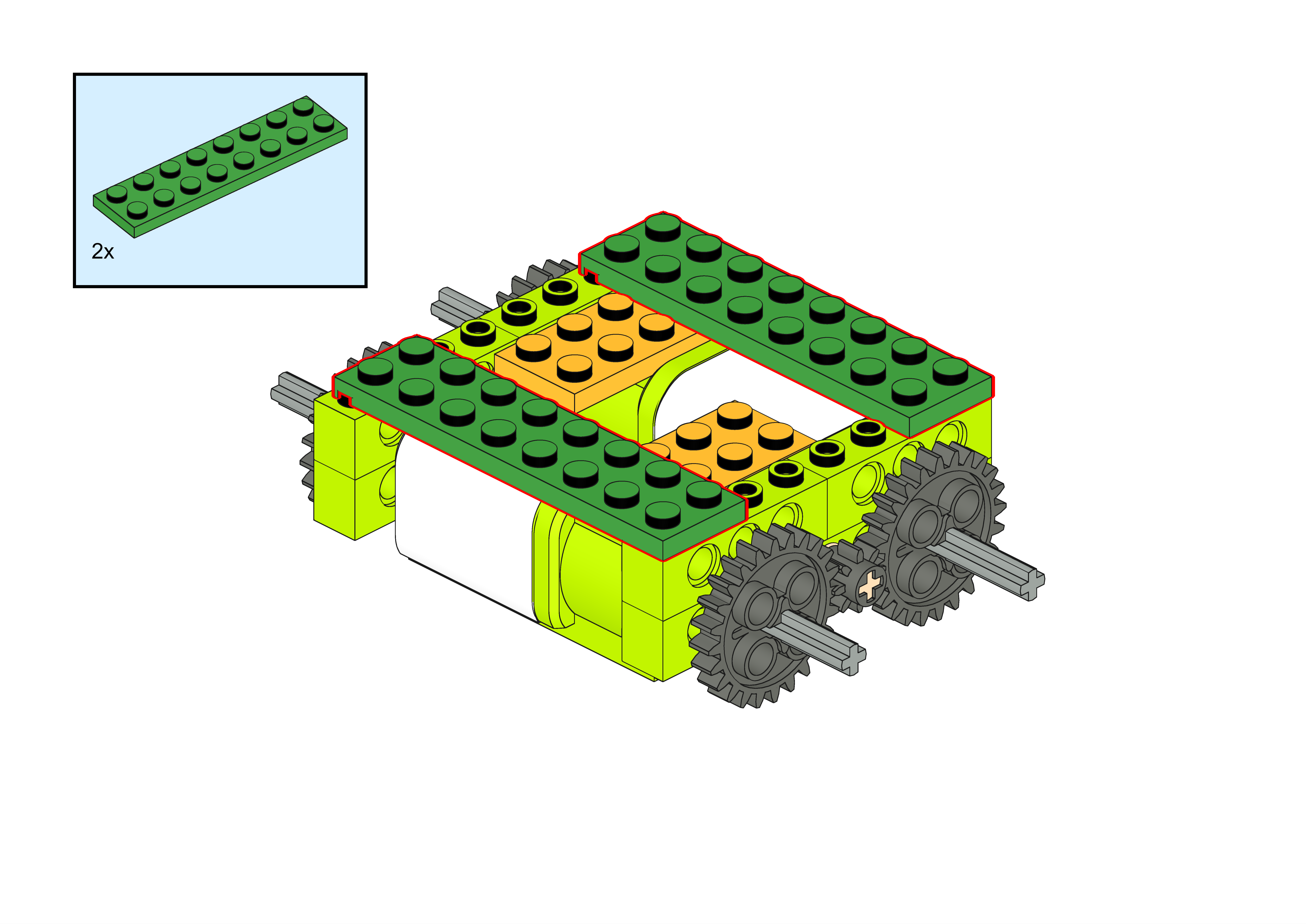
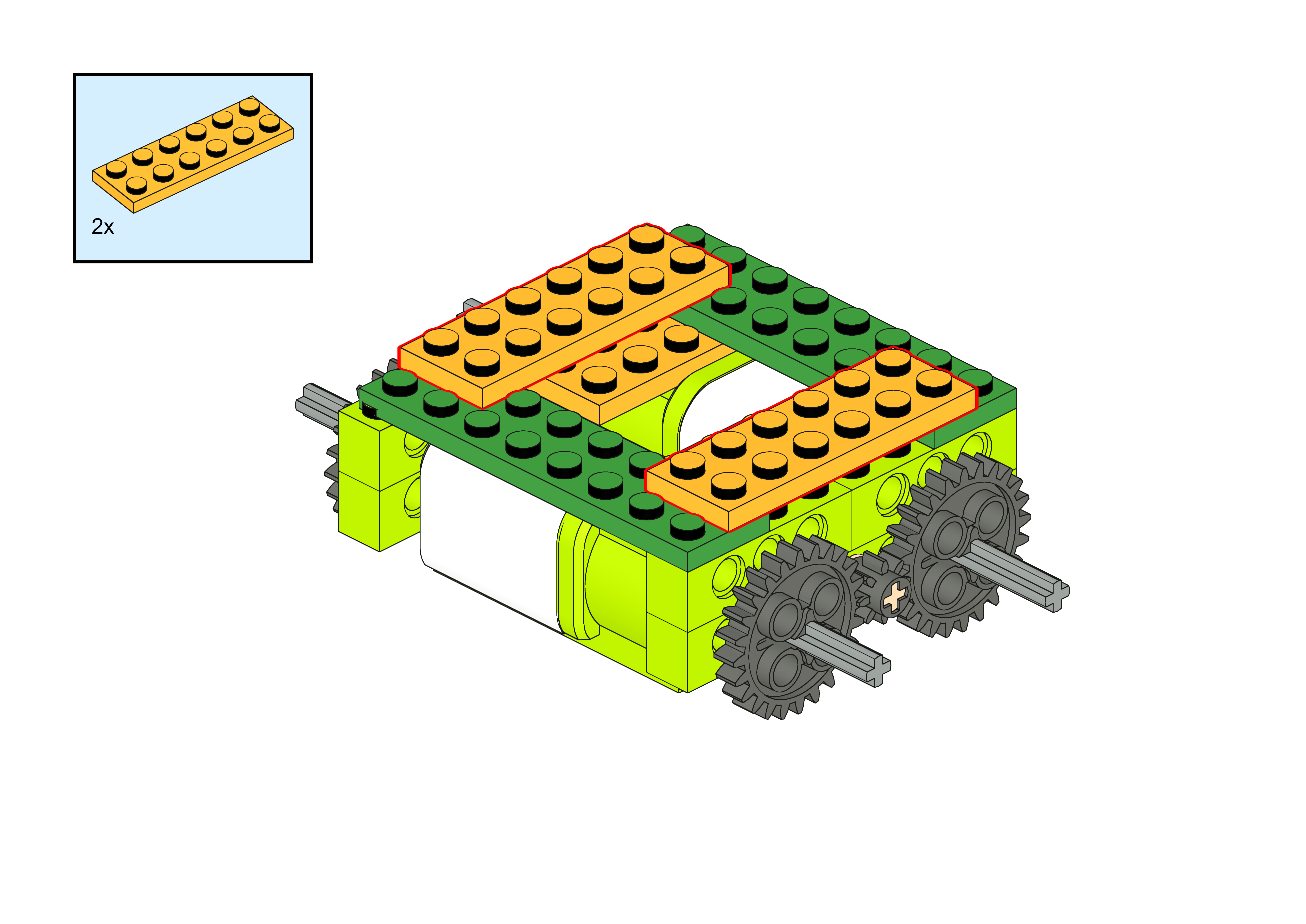
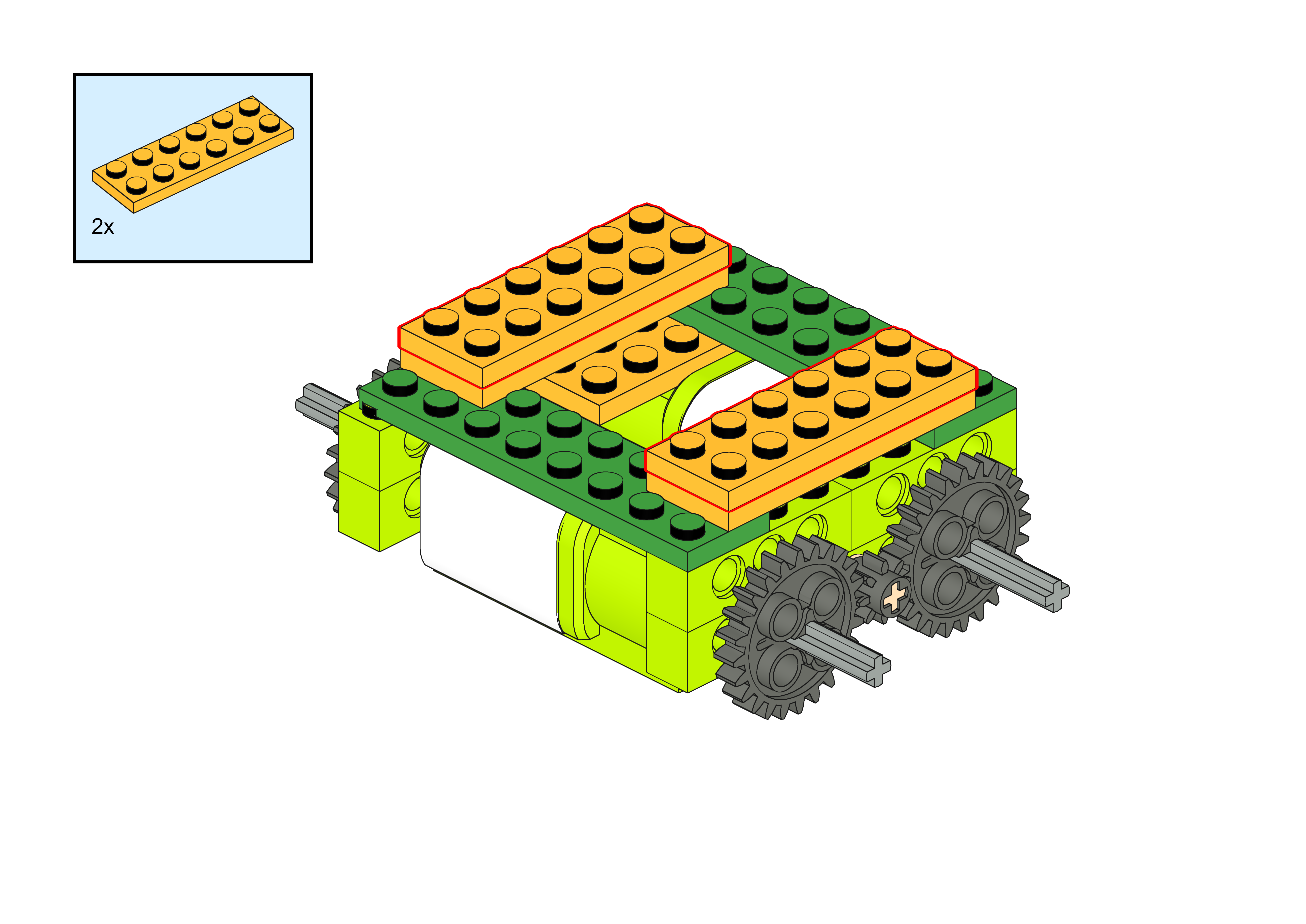
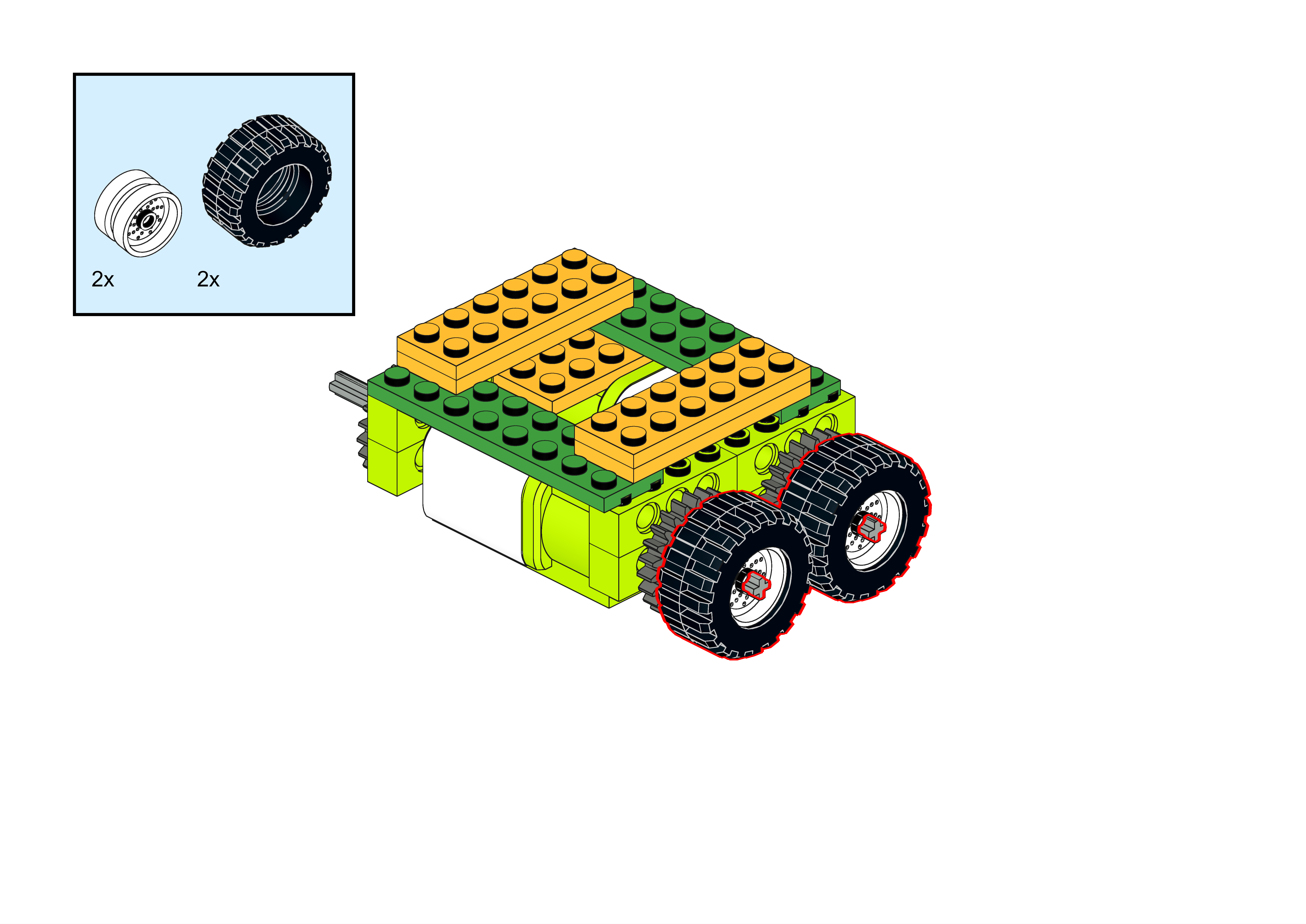
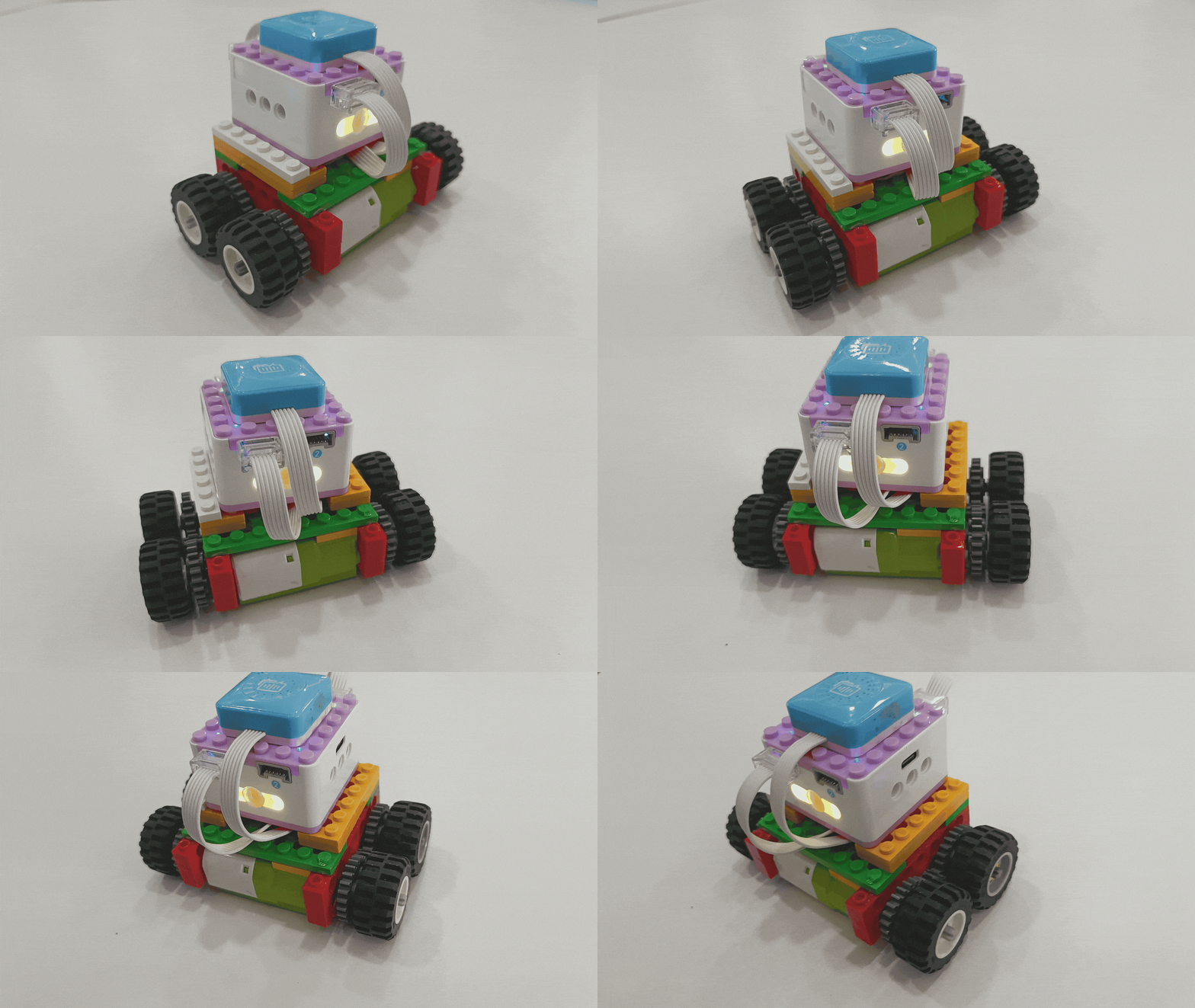
Demonstration
Steps Display
|
|
|---|---|
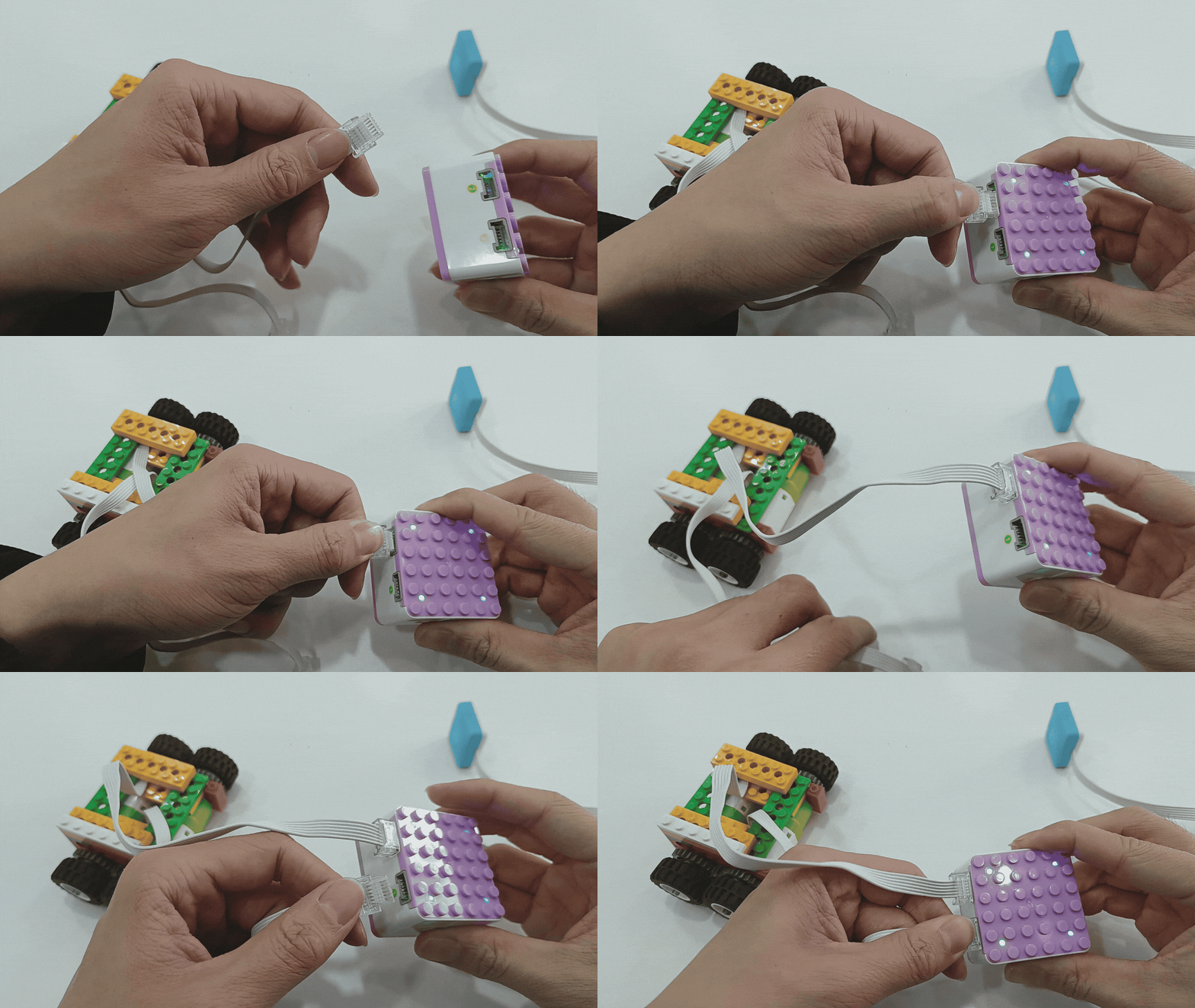
1、Press and hold the power button on the Xiao Q Robot for 3s to power it on. Connect the motor modules to Ports 1 and 2 (green side). |
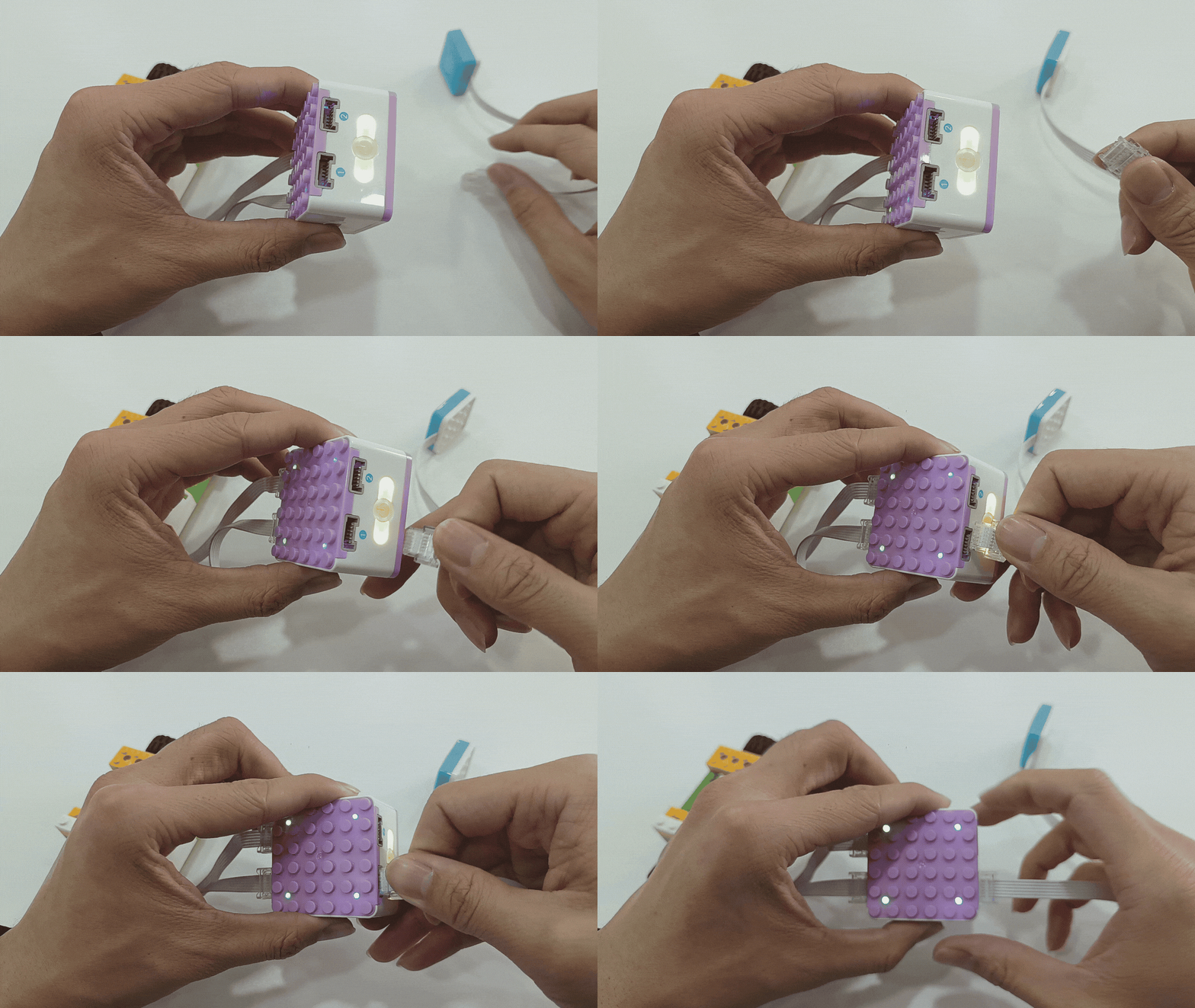
2、Connect the voice recognition sensor to Port 1 (blue side). |
|
|
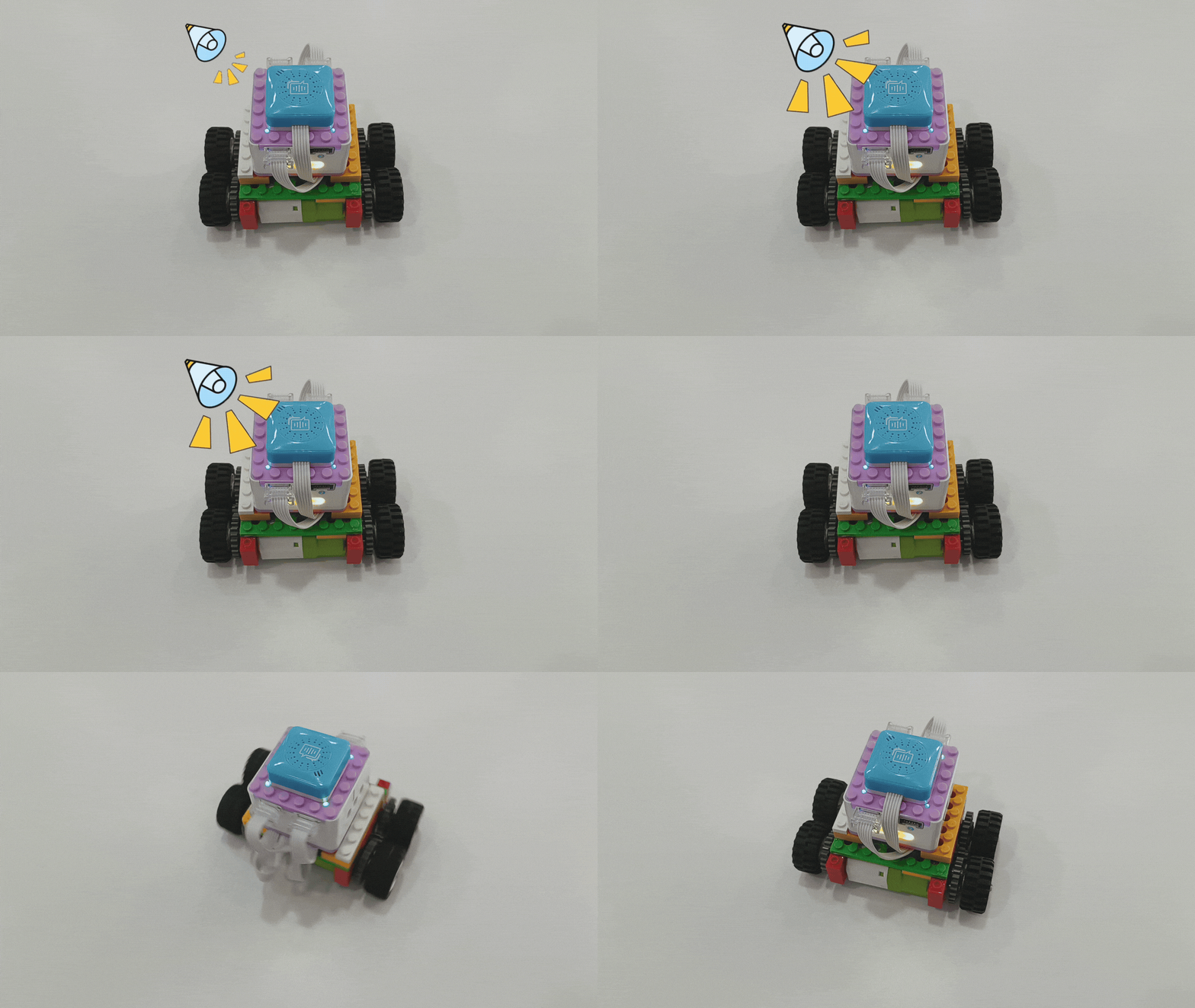
3、Wake up the voice recognition sensor by saying “Hello Xiao Q” and wait for the response. Say the command: “Start programming”, “Turn left”, “Wait for 1 second”, “Stop”, and “End programming.” Say “Execute program” for the motors to perform the corresponding actions. |
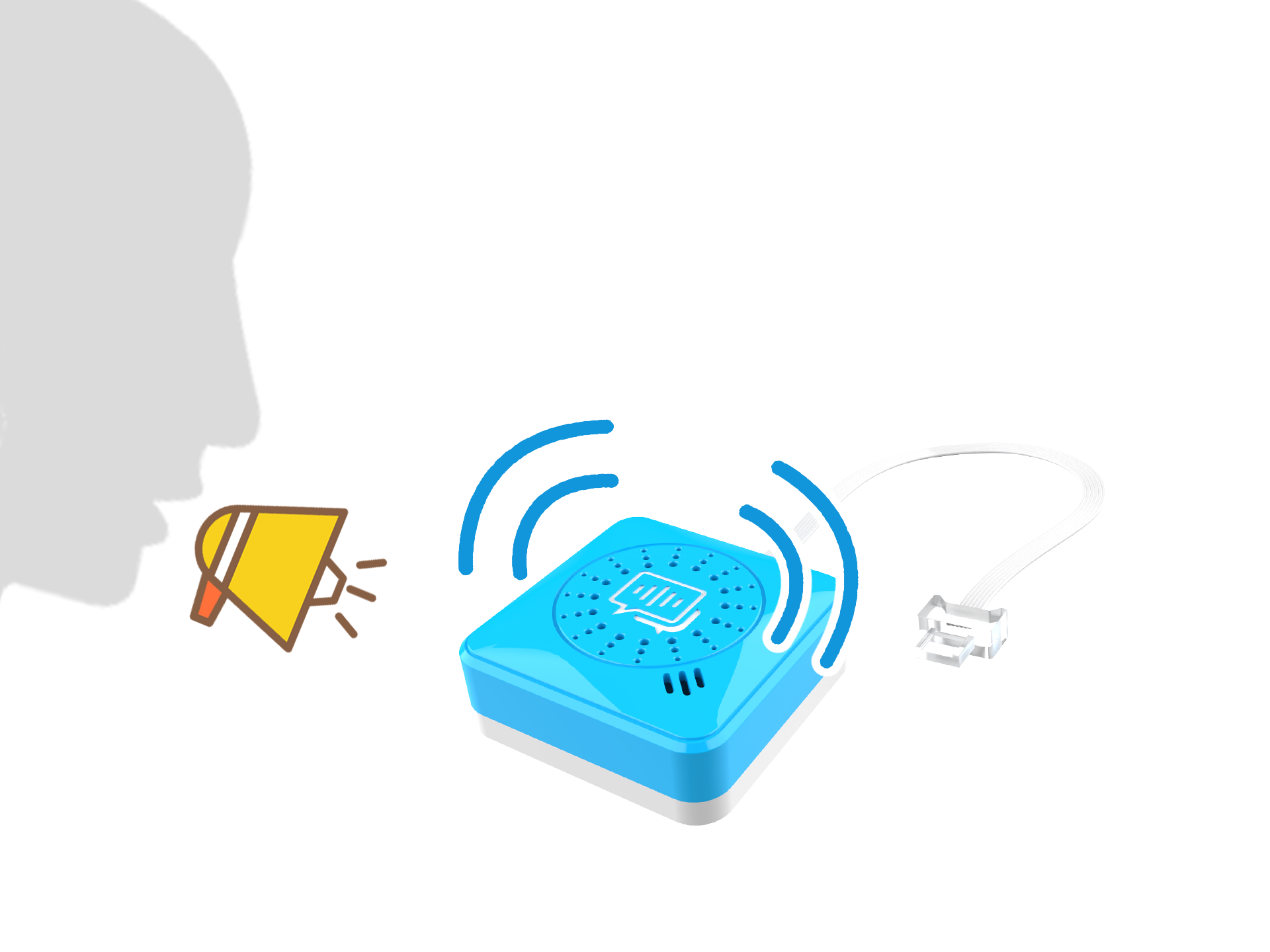
Attached: Detection diagram of the voice recognition sensor. |
*Other command word effects can be tried on your own. Click here to learn more command words.
Voice Command List
Type |
Commands |
Responses |
|---|---|---|
Wake Words |
Hellow, Xiao Q |
Xiao Q is here! |
Exit Words |
Exit |
Shut up |
Motion Words |
Move forward |
Forward recognized |
Move backward |
Backward recognized |
|
Turn left |
Turn left recognized |
|
Turn right |
Turn right recognized |
|
Stop movement |
Stop movement recognized |
|
Motor Control Class Words |
Motor one forward rotation |
Motor one rotating forward recognized |
Motor two forward rotation |
Motor two rotating forward recognized |
|
Motor one reverse rotation |
Motor one rotating backward recognized |
|
Motor two reverse rotation |
Motor two rotating backward recognized |
|
Stop motor one |
Motor one stopped recognized |
|
Stop motor two |
Motor two stopped recognized |
|
Waiting for Class Words |
Wait for one second |
Wait for one second recognized |
Wait for two seconds |
Wait for two seconds recognized |
|
Wait for three seconds |
Wait for three seconds recognized |
|
Wait for tilt |
Wait for tilt recognized |
|
Wait for shake |
Wait for shake recognized |
|
Wait for close distance |
Wait for close distance recognized |
|
Wait for button one press |
Wait for button one pressed recognized |
|
Wait for button two press |
Wait for button two pressed recognized |
|
Wait for ten seconds |
Wait for ten seconds recognized |
|
Wait for twenty seconds |
Wait for twenty seconds recognized |
|
Wait for thirty seconds |
Wait for thirty seconds recognized |
|
|
Please turn on the light |
Turn on the light |
Please turn off the light |
Turn off the light |
|
Red |
Red light |
|
Yellow |
Yellow light |
|
Green |
Green light |
|
Blue |
Blue light |
|
Voice Coding Words |
Start programming |
start coding |
End programming |
end coding |
|
Run program |
run code |
|
Stop program |
Program stop |
|
ICQbot programming Words |
Move left |
left recognized |
Move right |
right recognized |
|
Move up |
Up recognized |
|
Move down |
Down recognized |
|
Jump |
Jump recognized |
|
Go home |
Go home recognized |
|
Stop |
Stop recognized |