Logic Control Mode
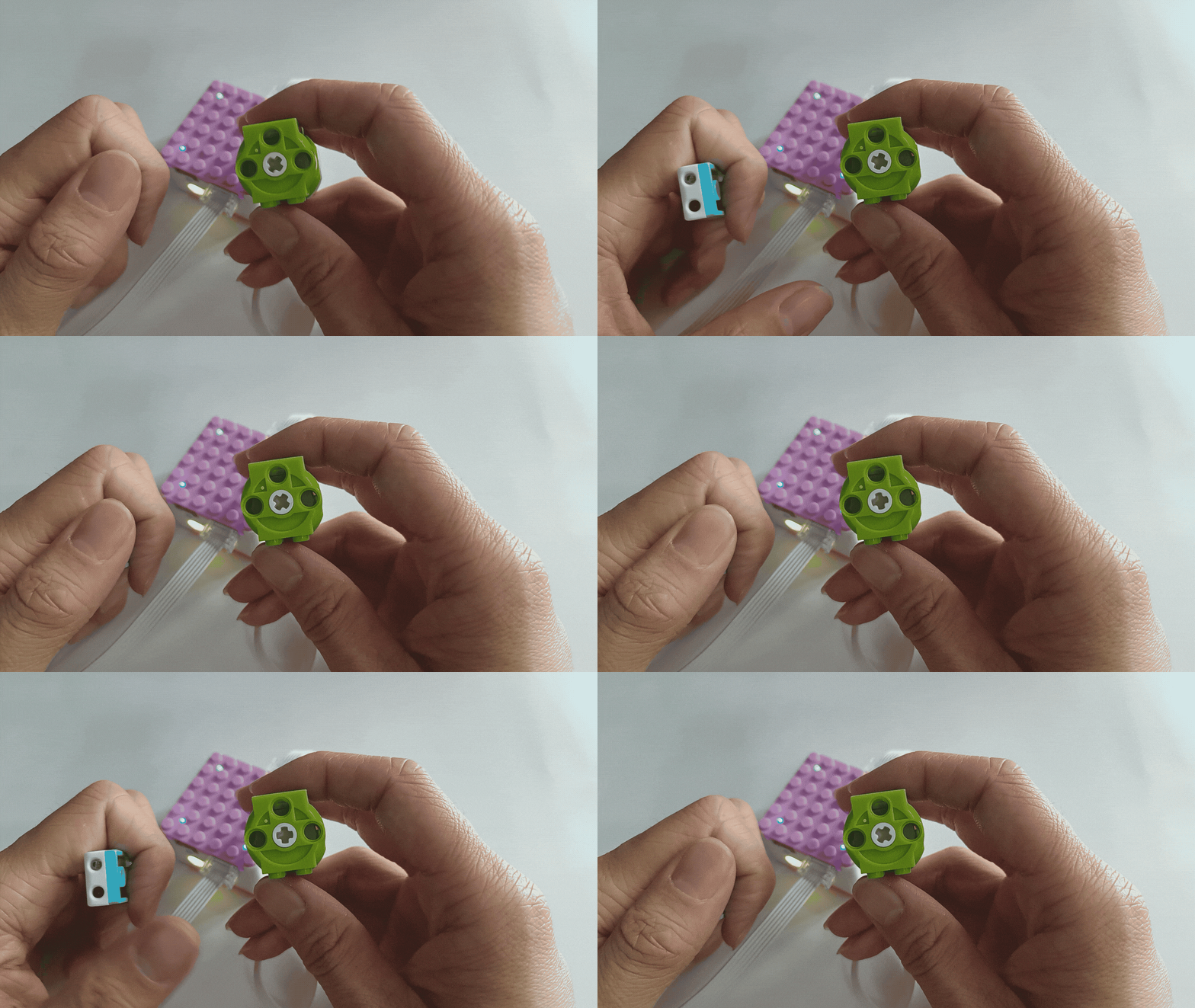
Distance Sensor Controls Motor
Single Distance-Controlled Motor:
Demonstration
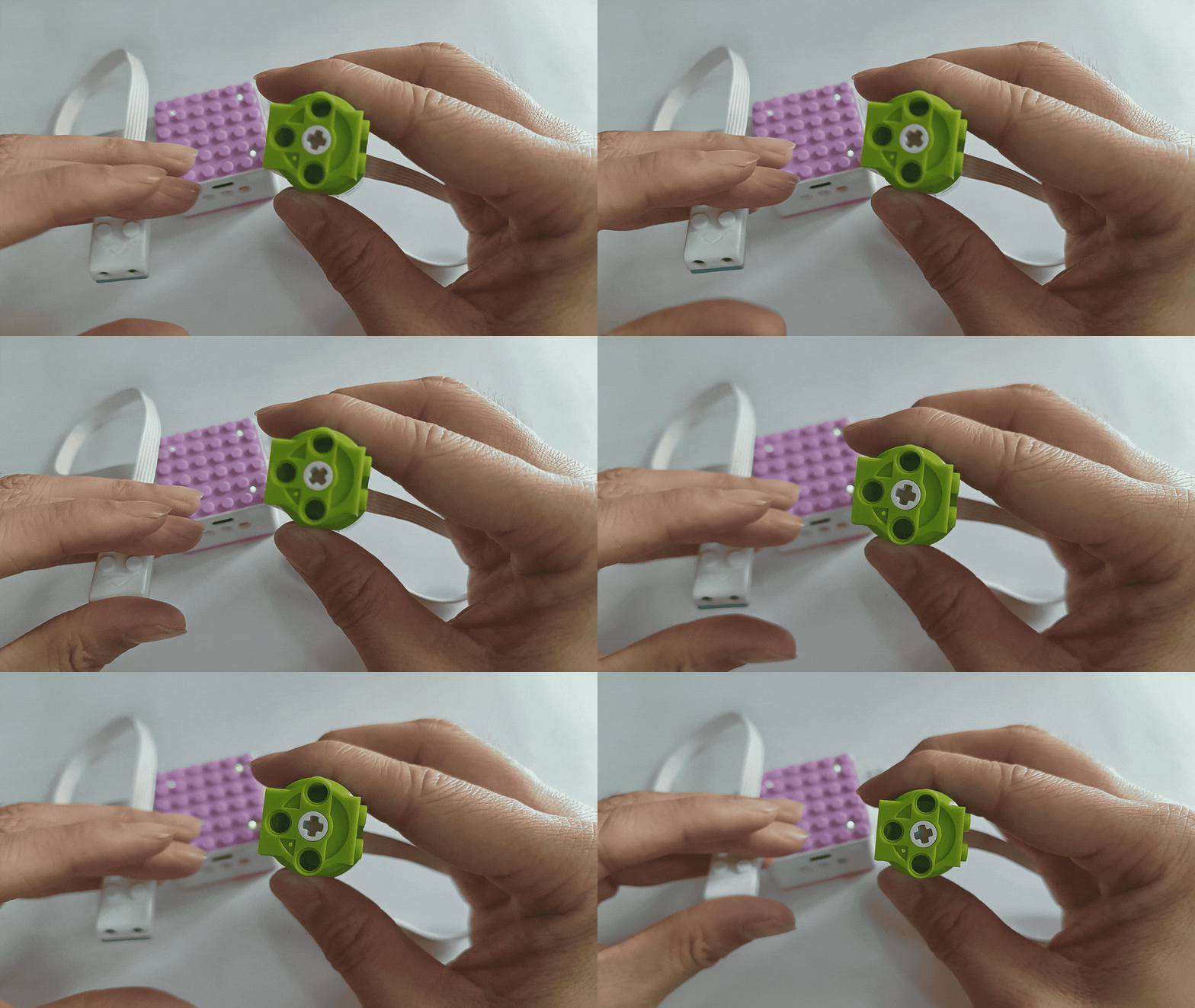
How to use the distance sensor to control the motor’s movement?
Steps:
Preparation
|
|
|
|---|---|---|
ICQbot Xiao Q Robot × 1 |
Distance Sensor × 1 |
Motor × 1 |
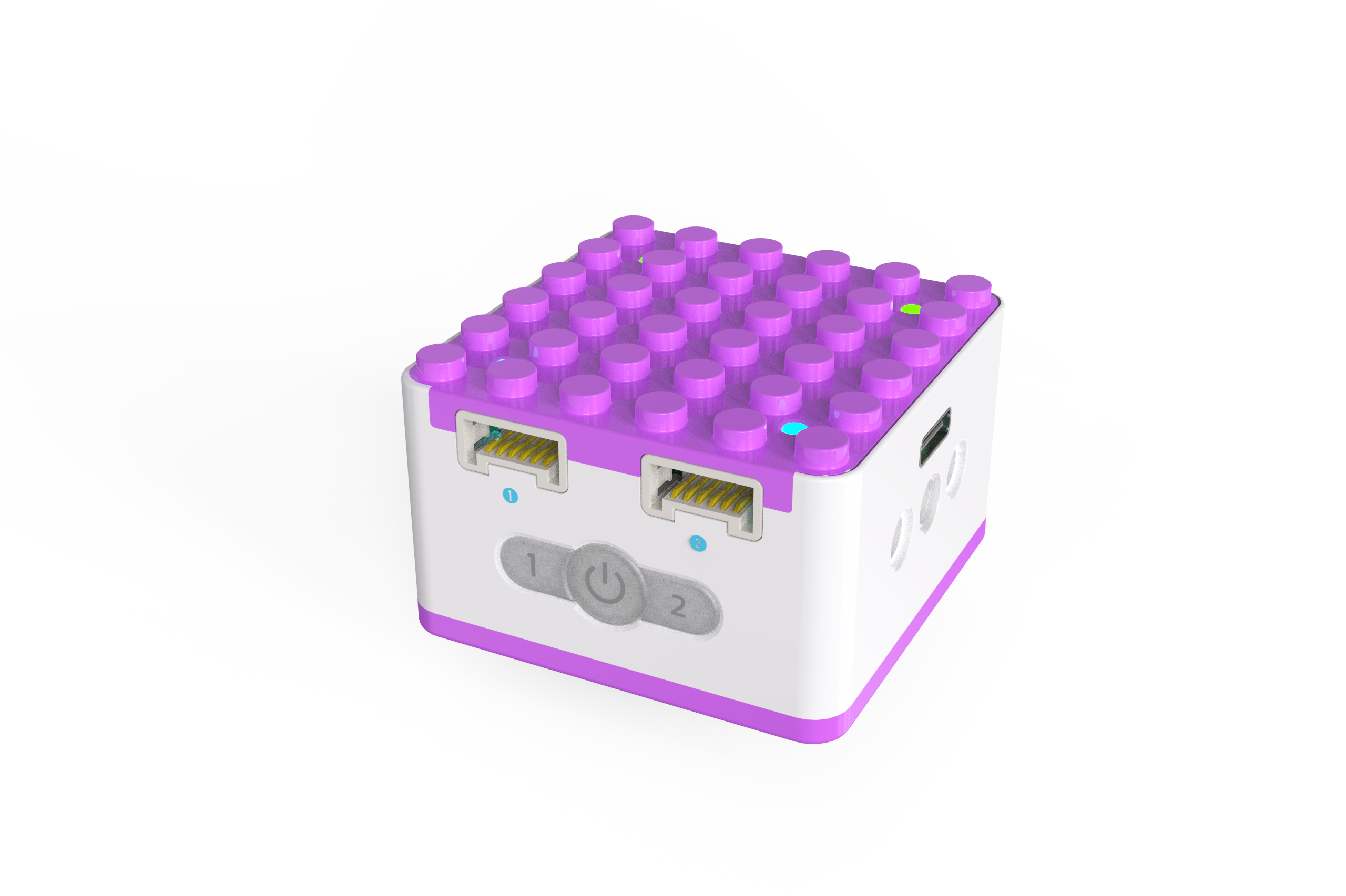
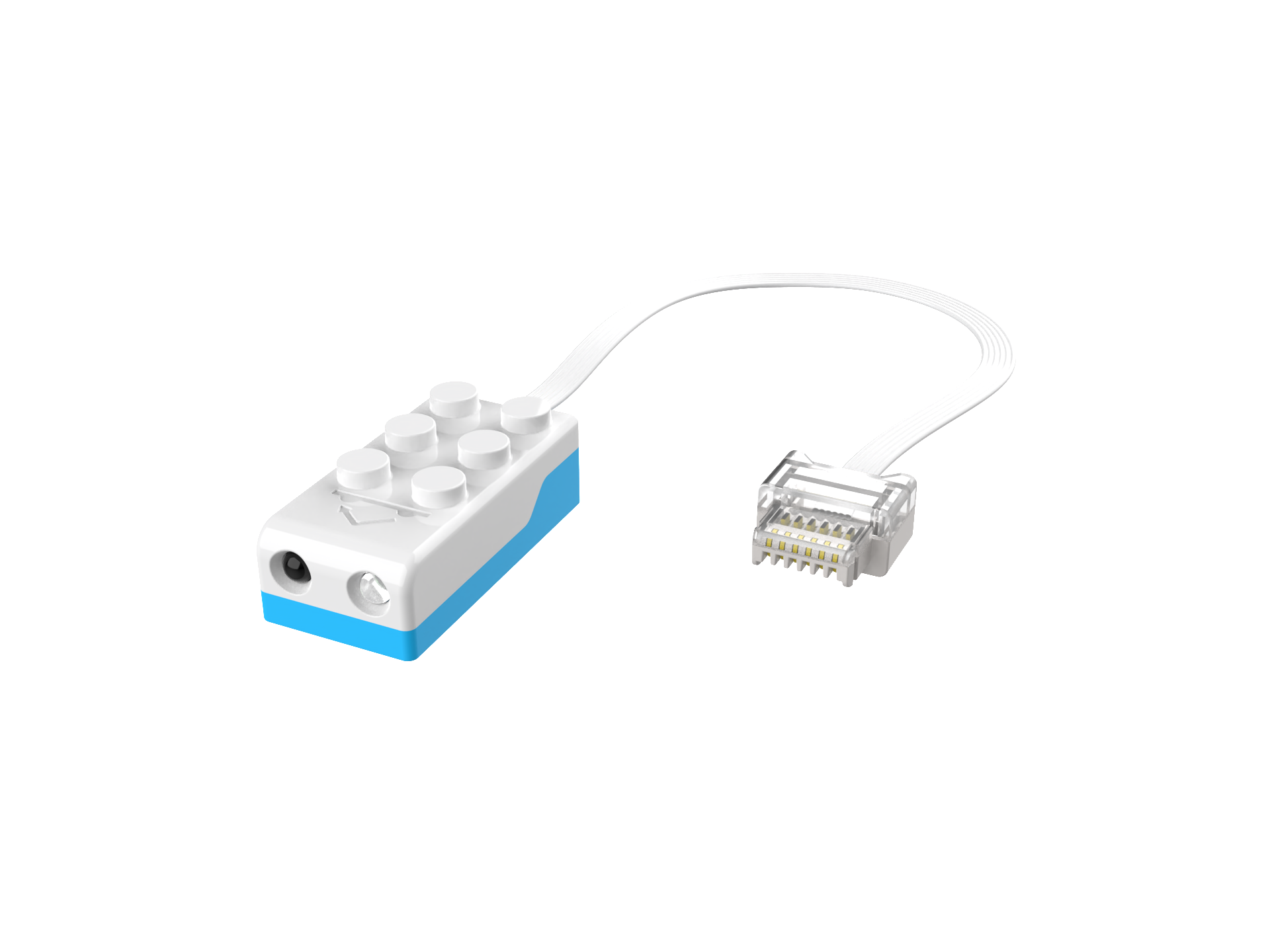
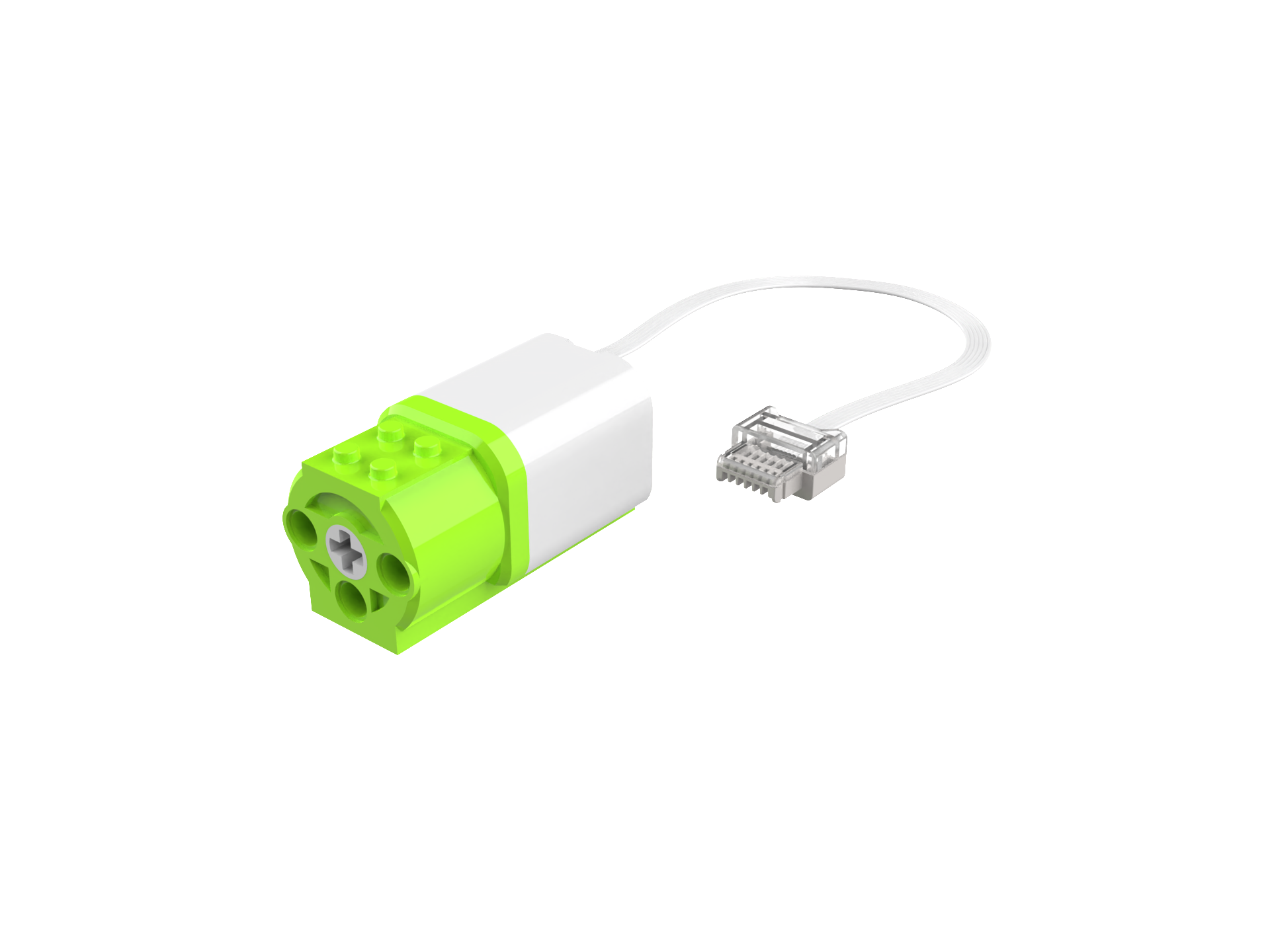
Step Display
|
|
|---|---|
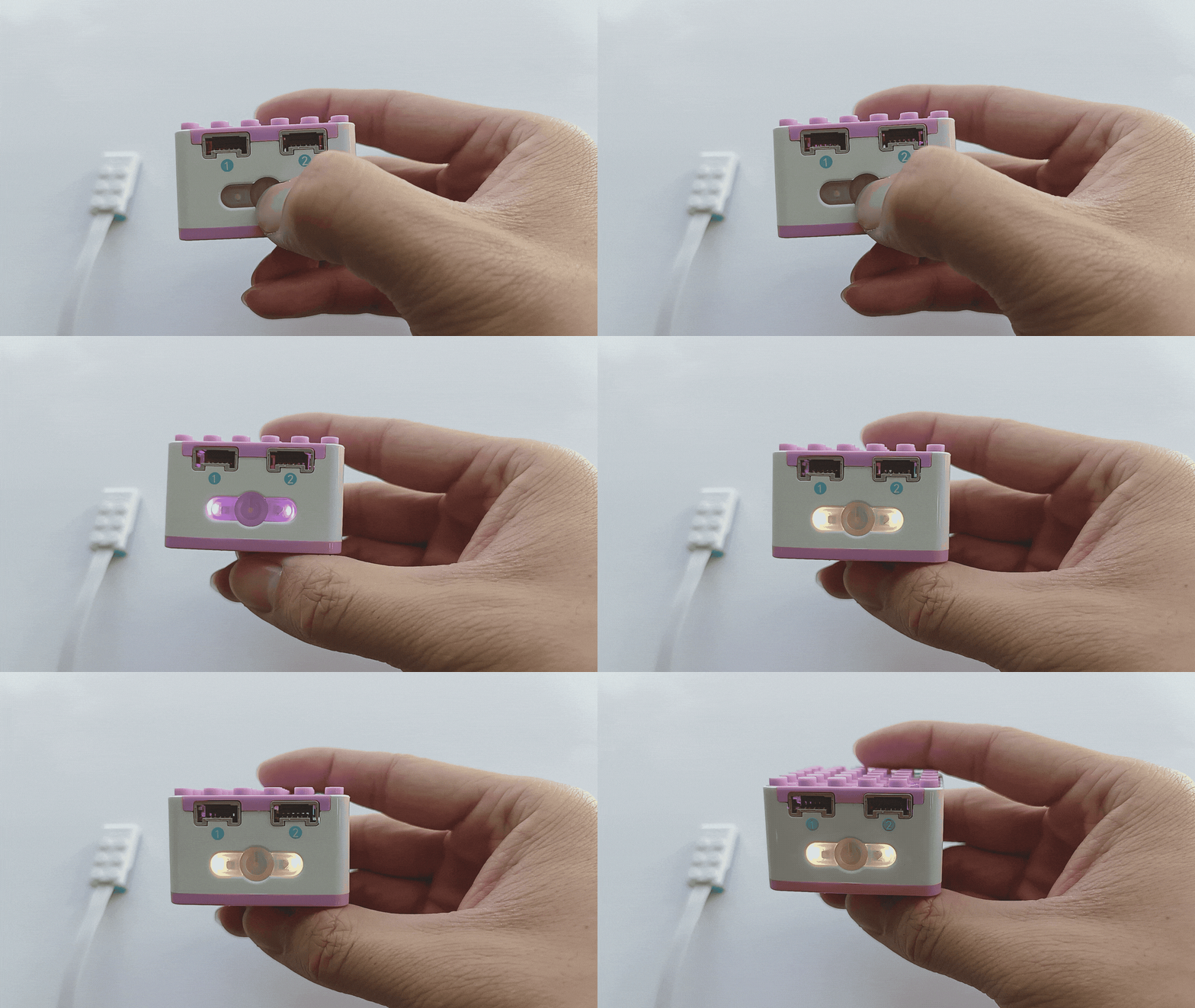
1、Press and hold the power button on the Xiao Q Robot for 3s to power it on. |
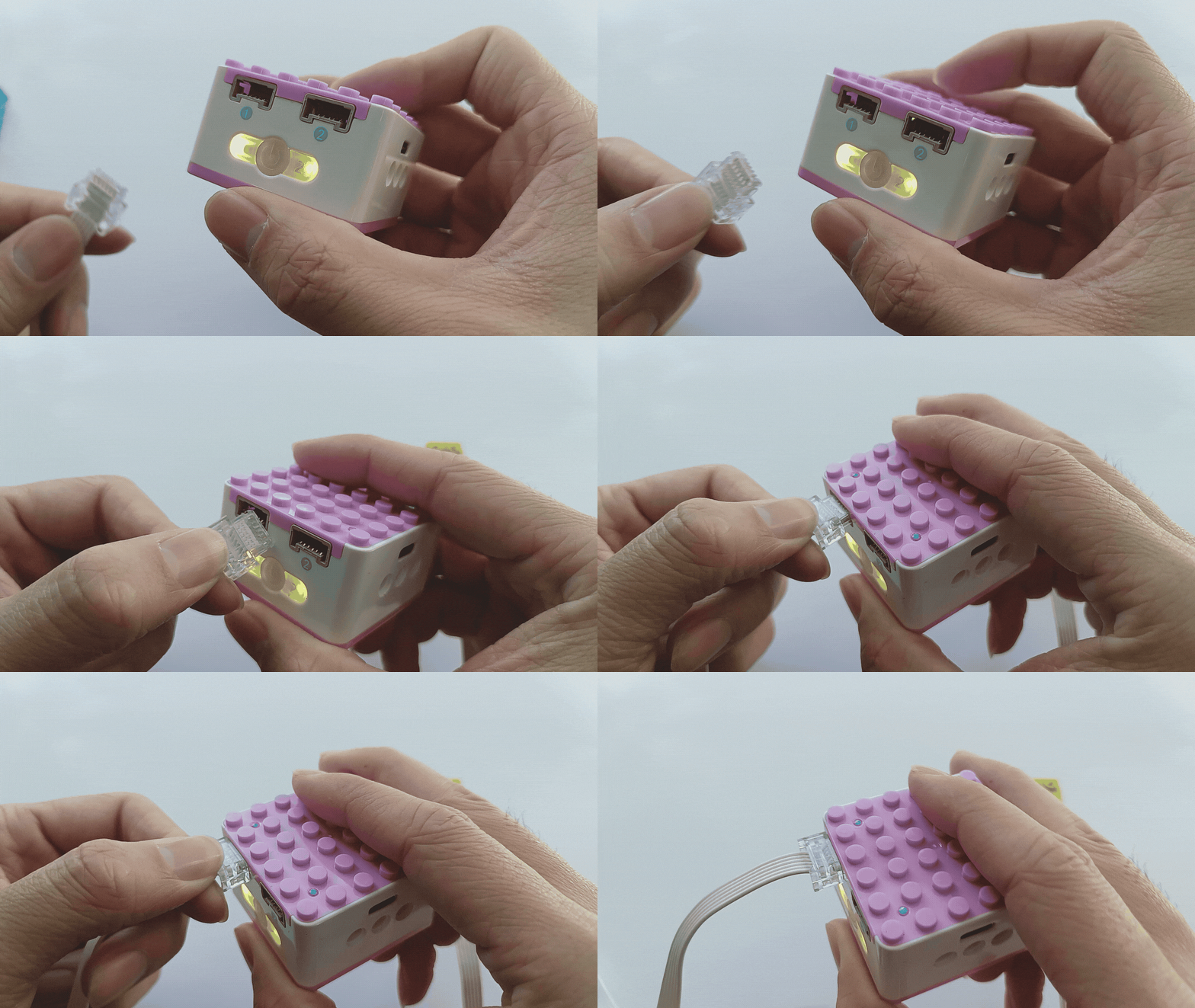
2、 Connect the distance sensor to Port 1 (blue side). |
|
|
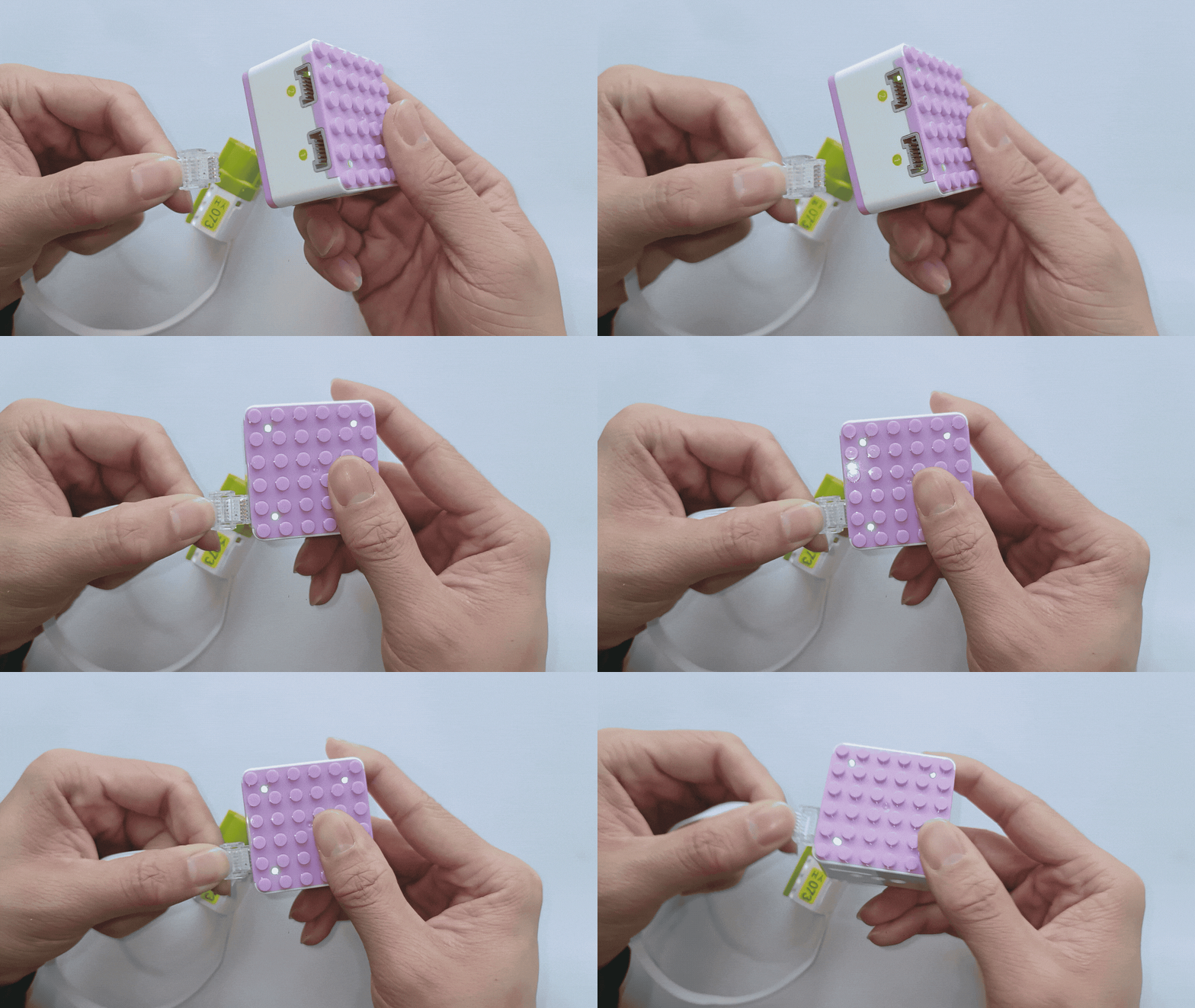
3、Connect the motor to Port 1 (green side). |
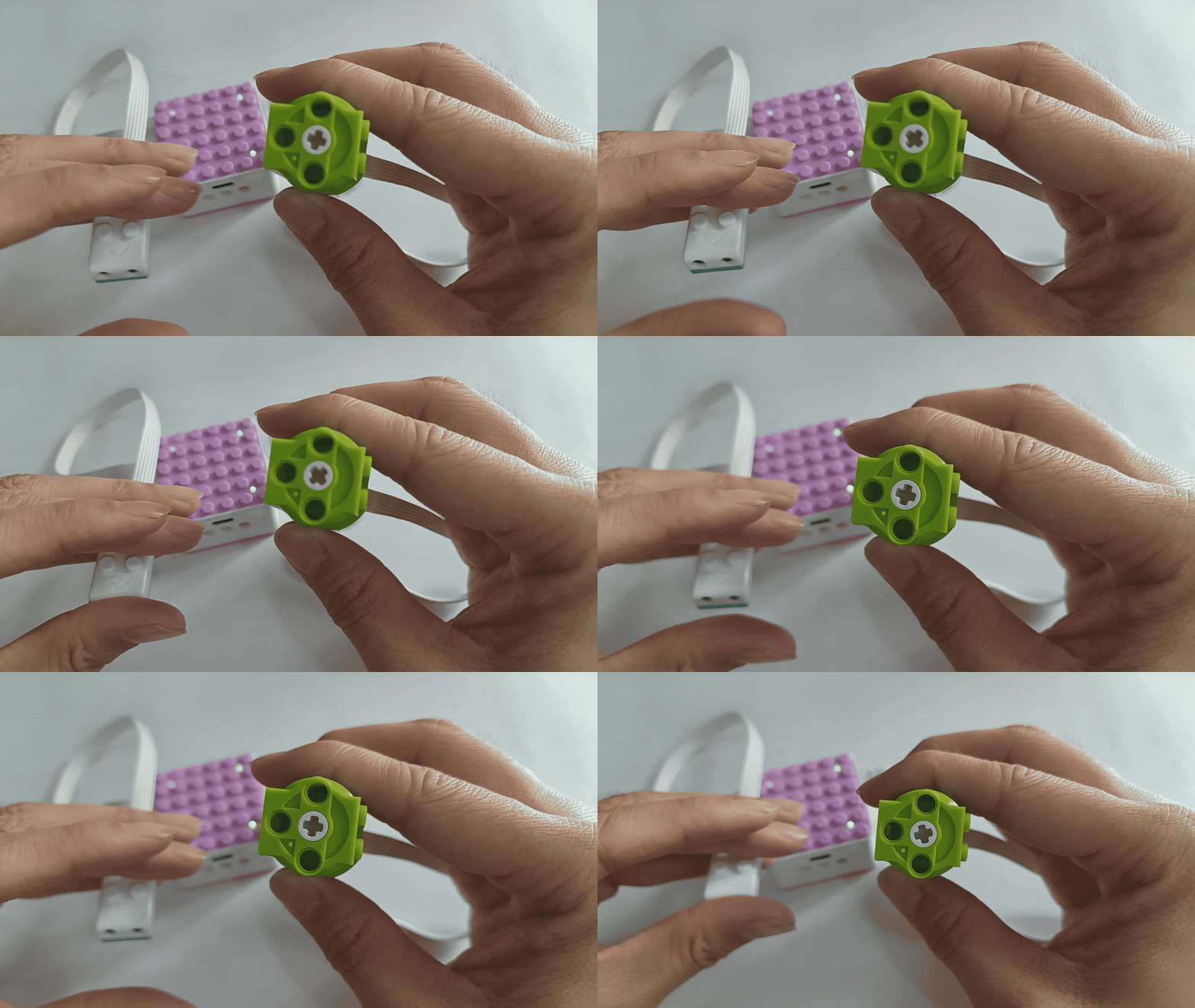
4、Use the distance sensor to control the motor’s counterclockwise rotation based on detected distance. |
|
|
5、 The same operation applies to Port 2 for clockwise motor movement. |
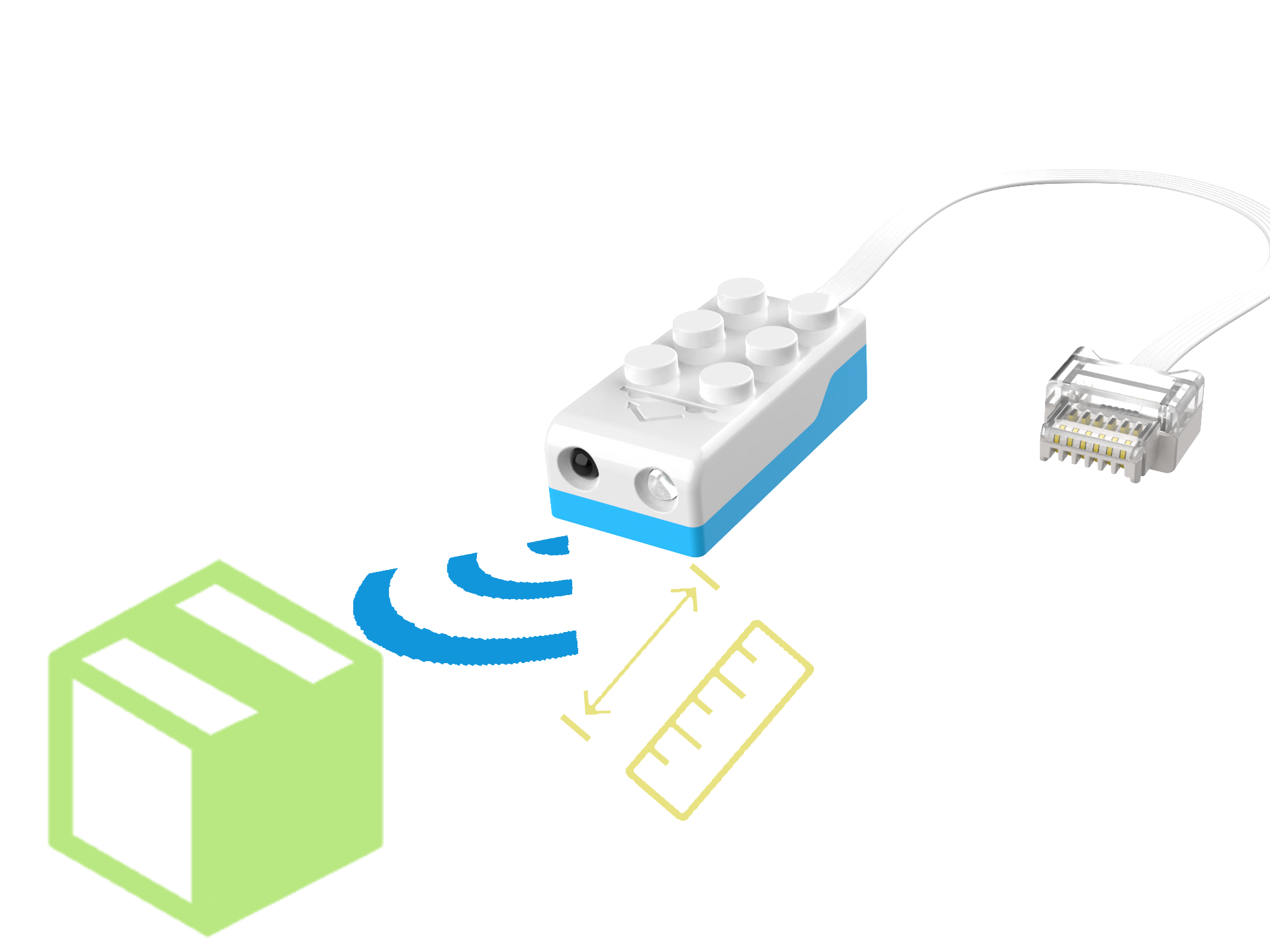
Attached: Distance sensor detection diagram. |
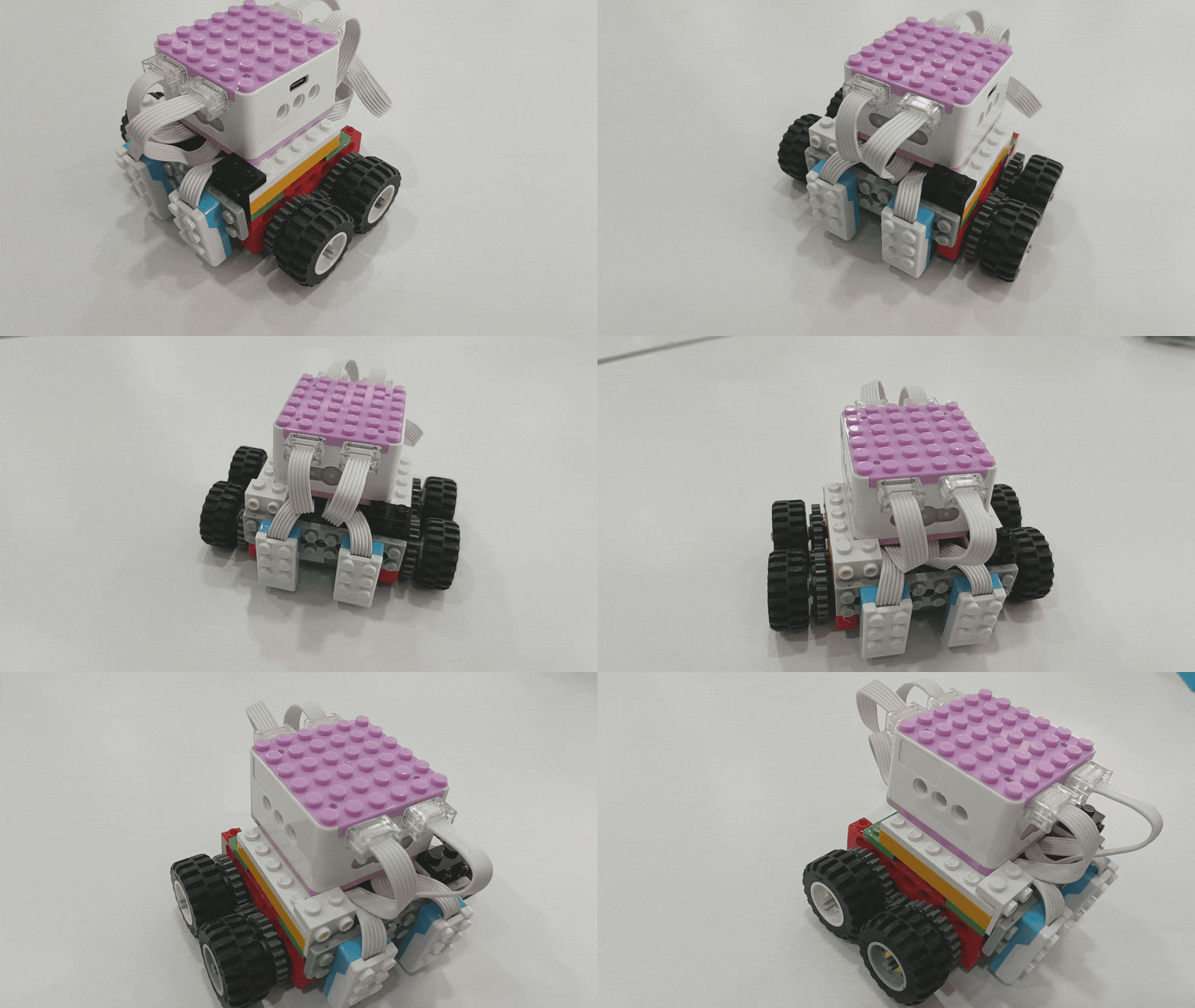
Dual Distance-Controlled Motor (Line-Following Mode):
Demonstration
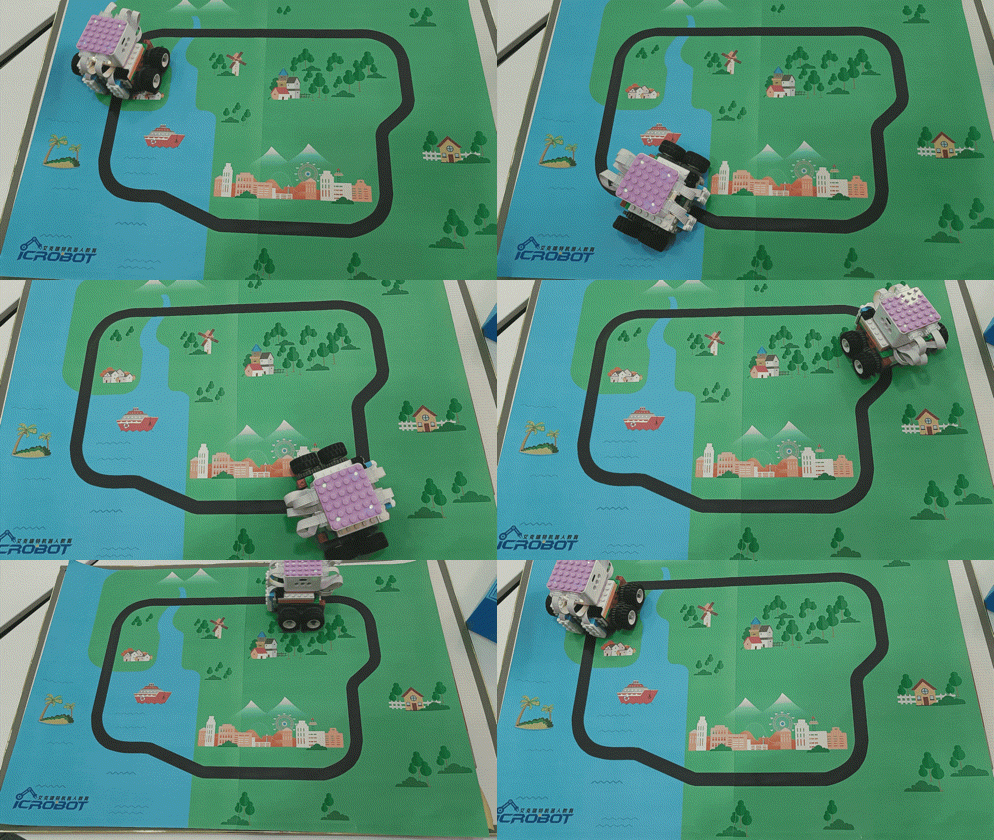
How to use the distance sensors for line-following?
Steps:
Preparation
|
|
|
|---|---|---|
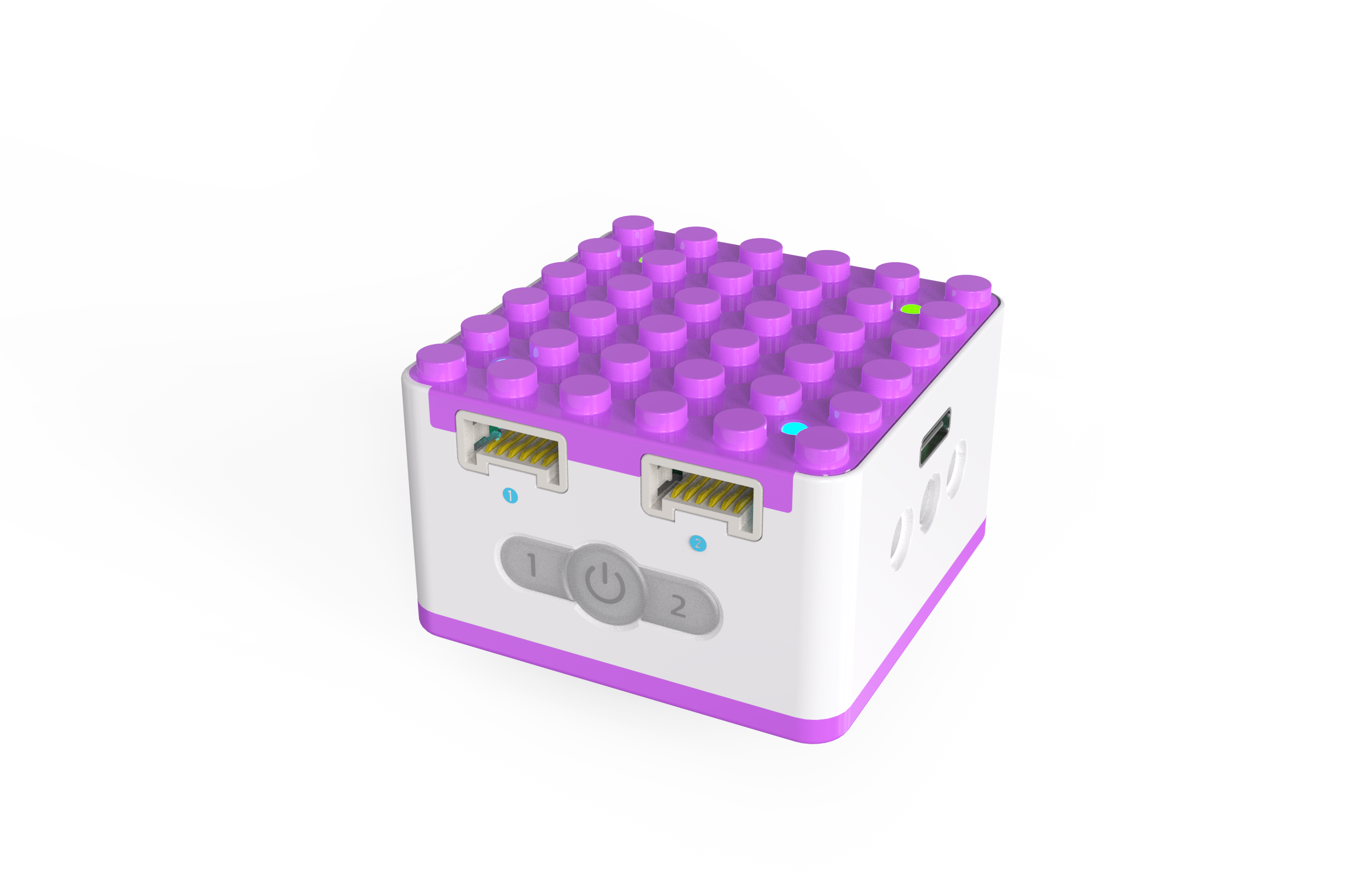
ICQbot Xiao Q Robot × 1 |
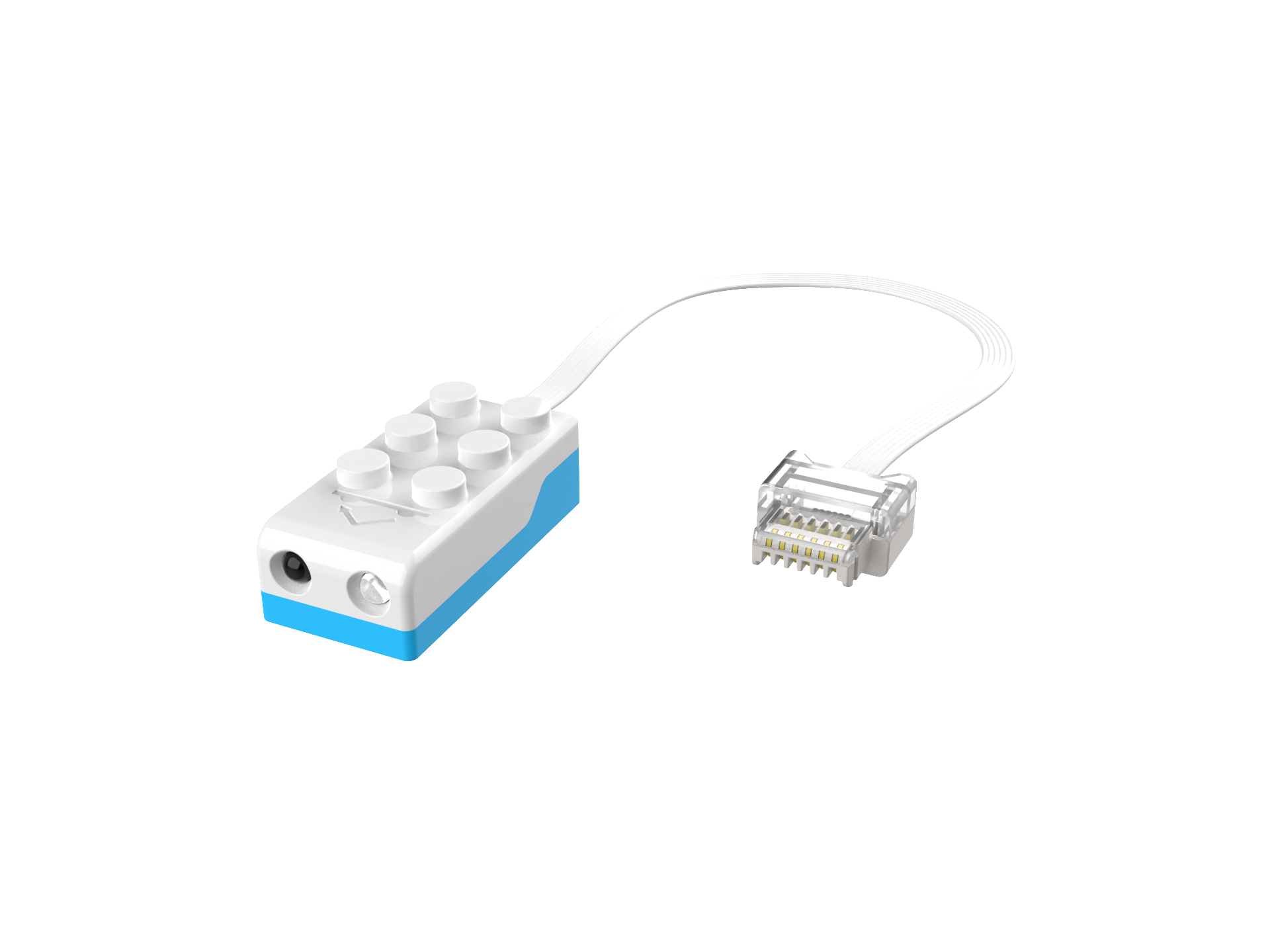
Distance Sensors × 2 |
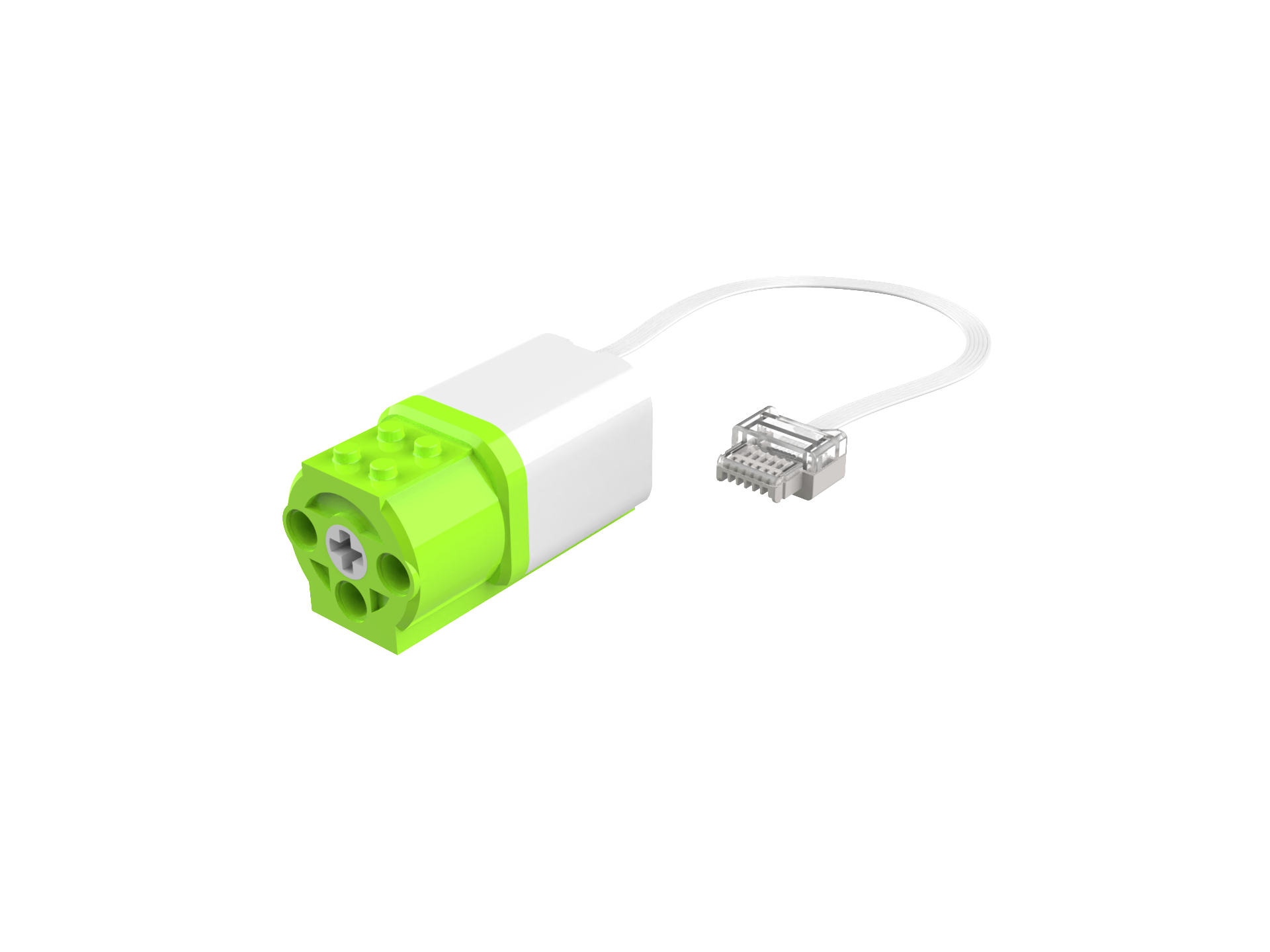
Motor × 1 |
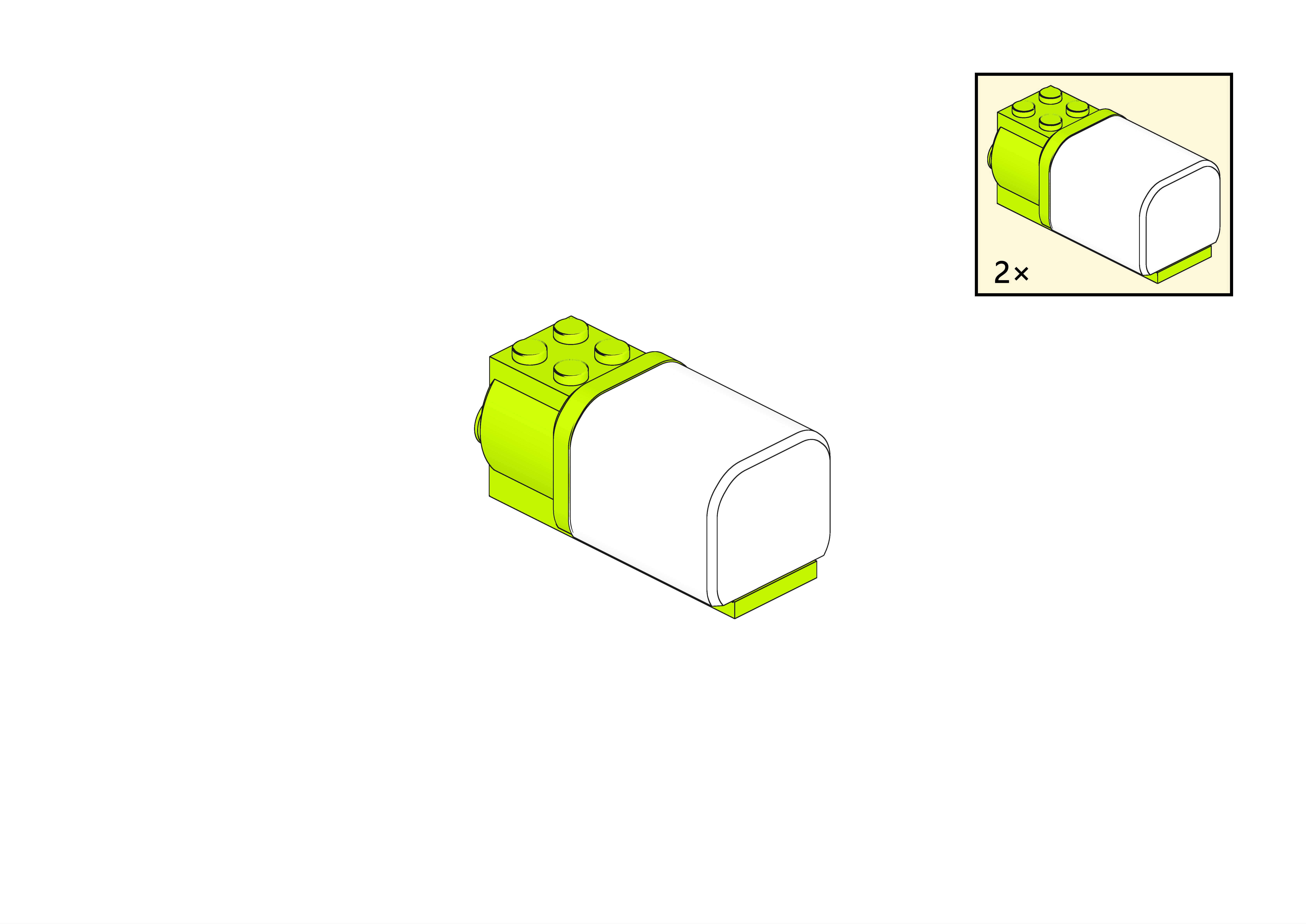
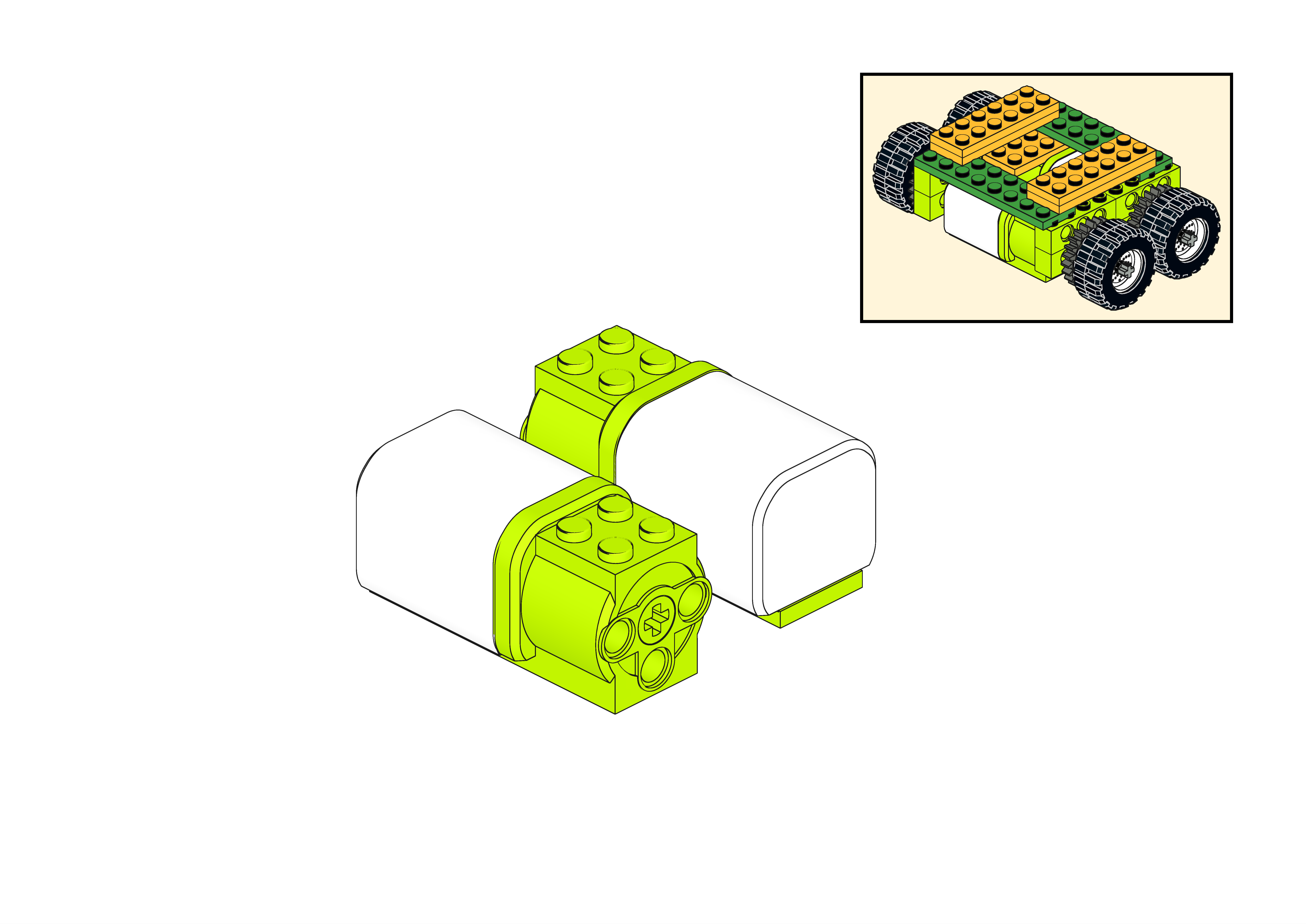
Structure Setup
|
|
|
|
|---|---|---|---|
Step 1 |
Step 2 |
Step 3 |
Step 4 |
|
|
|
|
Step 5 |
Step 6 |
Step 7 |
Step 8 |
|
|
|
|
Step 9 |
Step 10 |
Step 11 |
Step 12 |
|
|
|
|
Step 13 |
Step 14 |
Step 15 |
Step 16 |
|
|
|
|
Step 17 |
Step 18 |
Step 19 |
Step 20 |
|
|
|
|
Step 21 |
Step 22 |
Step 23 |
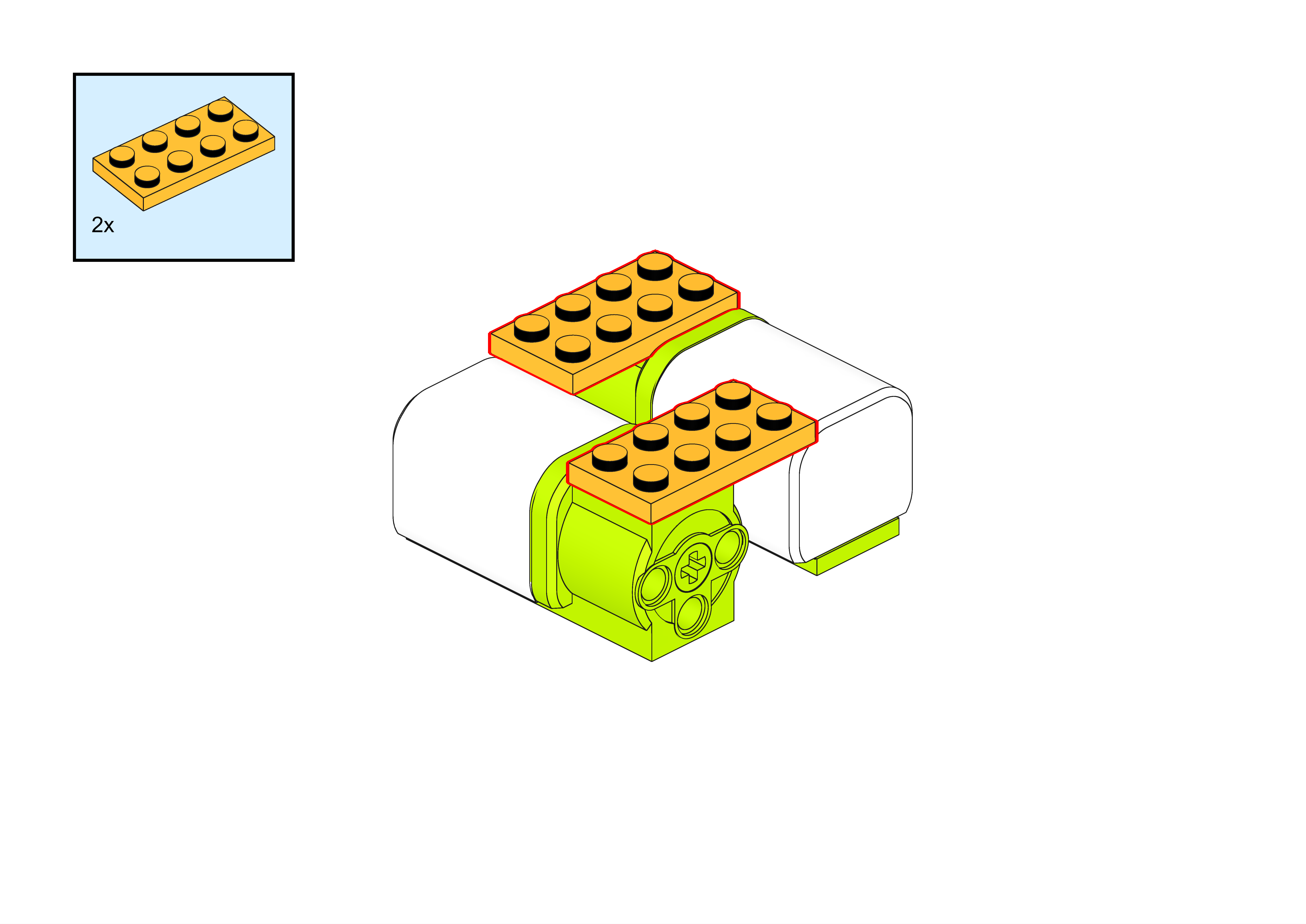
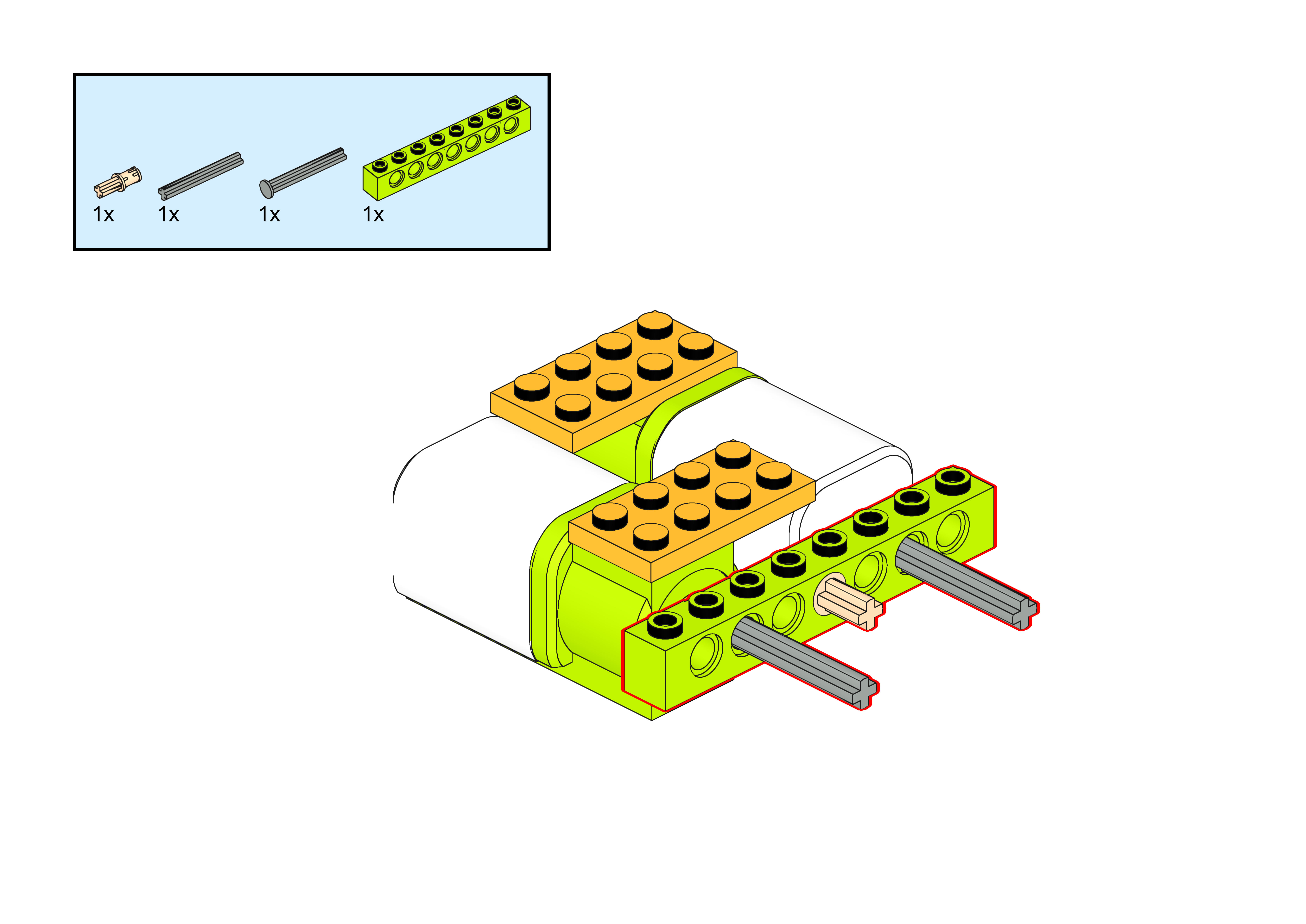
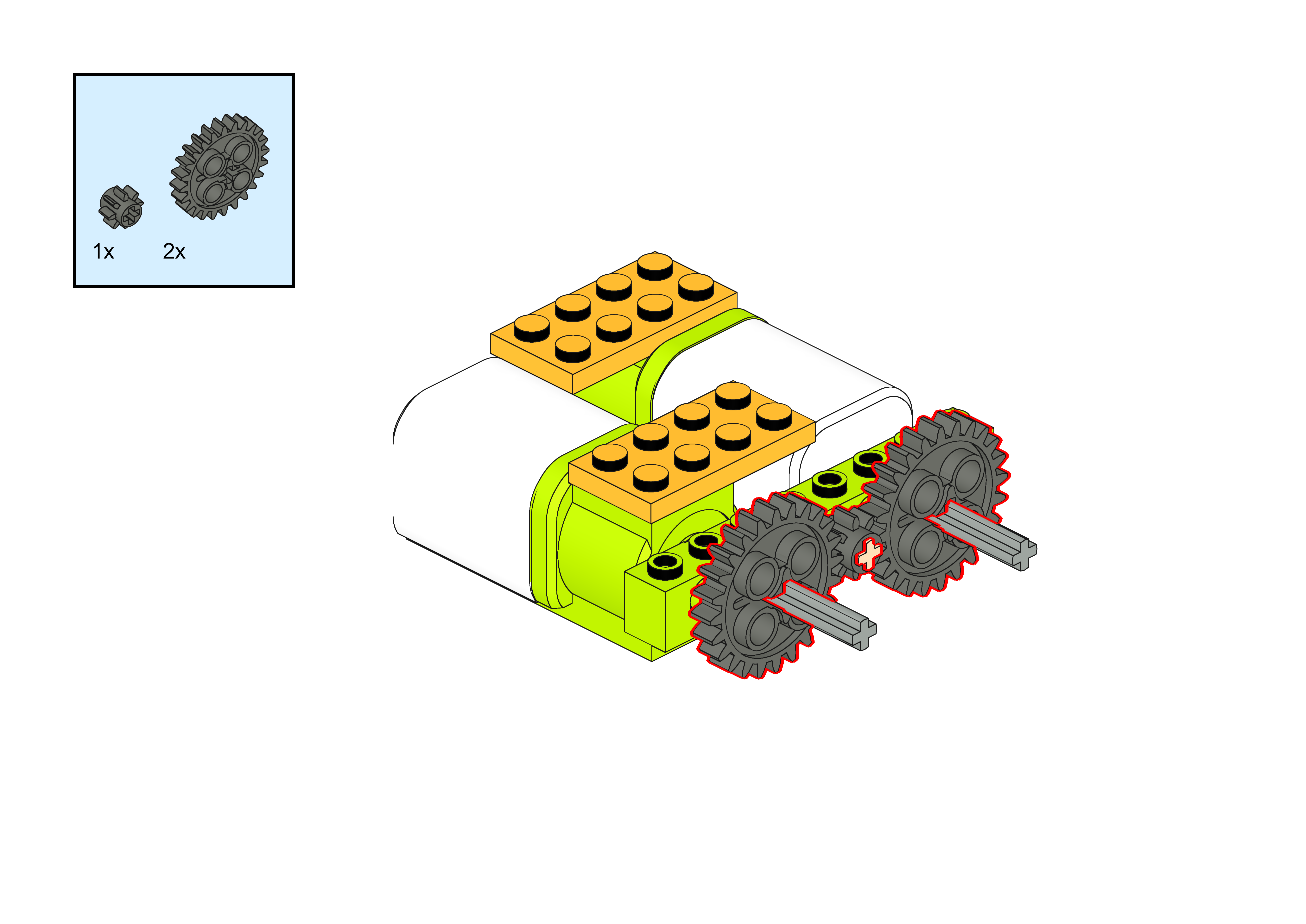
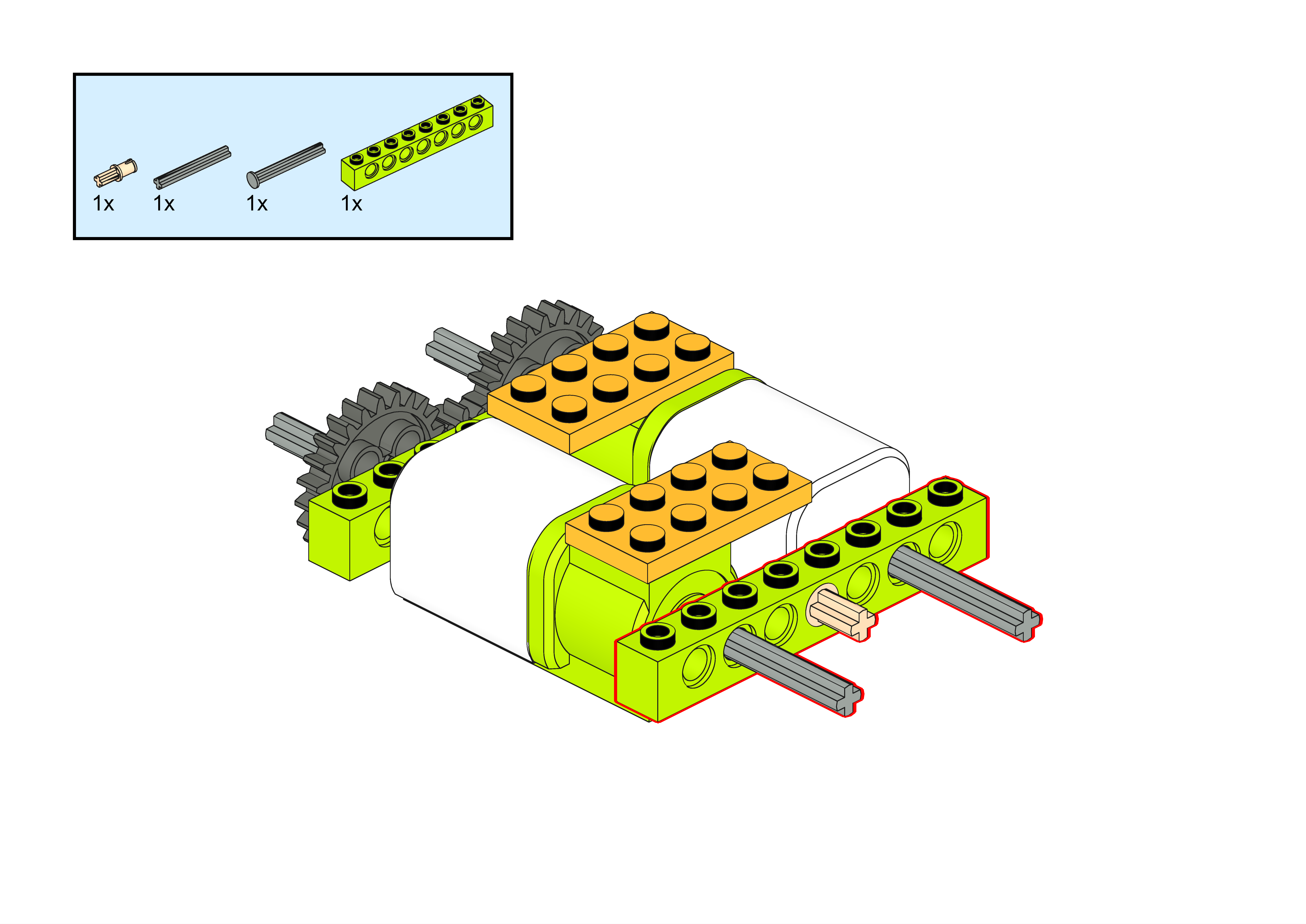
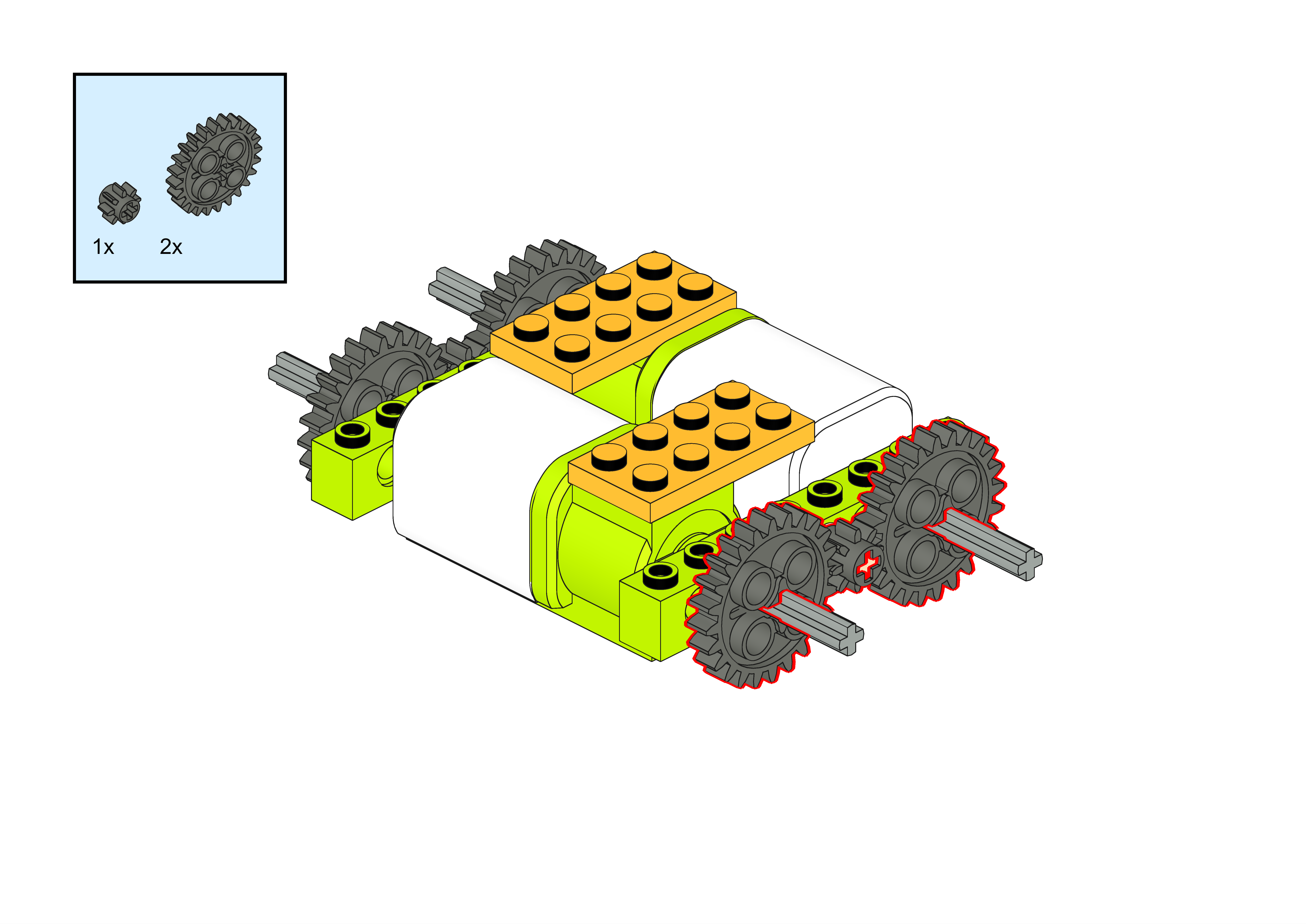
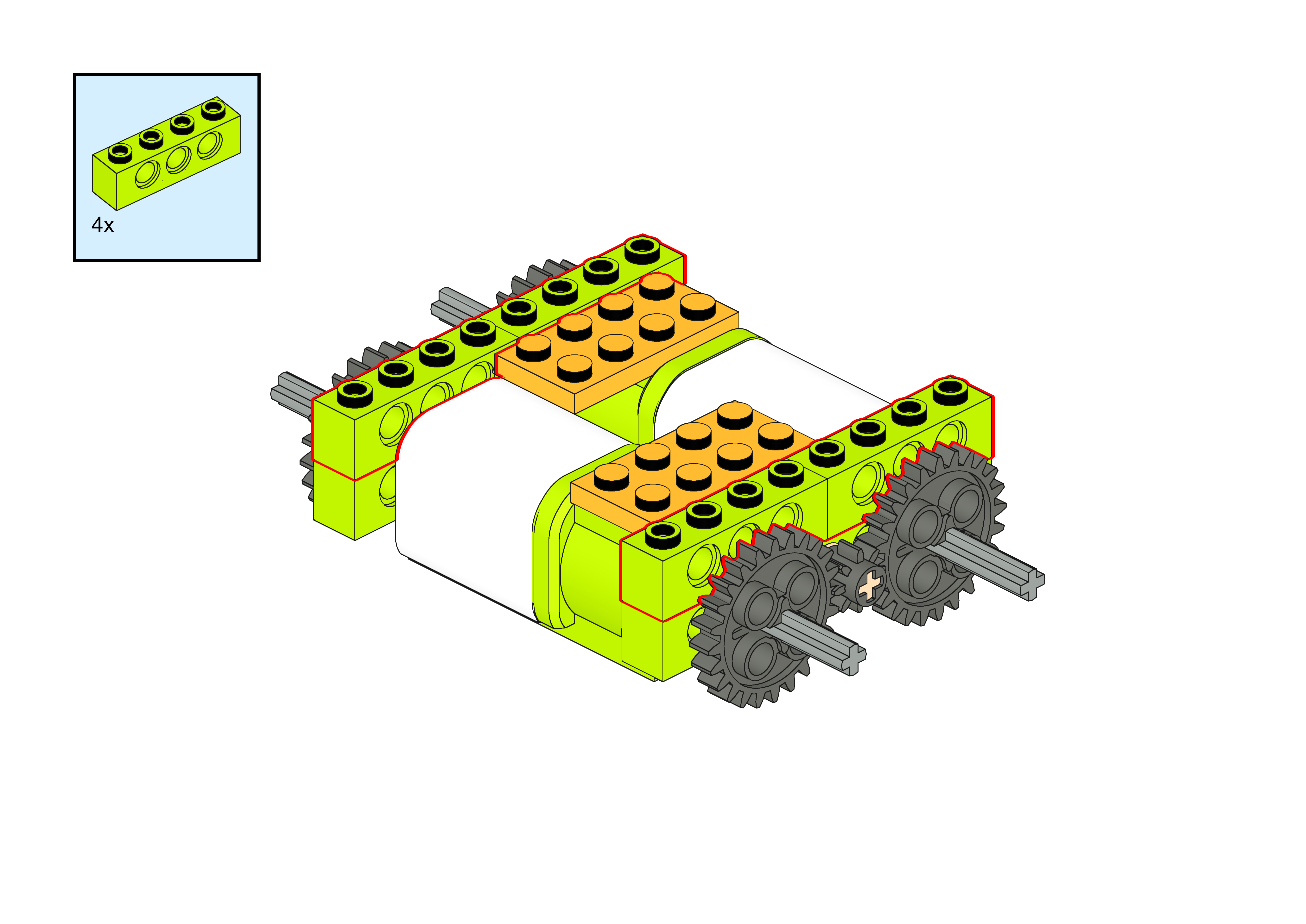
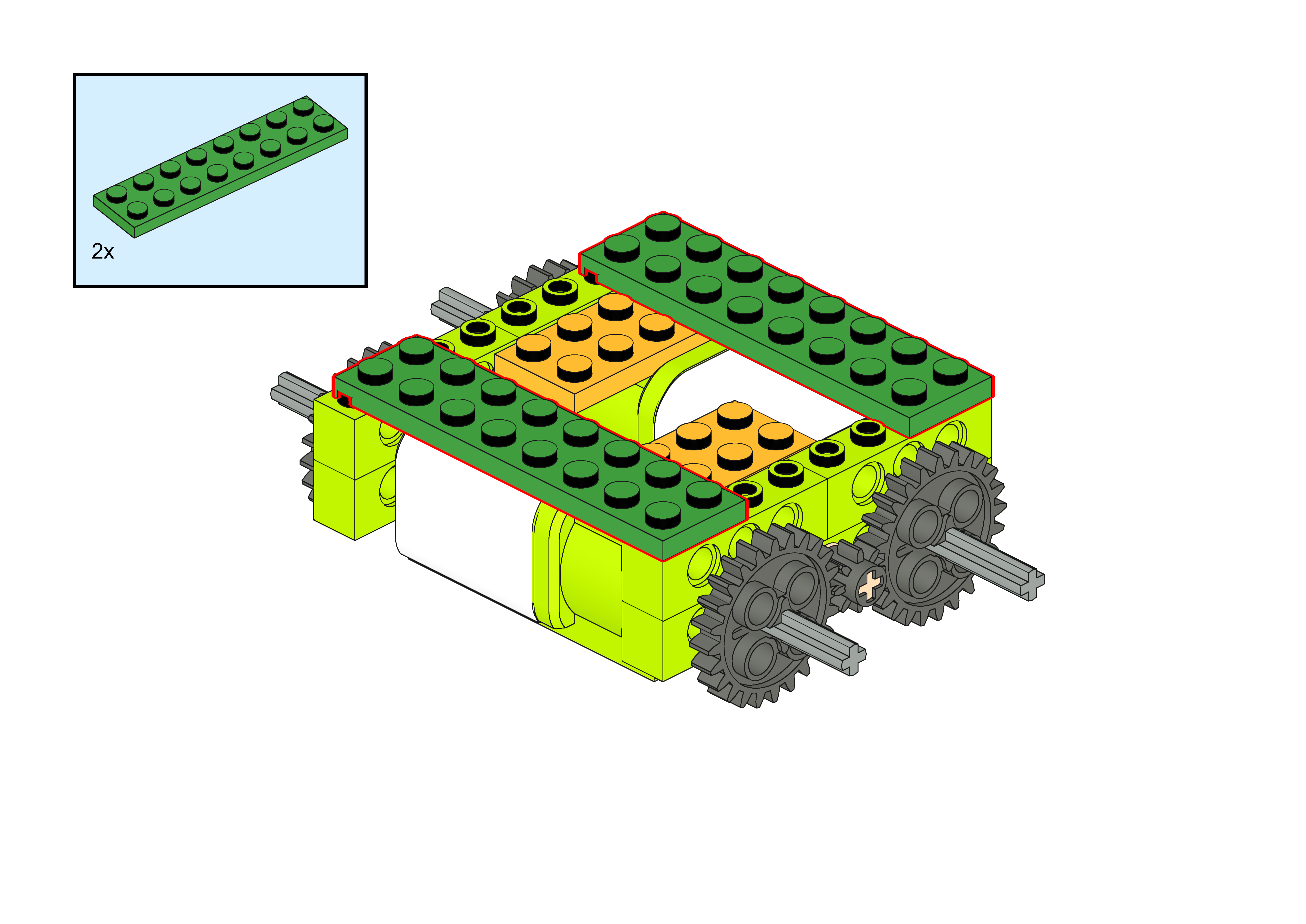
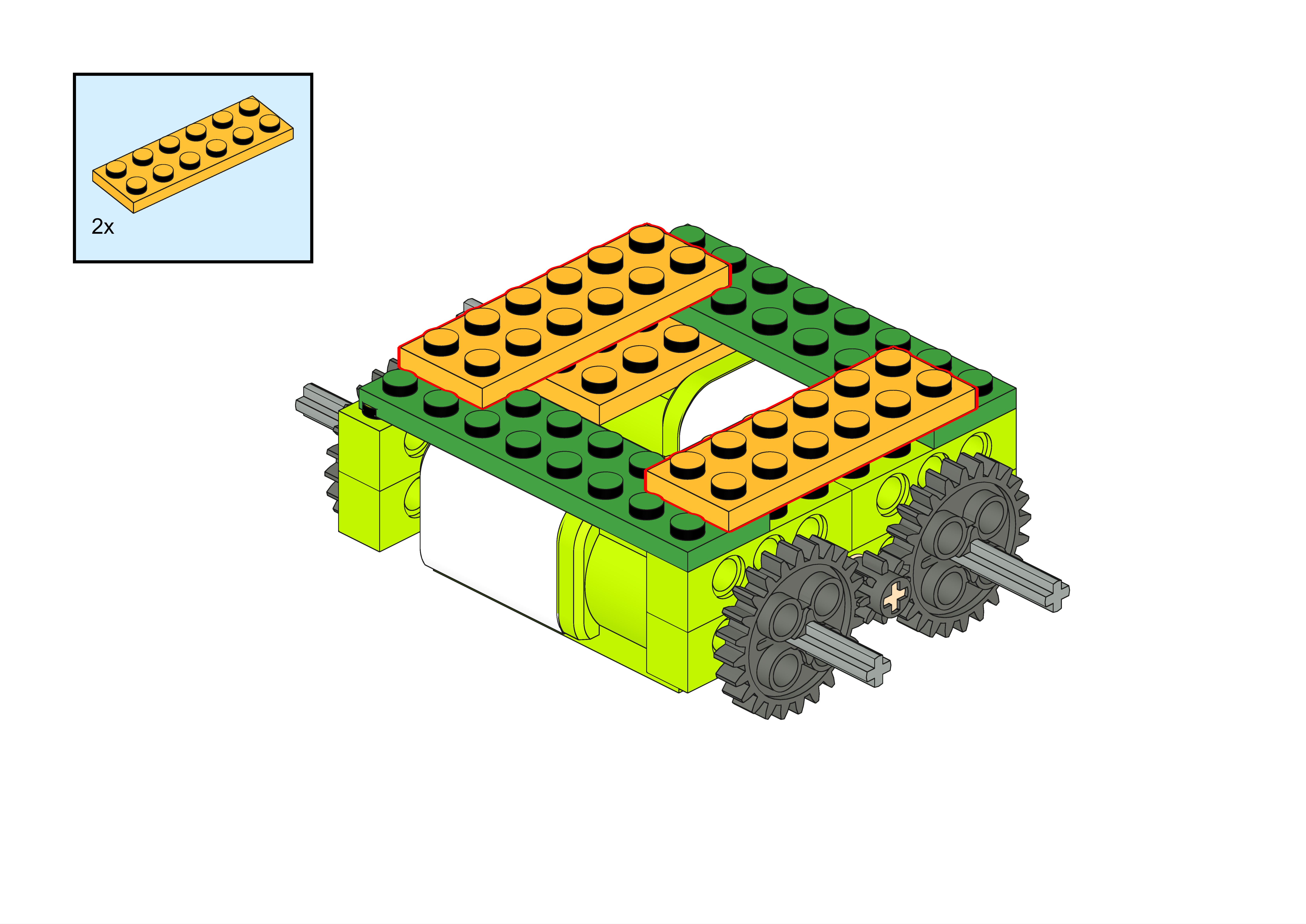
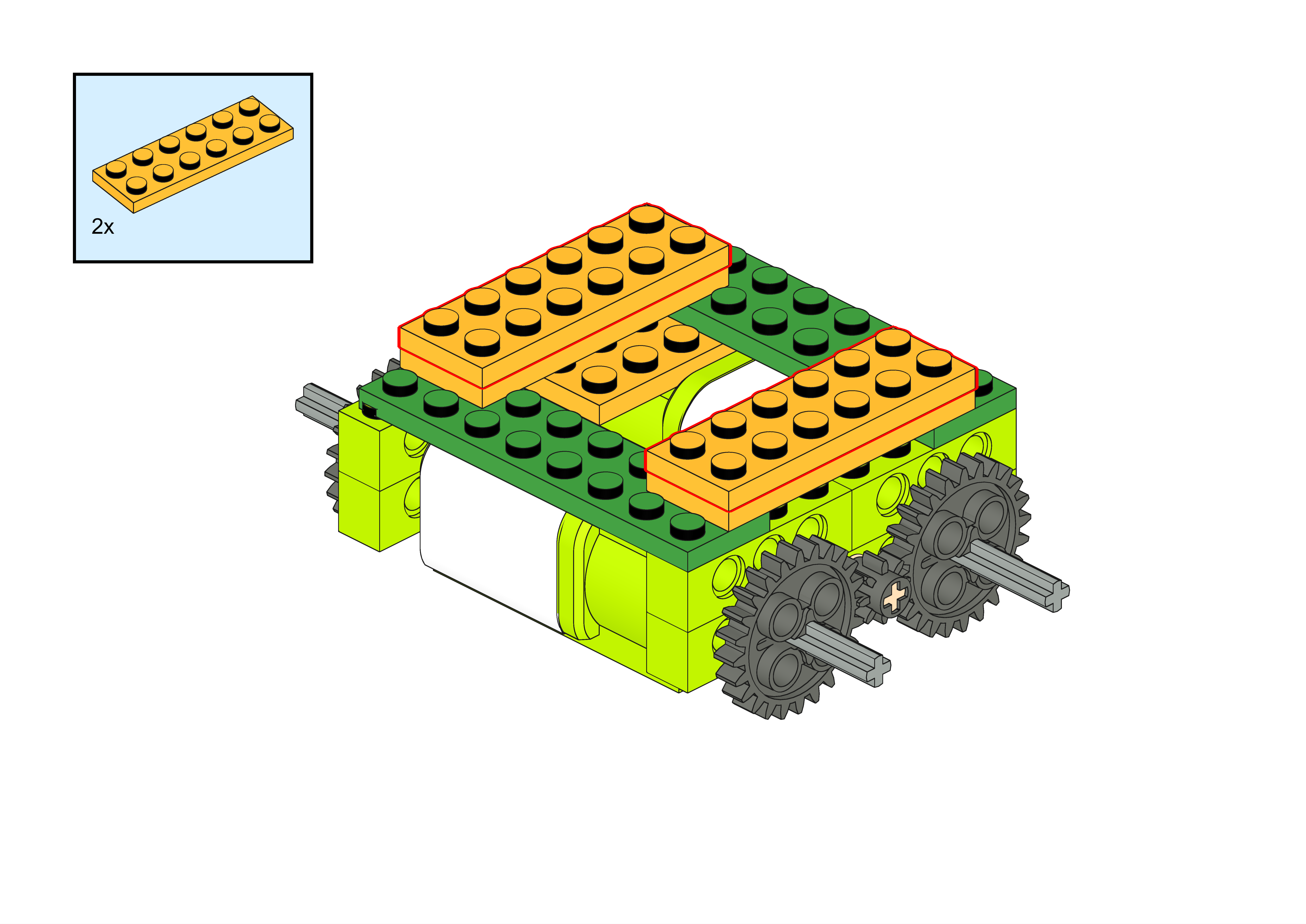
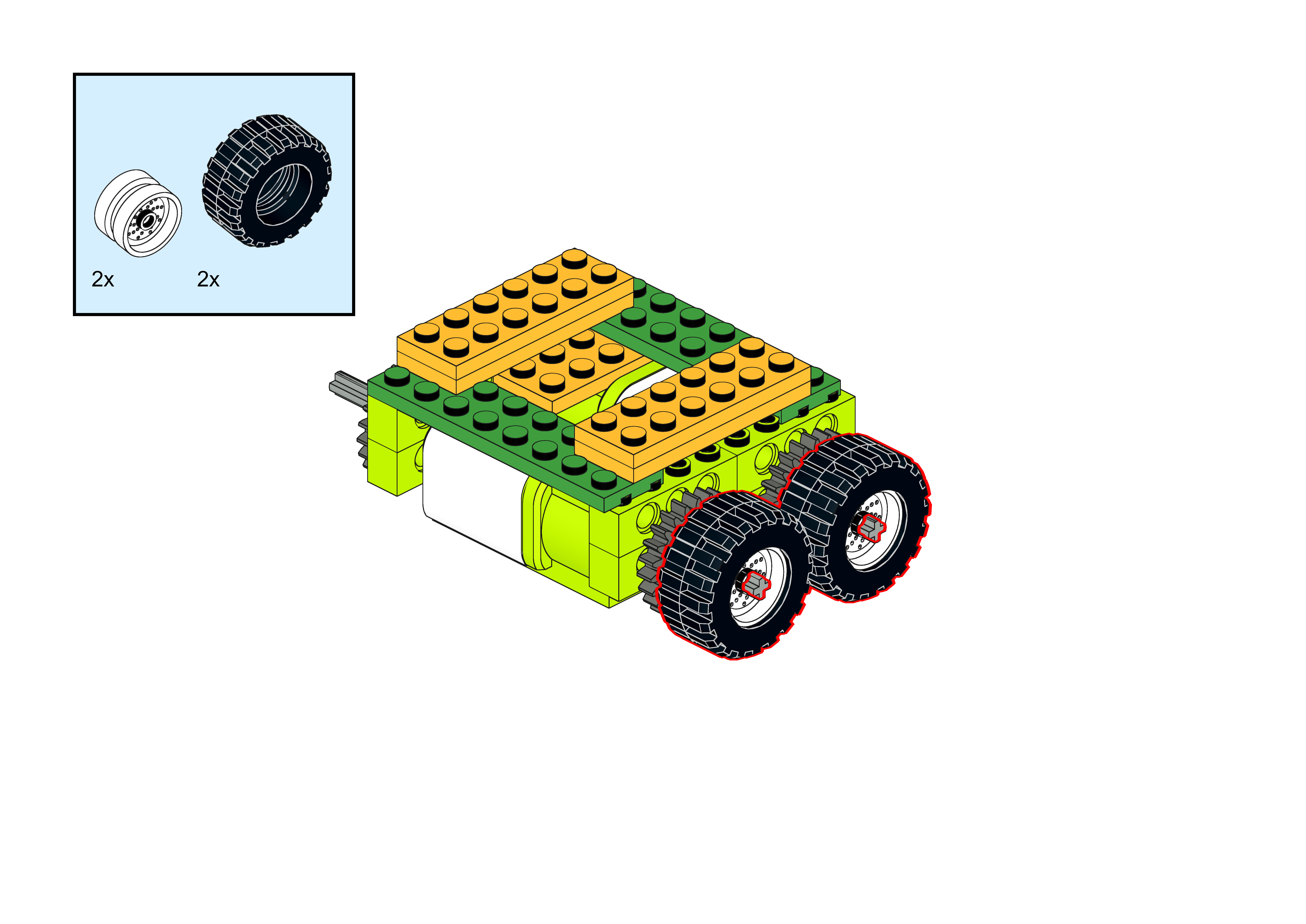
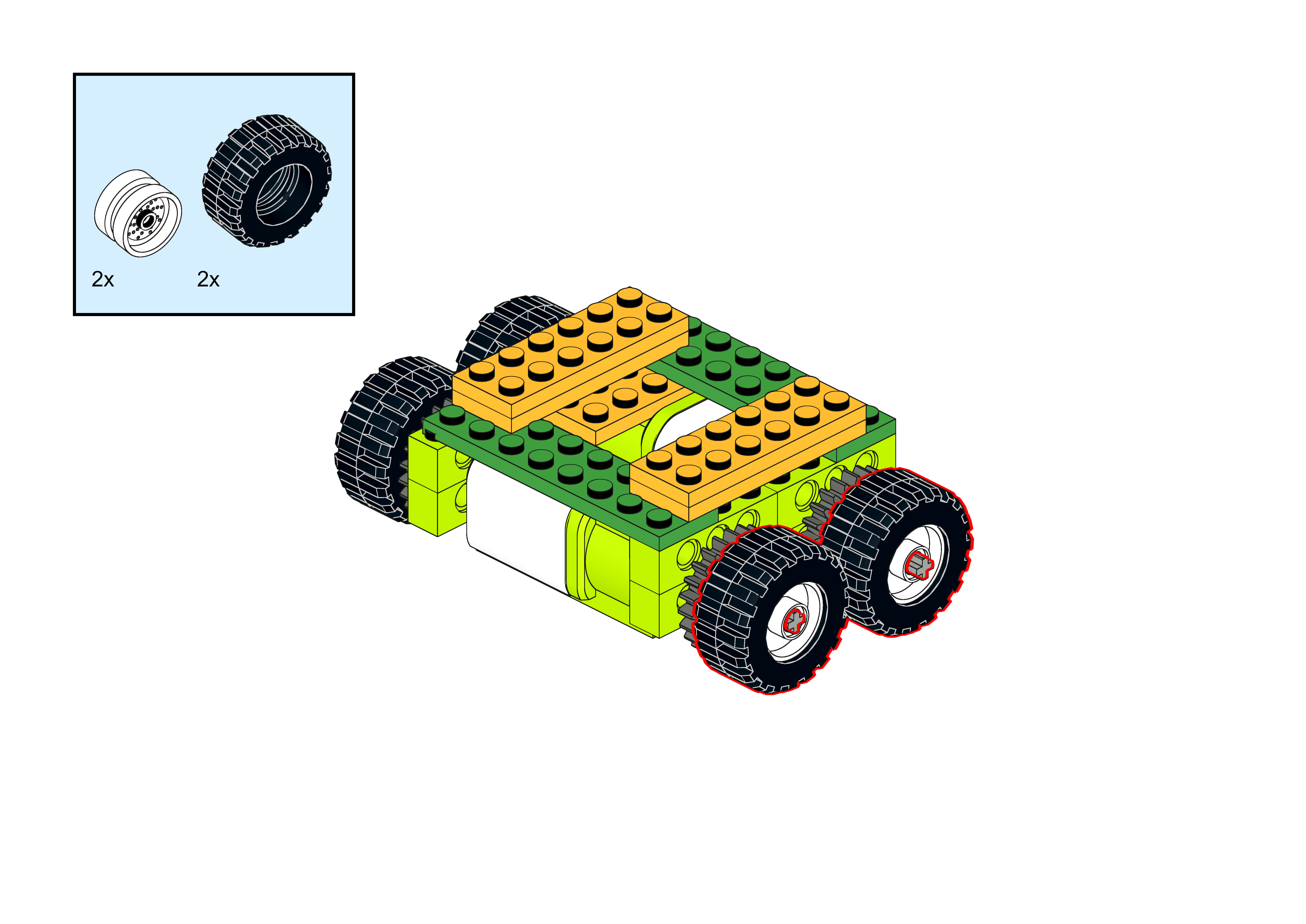
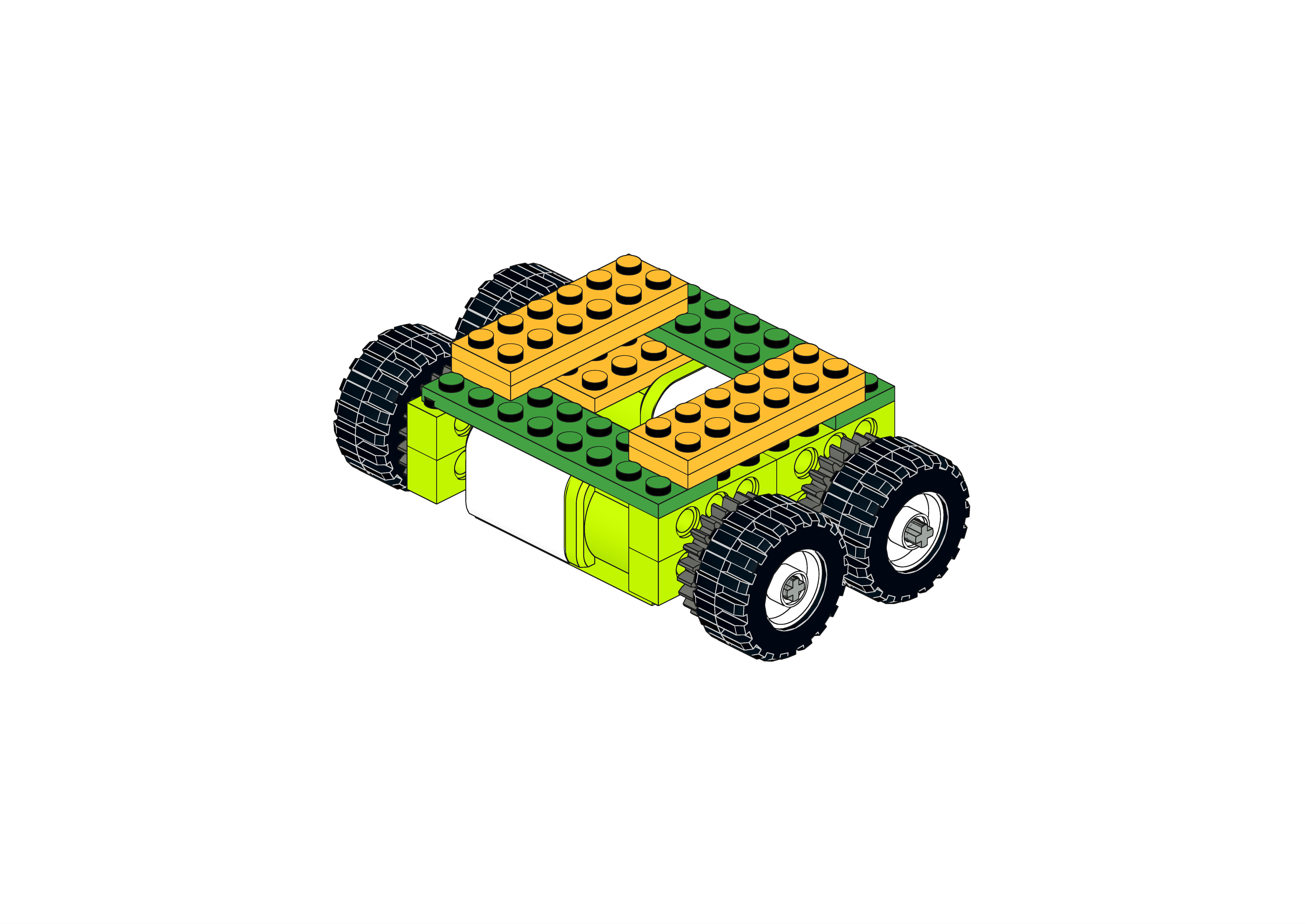
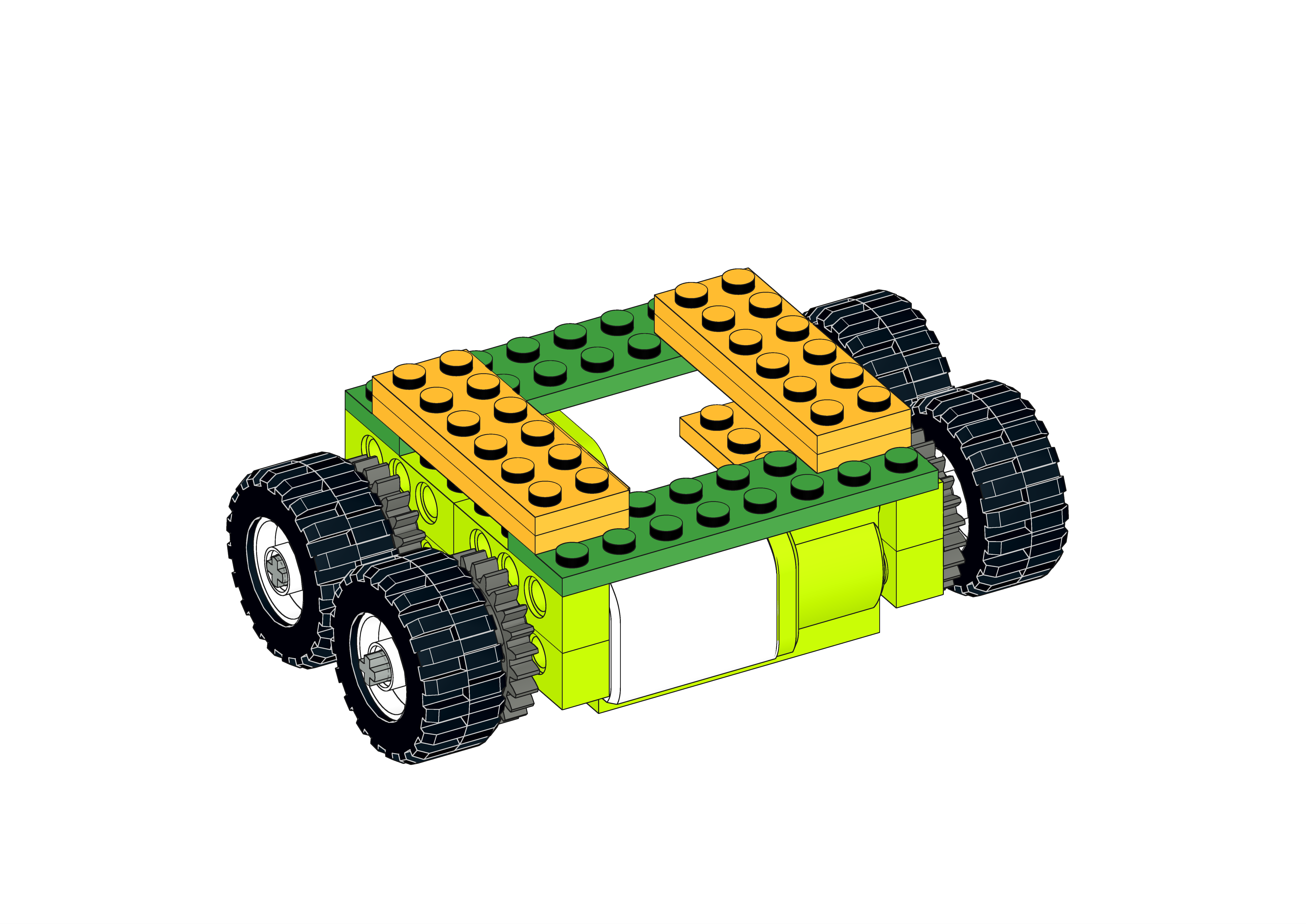
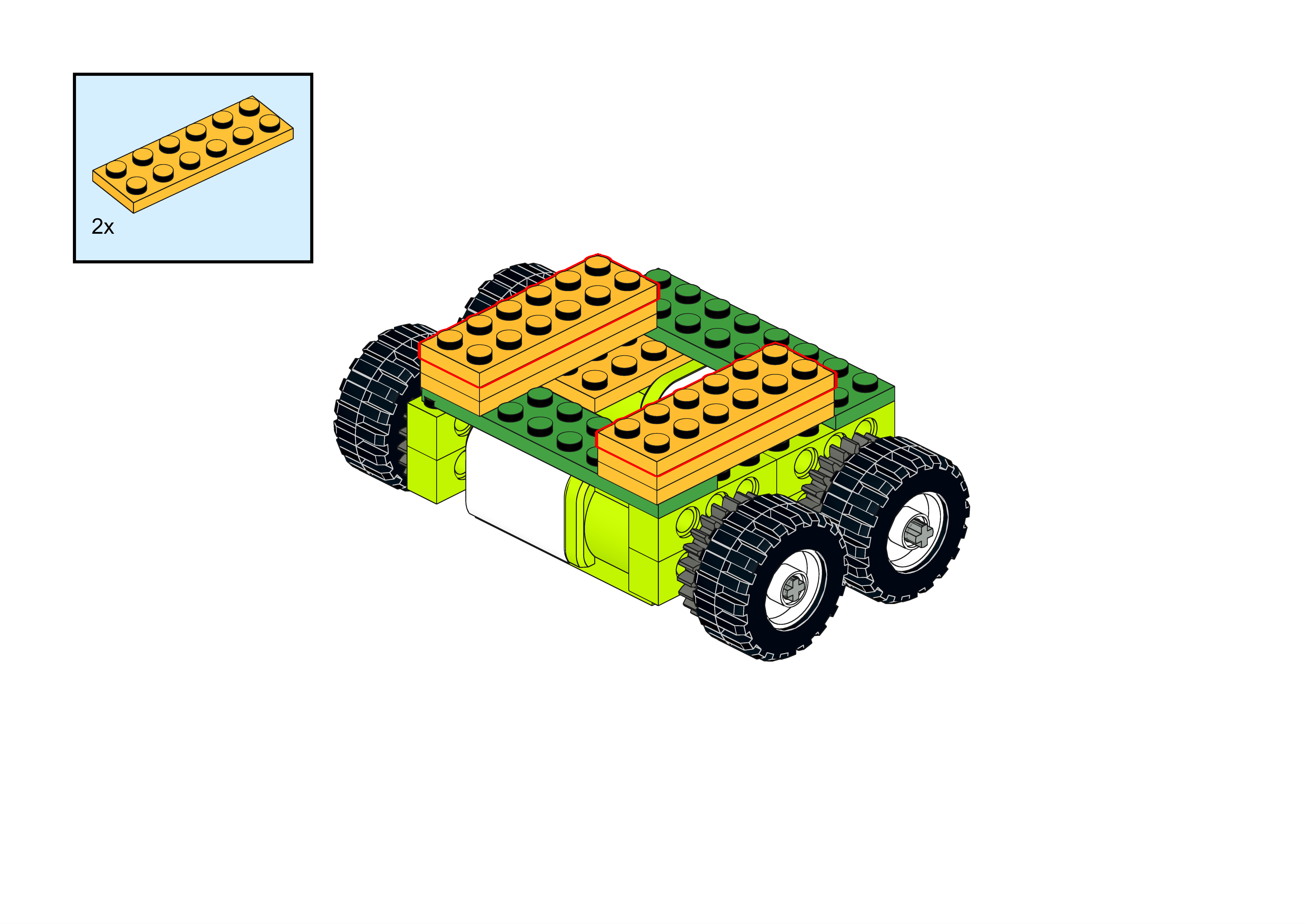
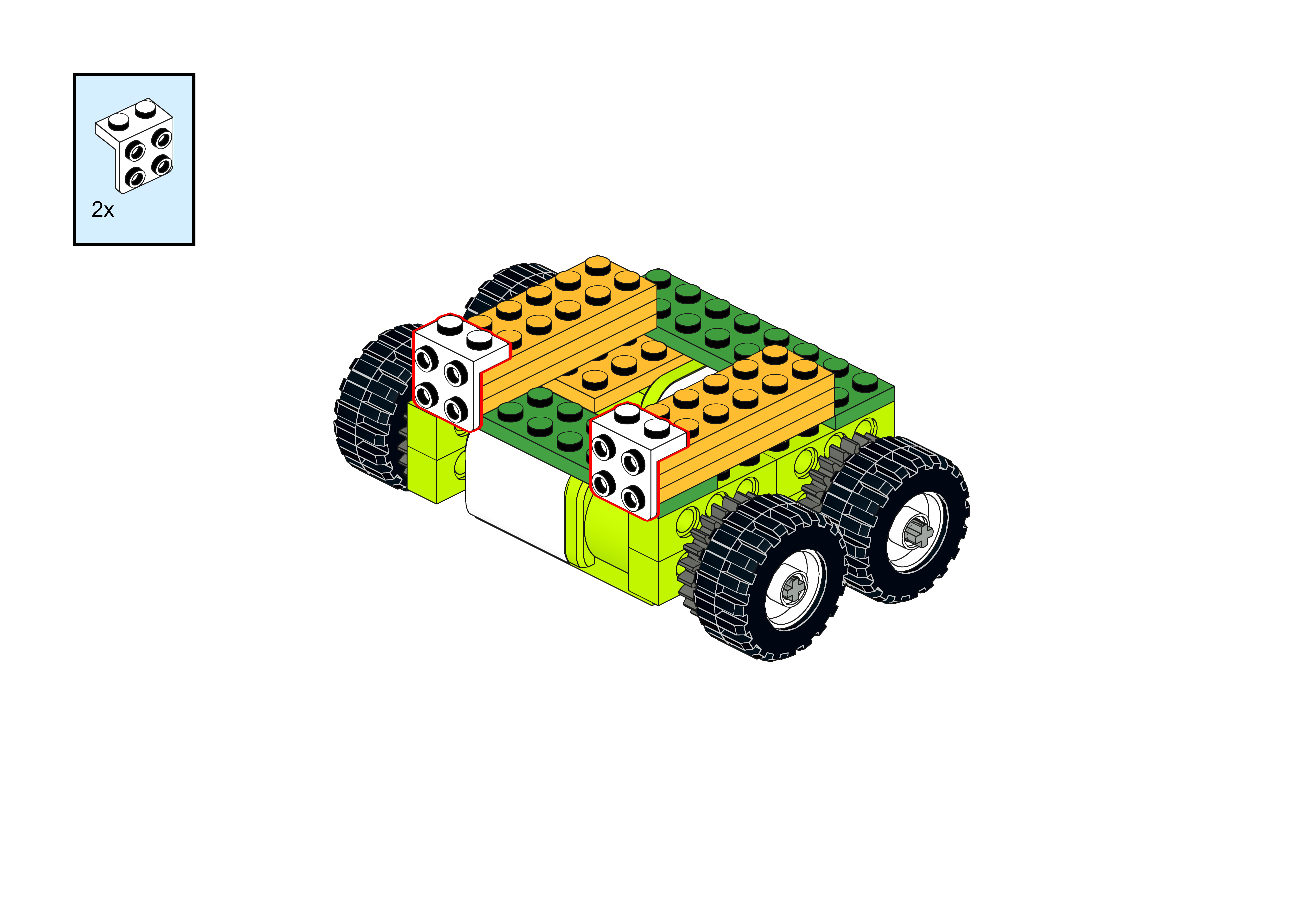
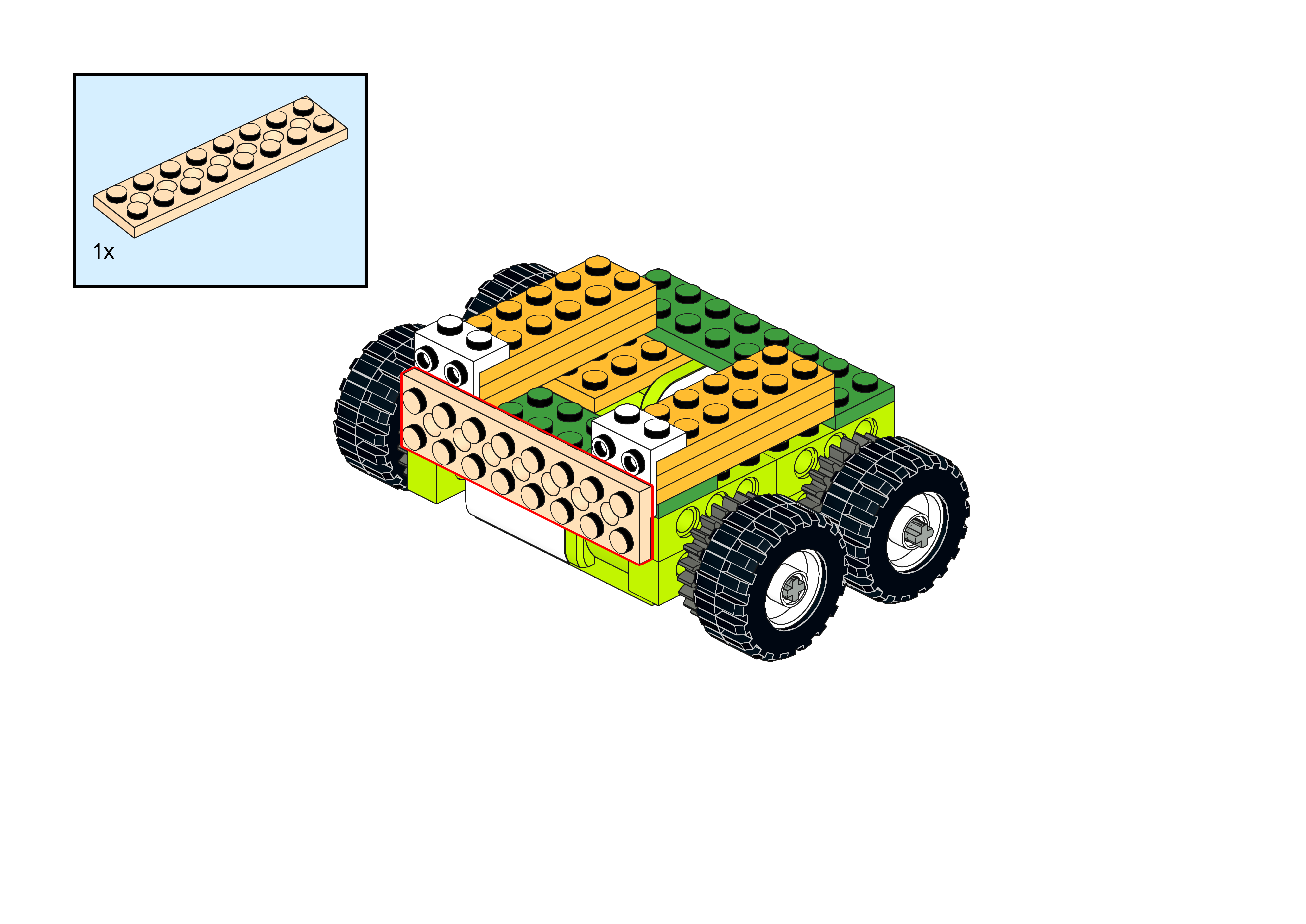
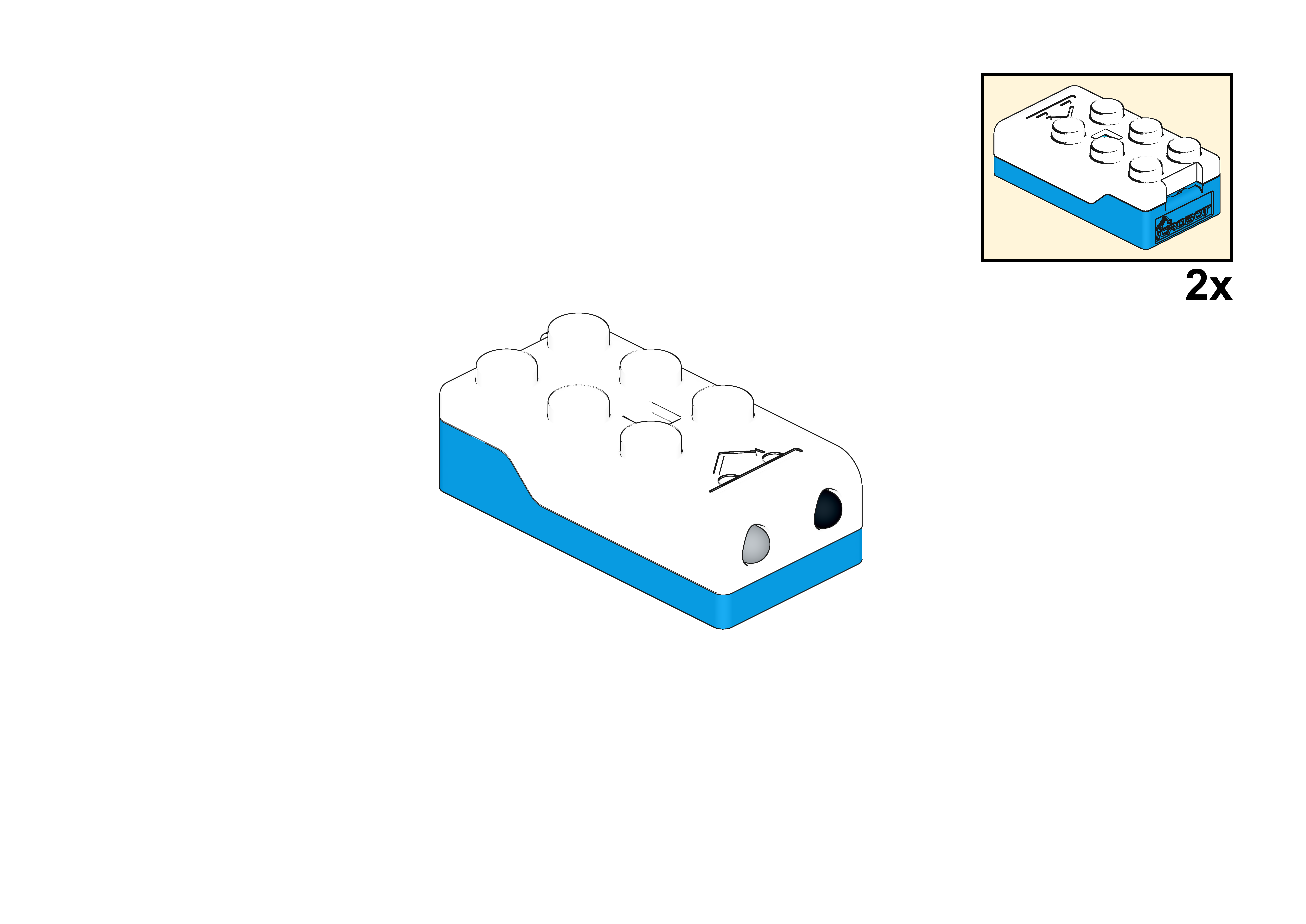
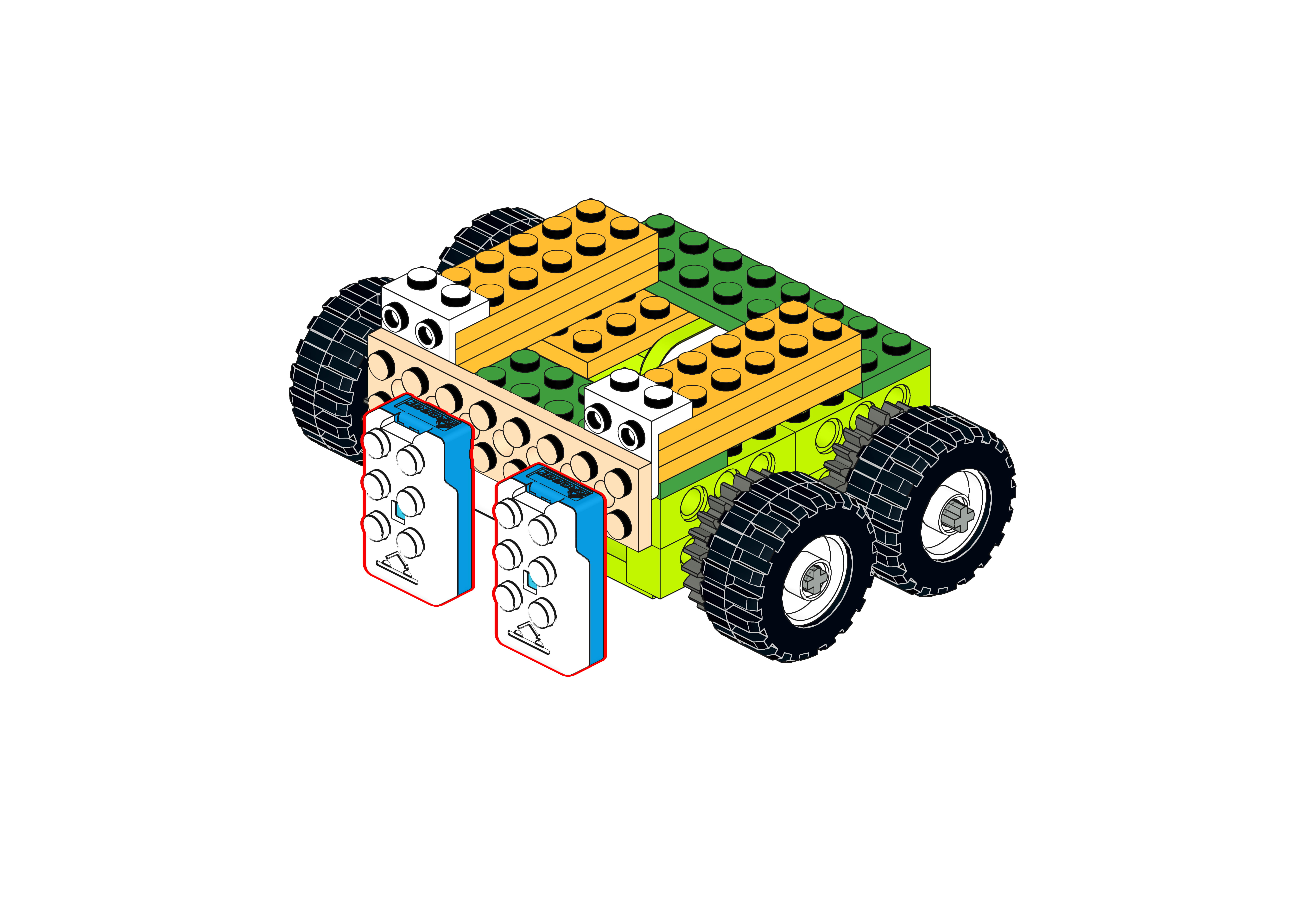
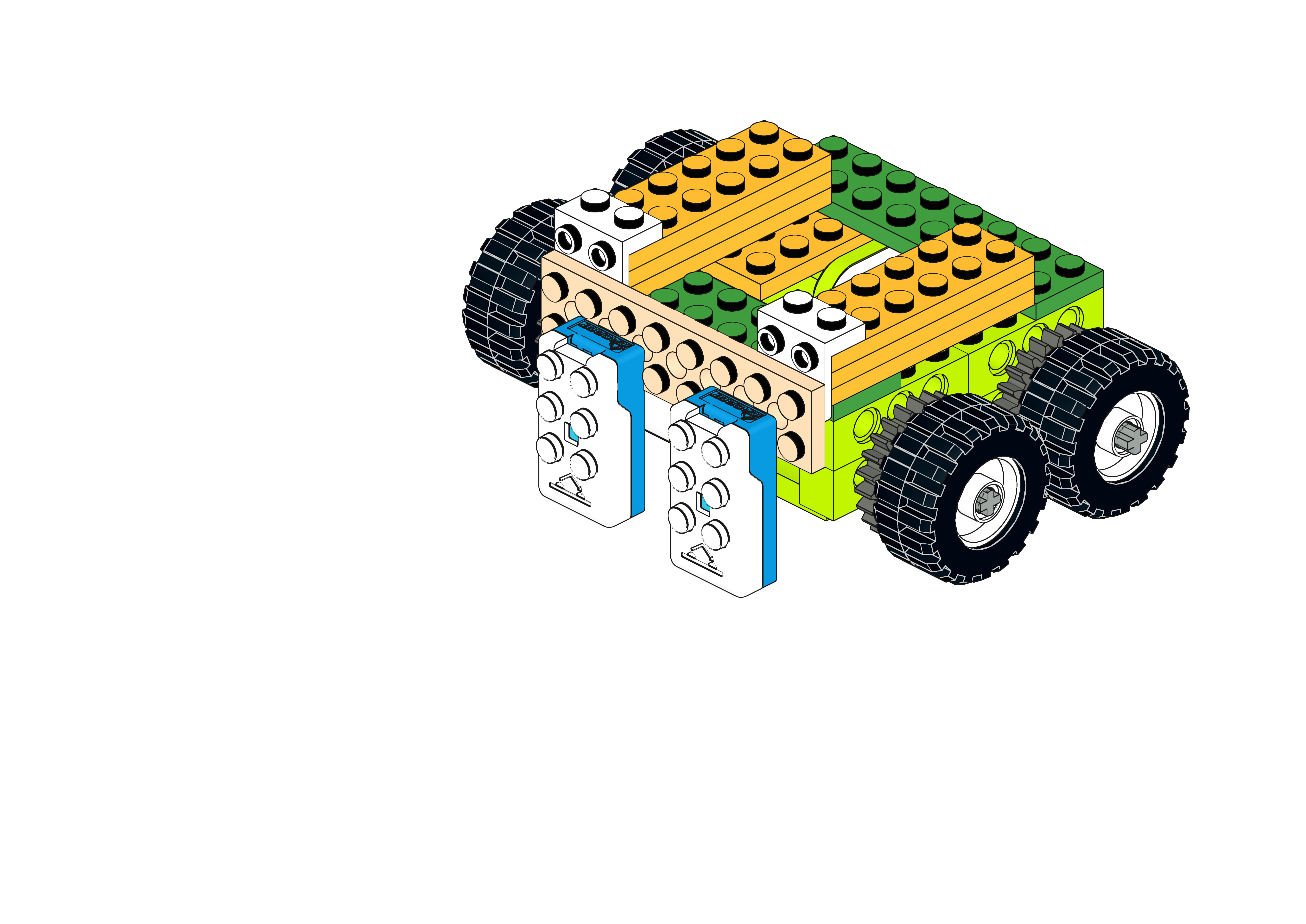
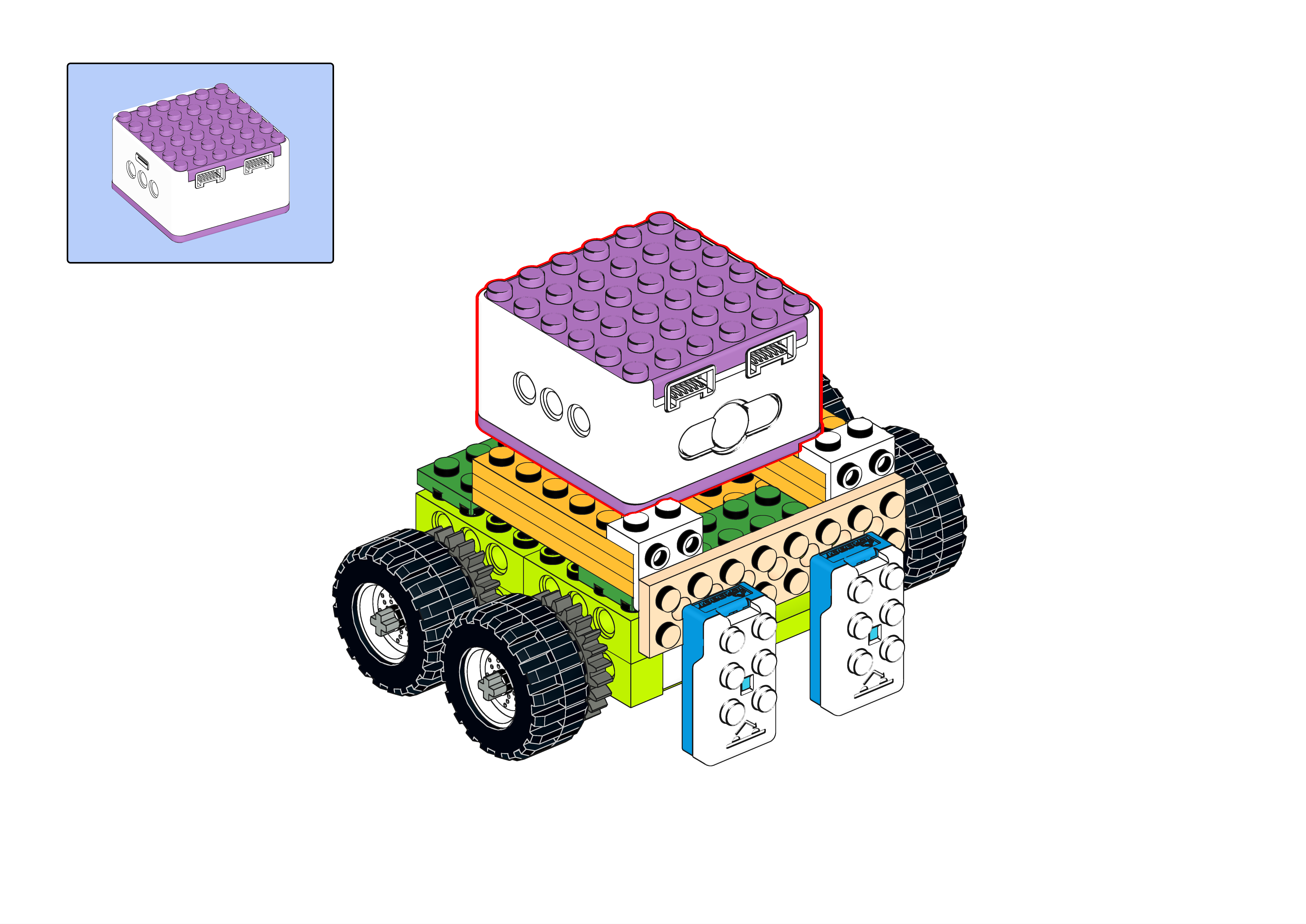
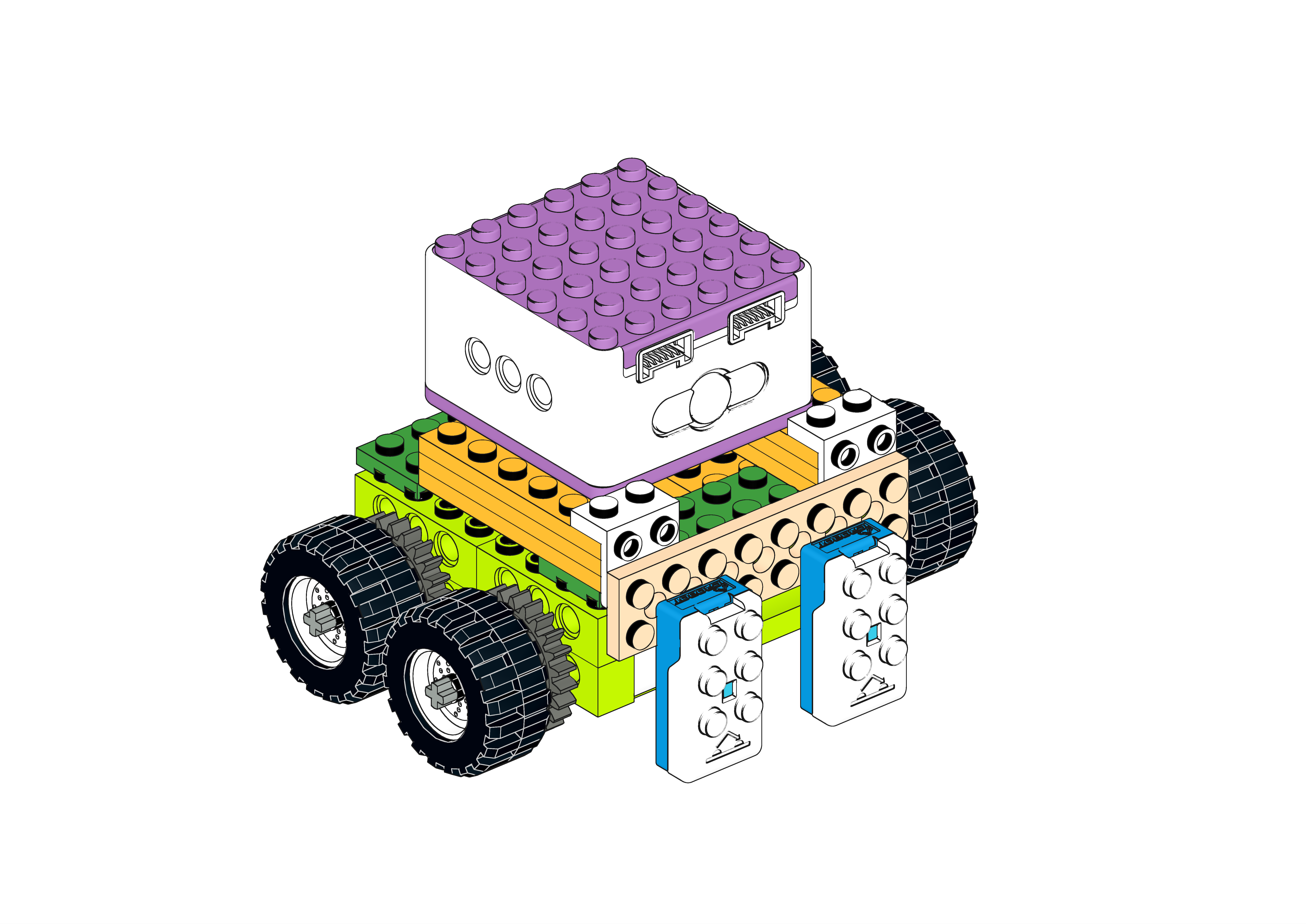
Display
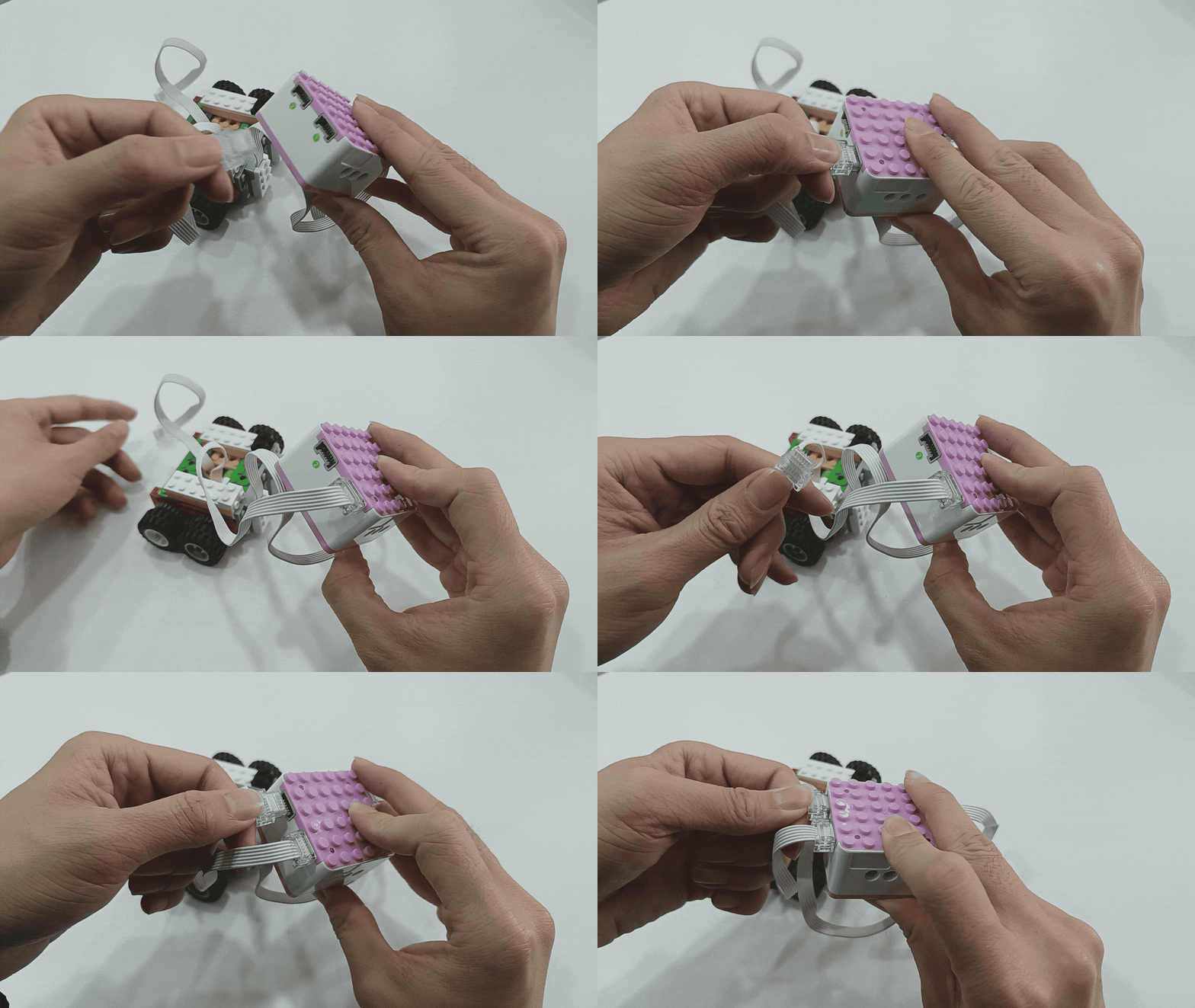
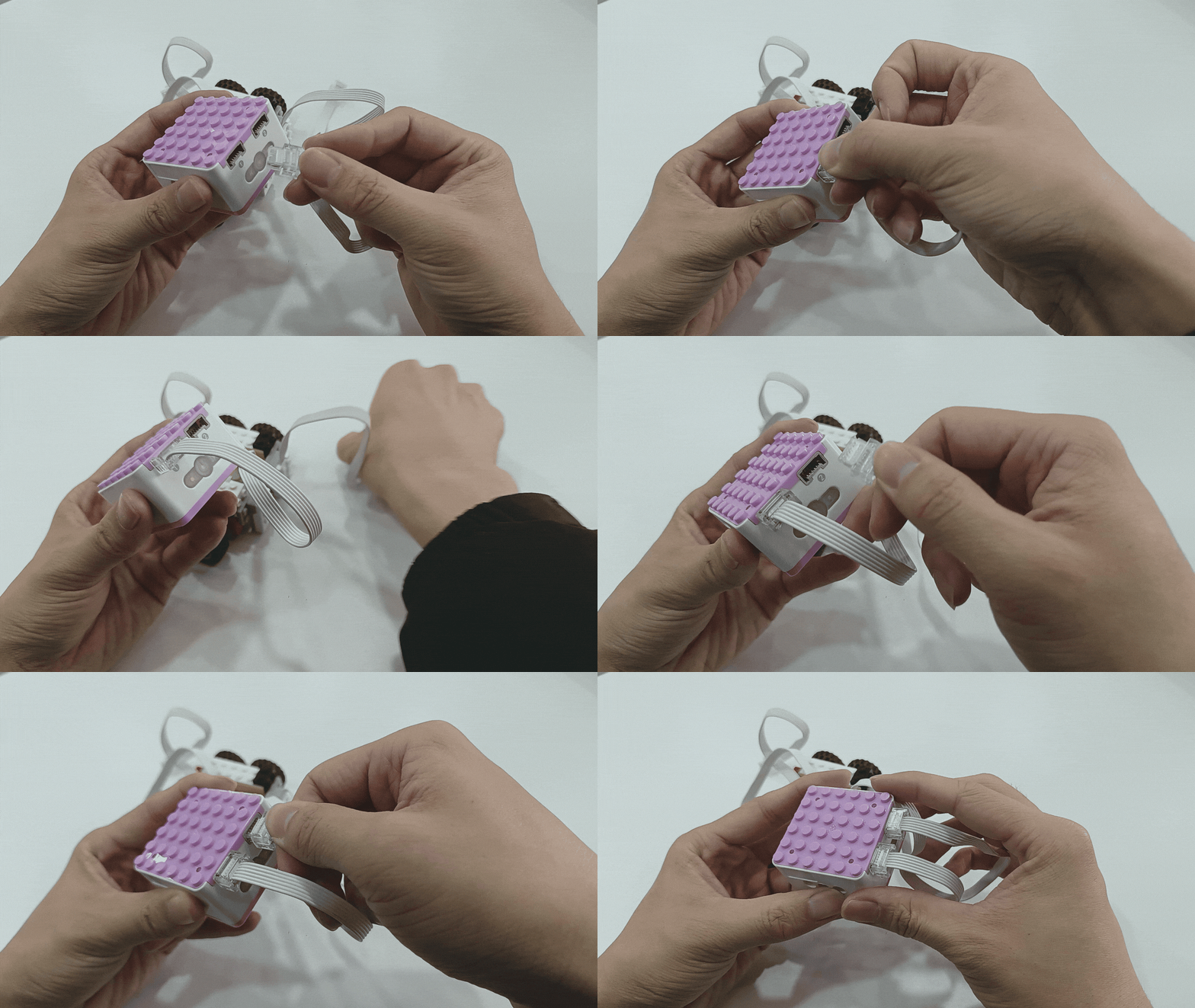
Steps Display
|
|
|---|---|
1、Connect the distance sensors to Ports 1 and 2 (blue side). |
2、Connect the motor to Ports 1 and 2 (green side). |
|
|
3、Press and hold the power button on the Xiao Q Robot for 3s, then place the line-following car on the track to begin line-following. |
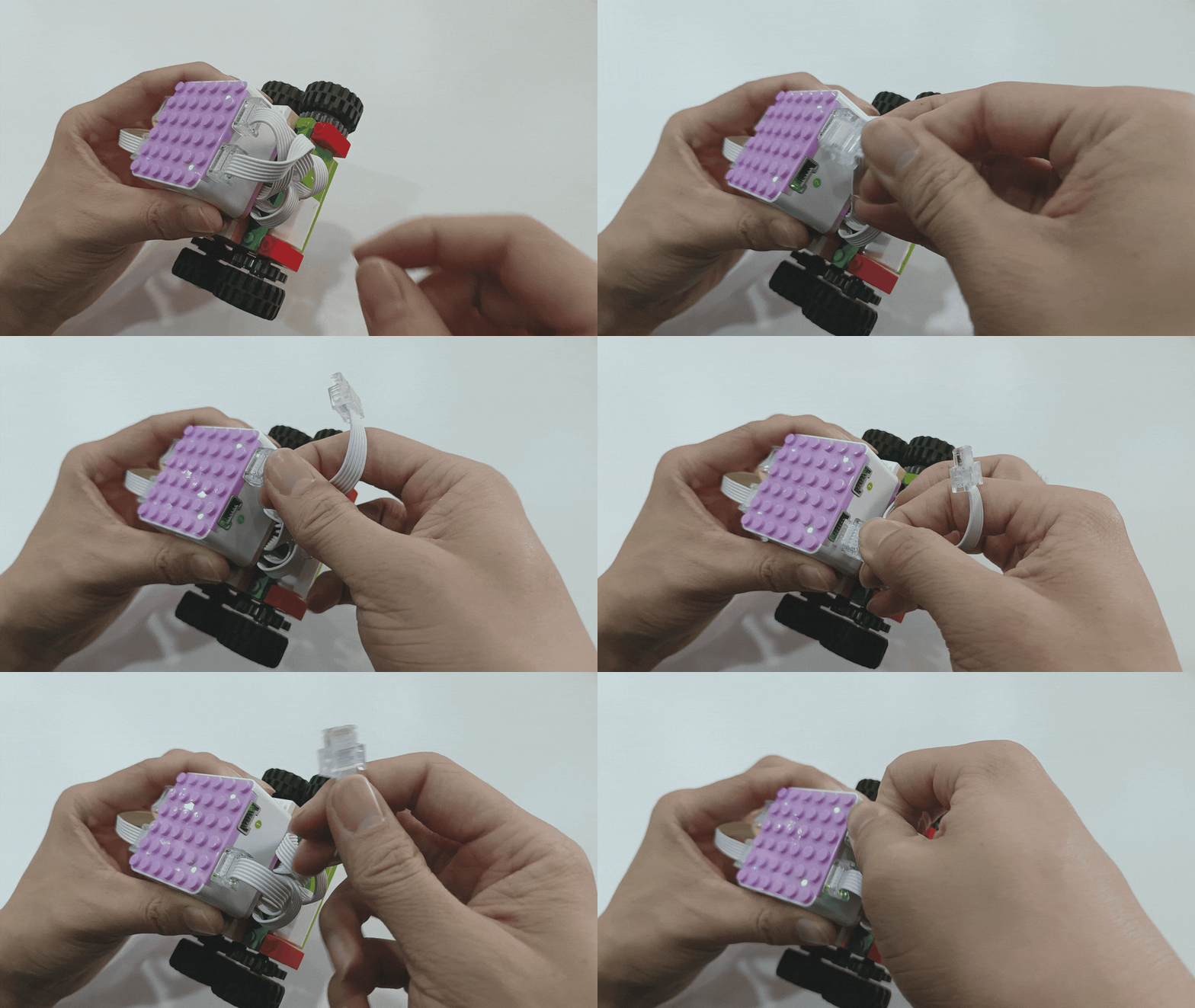
*If you have other problems, please refer to fault analysis and troubleshooting to learn more.
Tilt Sensor Control Motor
Demonstration
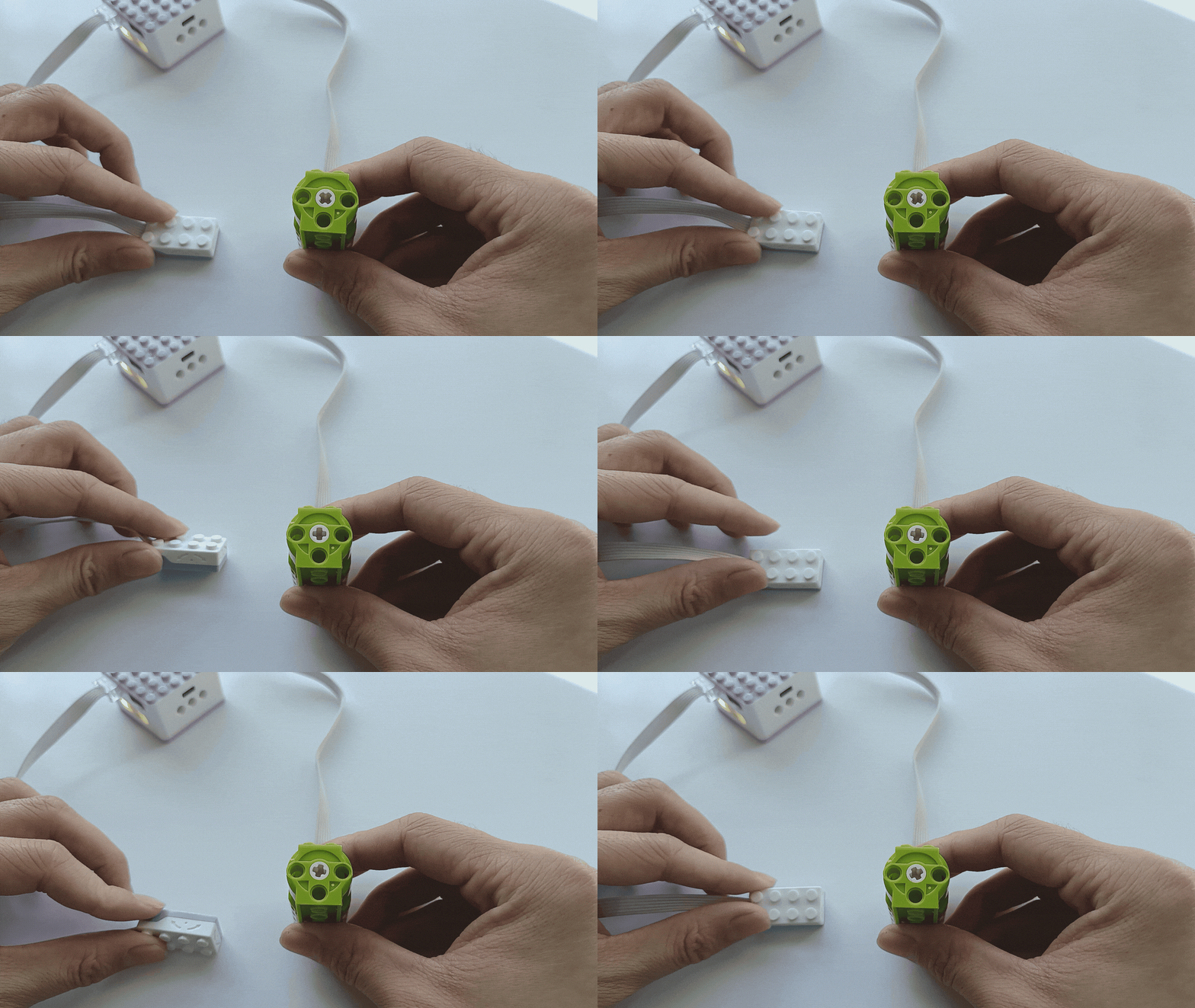
How to use the tilt sensor to control the motor’s movement?
Steps:
Preparation
|
|
|
|---|---|---|
ICQbot Xiao Q Robot ×1 |
Tilt Sensor × 1 |
Motor × 1 |
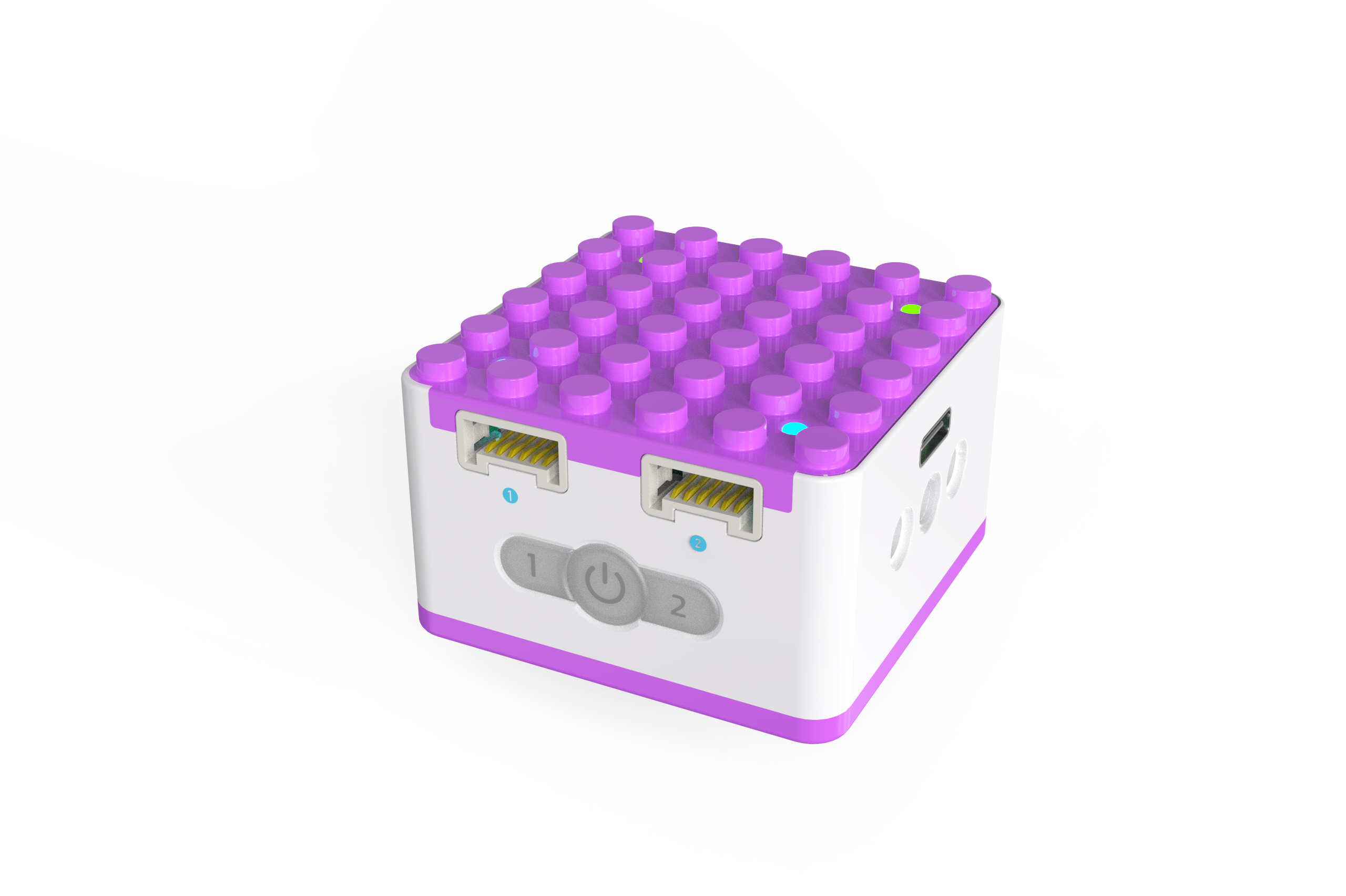
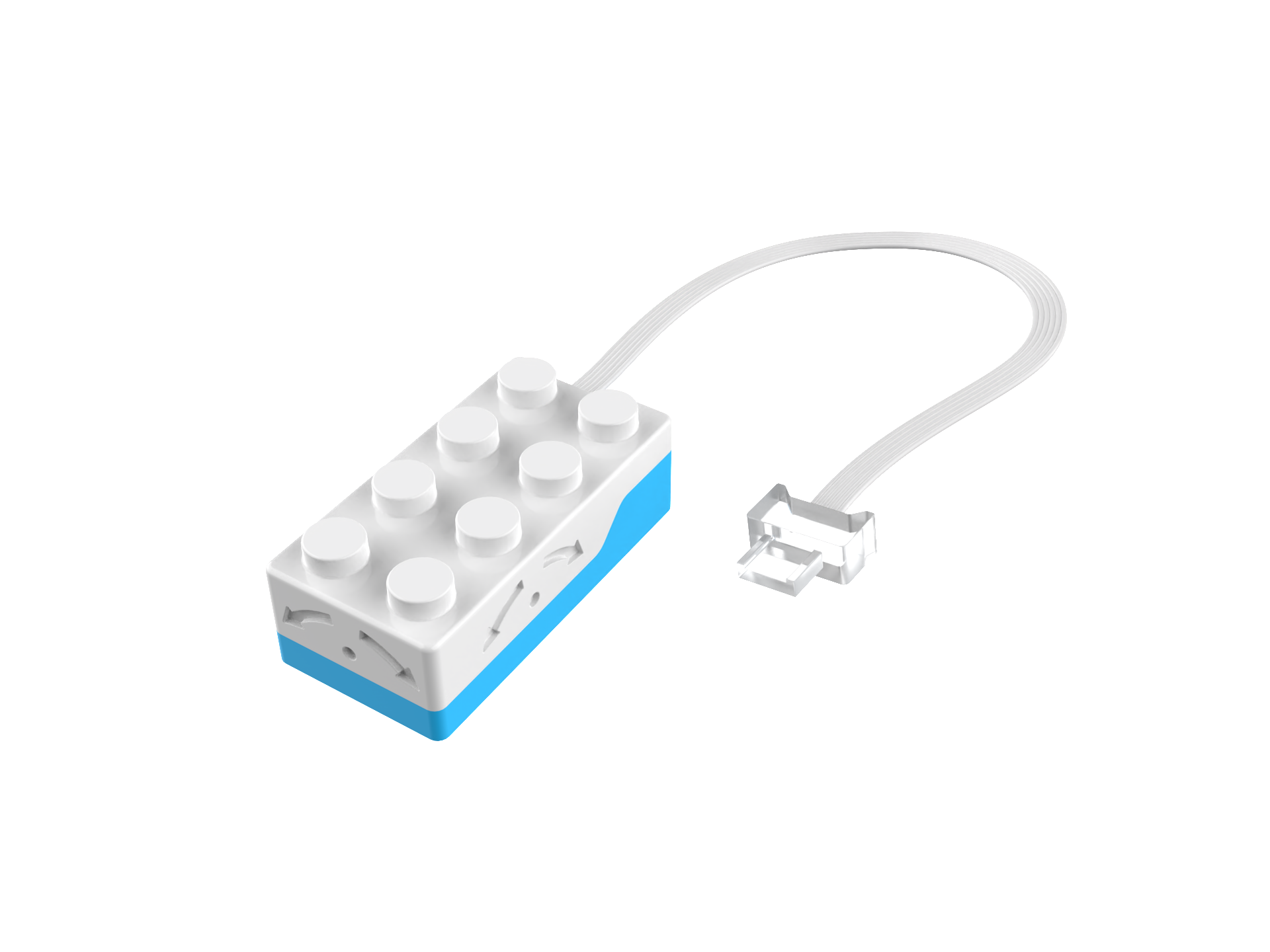
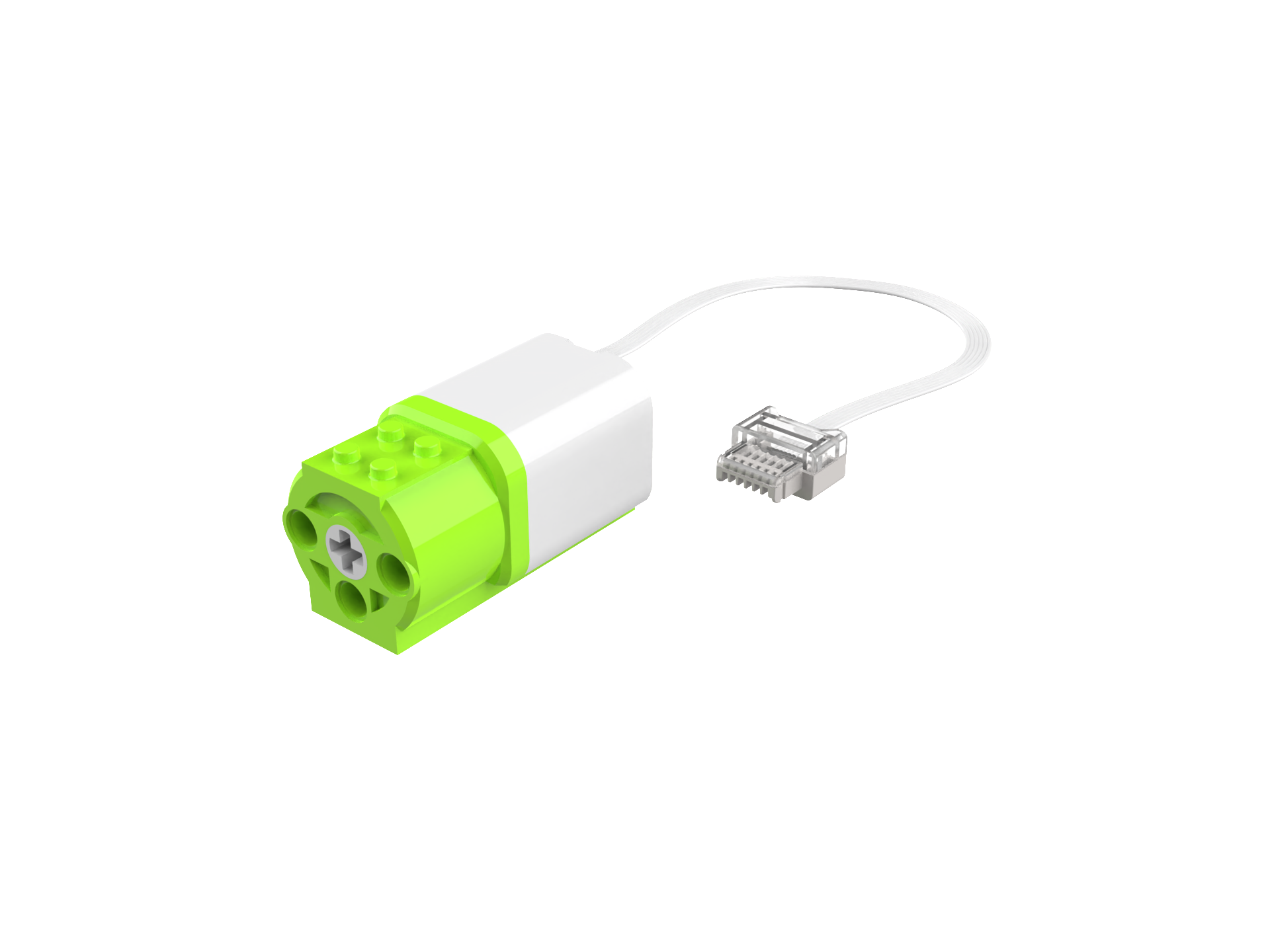
Steps Diaplay
|
|
|---|---|
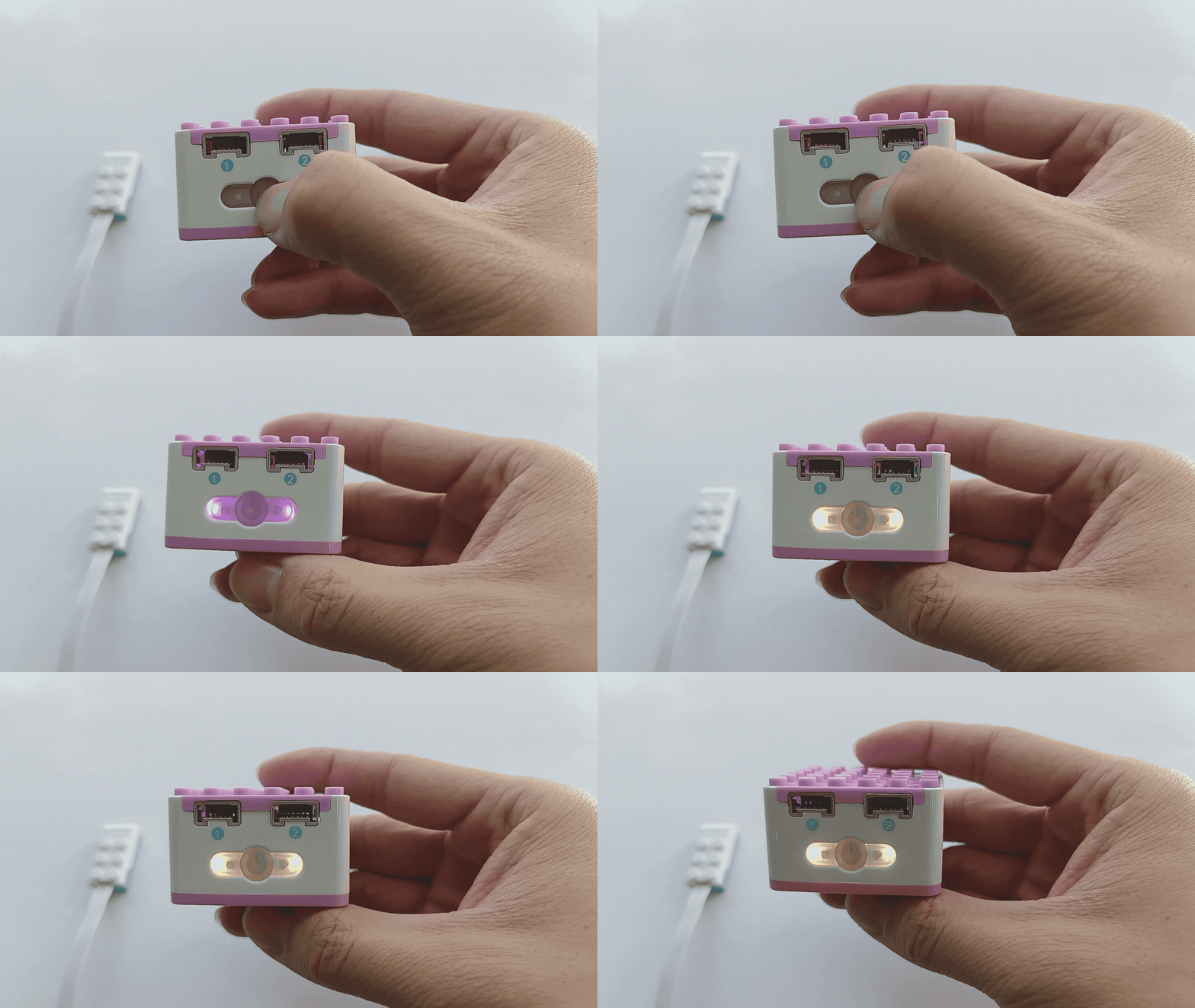
1、Press and hold the power button on the Xiao Q Robot for 3s to power it on. |
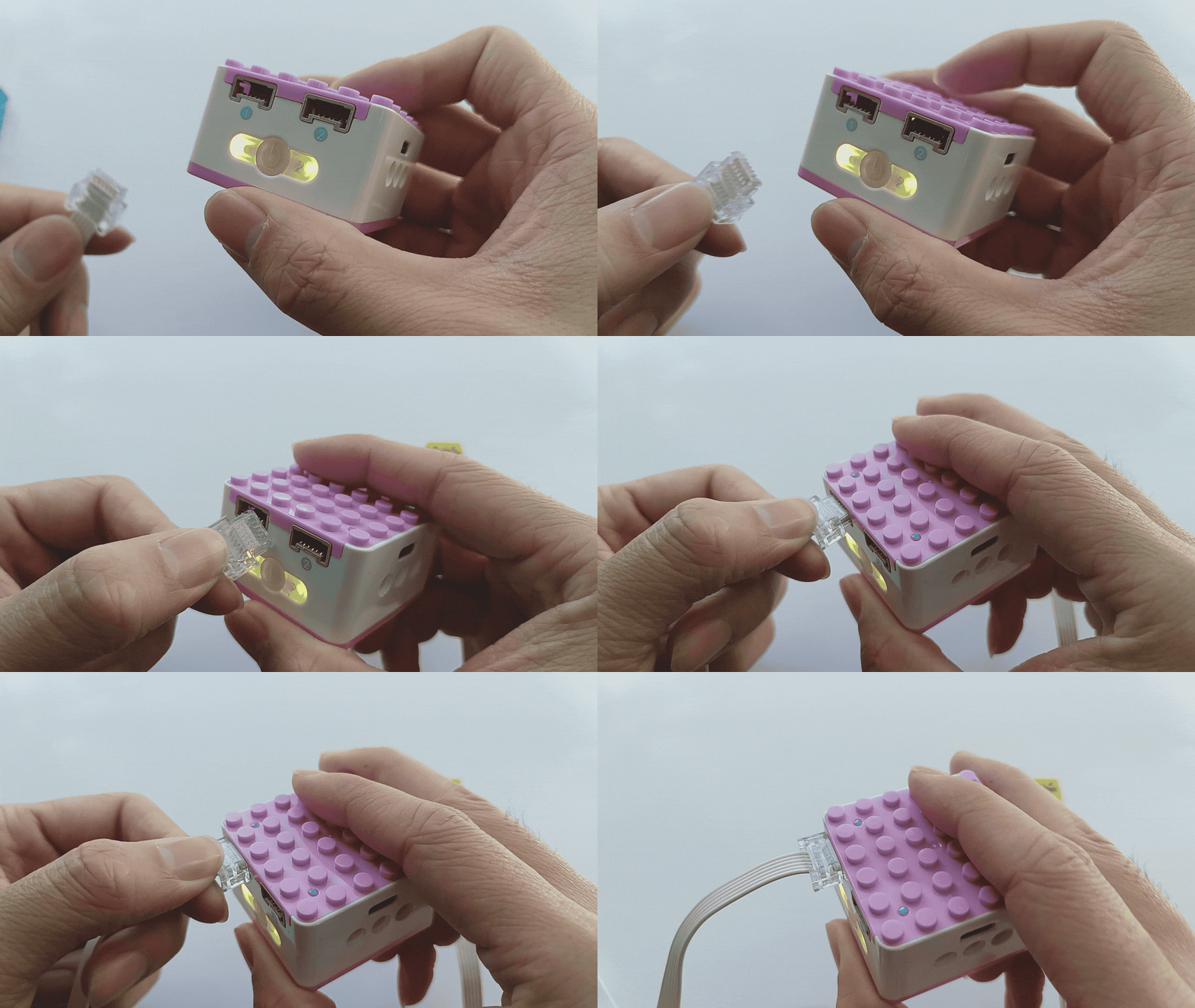
2、 Connect the tilt sensor to Port 1 (blue side). |
|
|
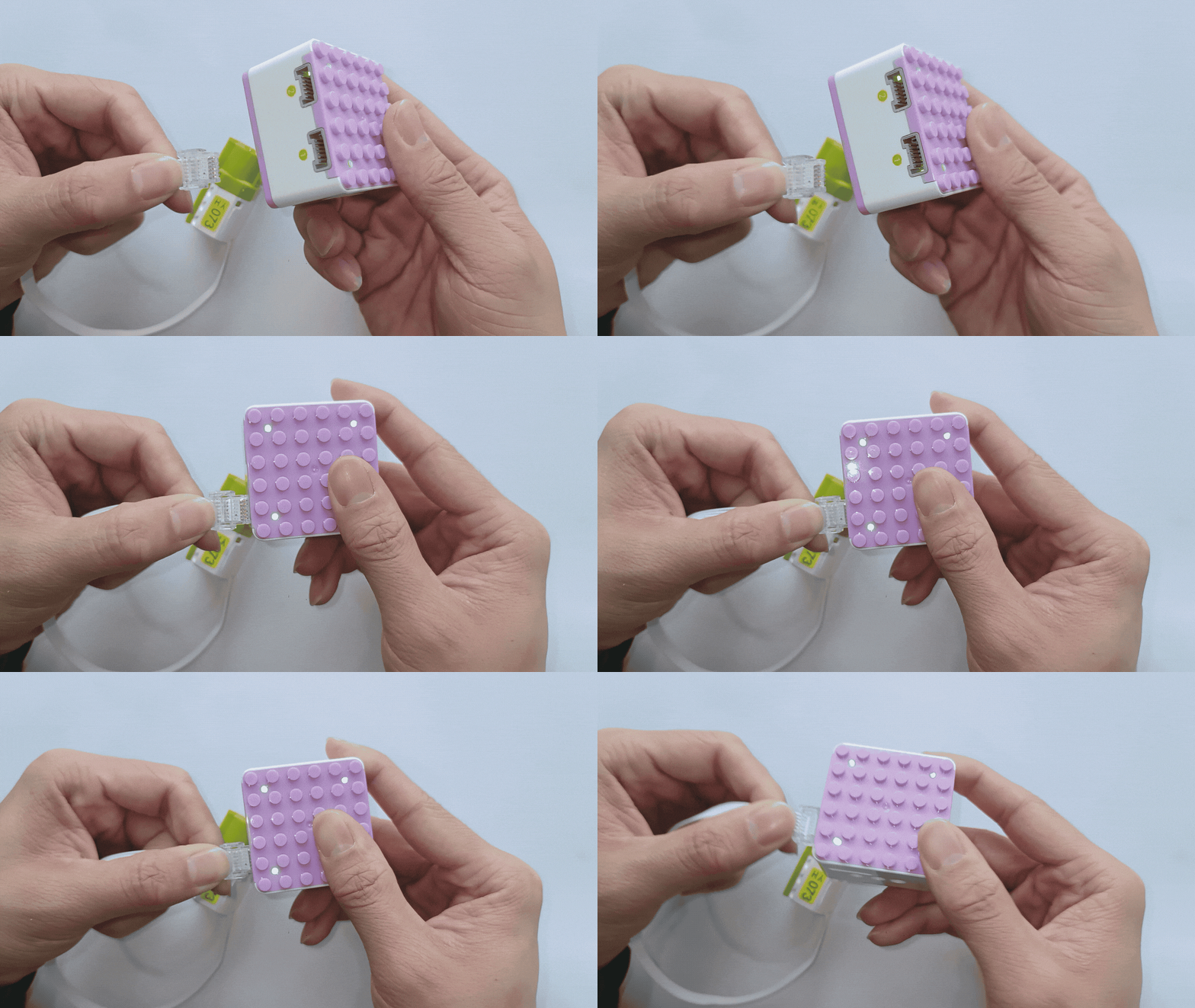
3、 Connect the motor module to Port 1 (green side). |
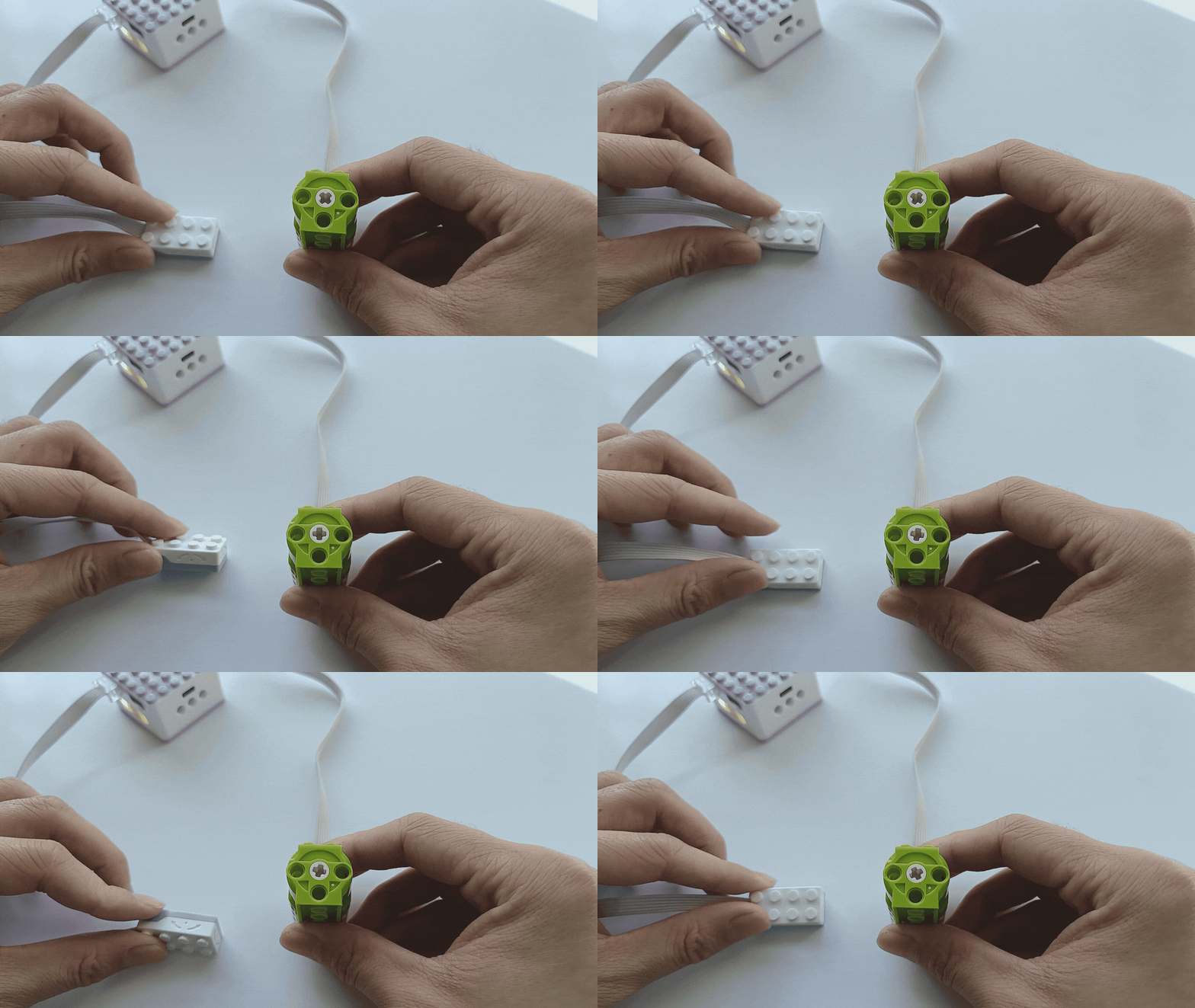
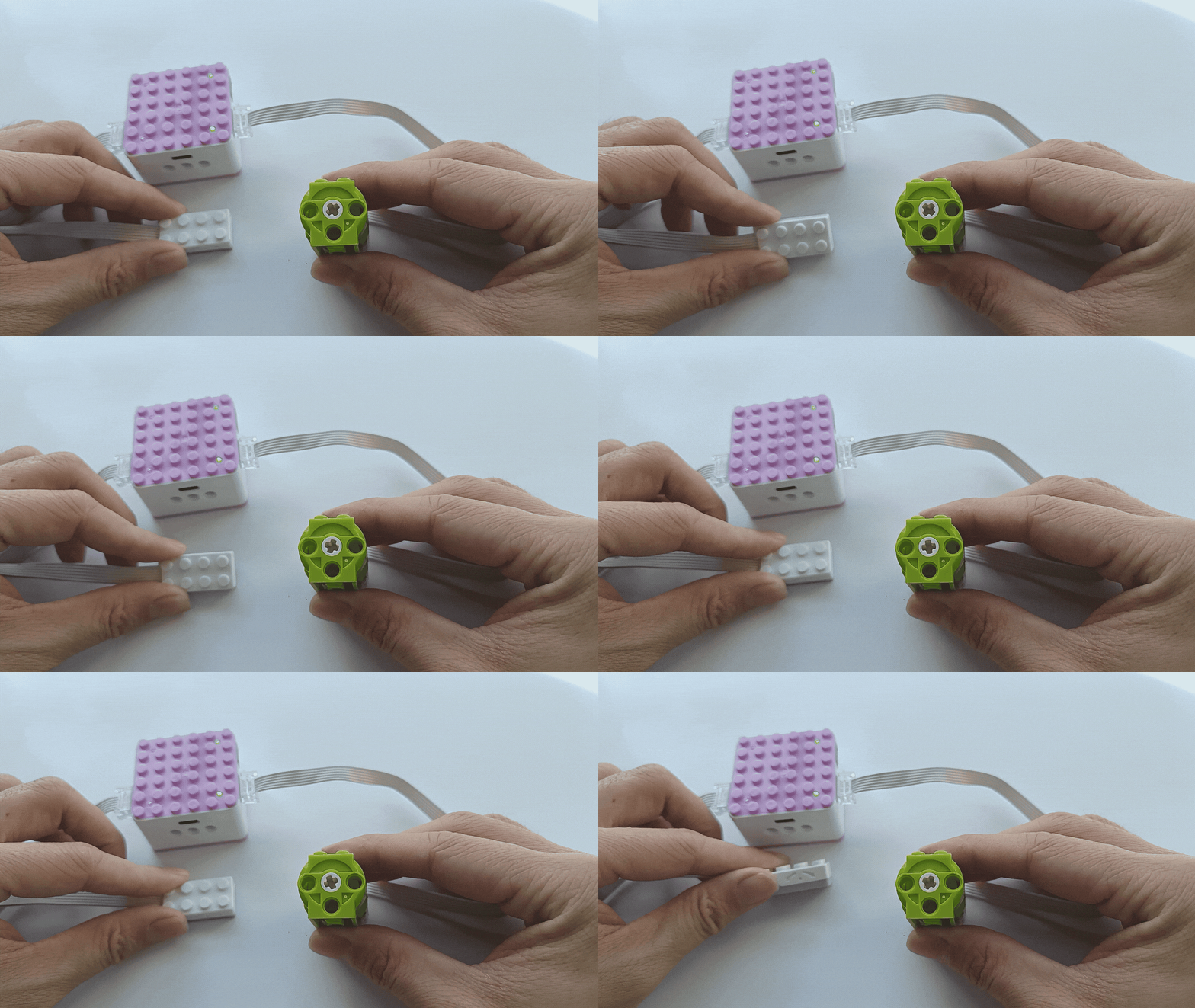
4、Tilt the sensor to the left or right to control the motor’s rotation direction. The greater the tilt angle, the faster the motor will rotate. |
|
|
5、Port 2 operates similarly to Port 1. (Attached: tilt sensor can control motor only left and right, not control front and back) |
*If the tilt sensor cannot control the movement of the motor in both directions, please refer to the fault analysis and troubleshooting click for more information.